// 9TO5GOOGLE — MOBILE & WEB
Google Maps bug won’t show traffic data on Android Auto and more
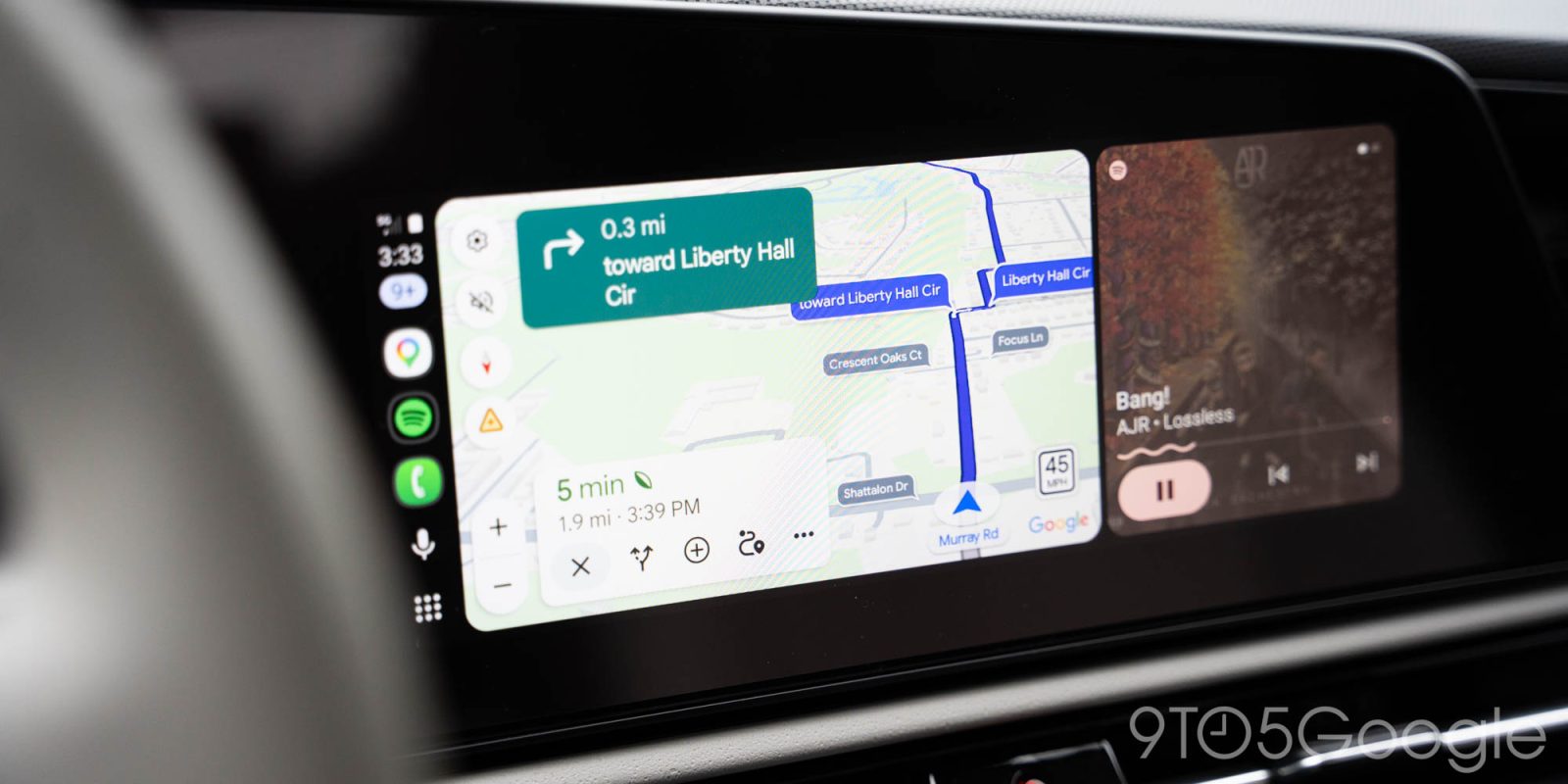
When it’s working fully, Google Maps is a powerful navigation app, but bugs are a bit more common than anyone wants. Over the past month, issues with traffic data have been popping up, more recently affecting users on Android Auto specifically.
Google Maps typically shows green, yellow, and red lines to indicate the speed of traffic. Green (or blue) means that traffic is flowing normally, yellow indicates a slowdown, and red indicates heavy and slow-moving or stopped traffic. It’s very useful in figuring out the most efficient way to get around.
In July, there were quite a lot of reports around traffic data in Google Maps being broken, with Google fixing the issue late in the month. Now, it seems to be back, especially for Android Auto users.
Reports as far back as two weeks ago, but especially in the past several days, show that traffic data in Google Maps remains at least partially broken on Android Auto. Some map settings seem to still show traffic data, but general navigation in its default view seems to be broken. The issue is also still happening on the phone directly for some users.
Google hasn’t publicly acknowledged this latest wave as far as we can tell, but it’s obviously frustrating for those affected. Some claim that uninstalling Google Maps updates seems to at least temporarily fix the problem.
Follow Ben: Twitter/X, Threads, Bluesky, and Instagram
FTC: We use income earning auto affiliate links. More.