// 9TO5MAC — MOBILE & WEB
Adobe brings Photoshop, Firefly, and 70+ creative tools to Slack with MCP app
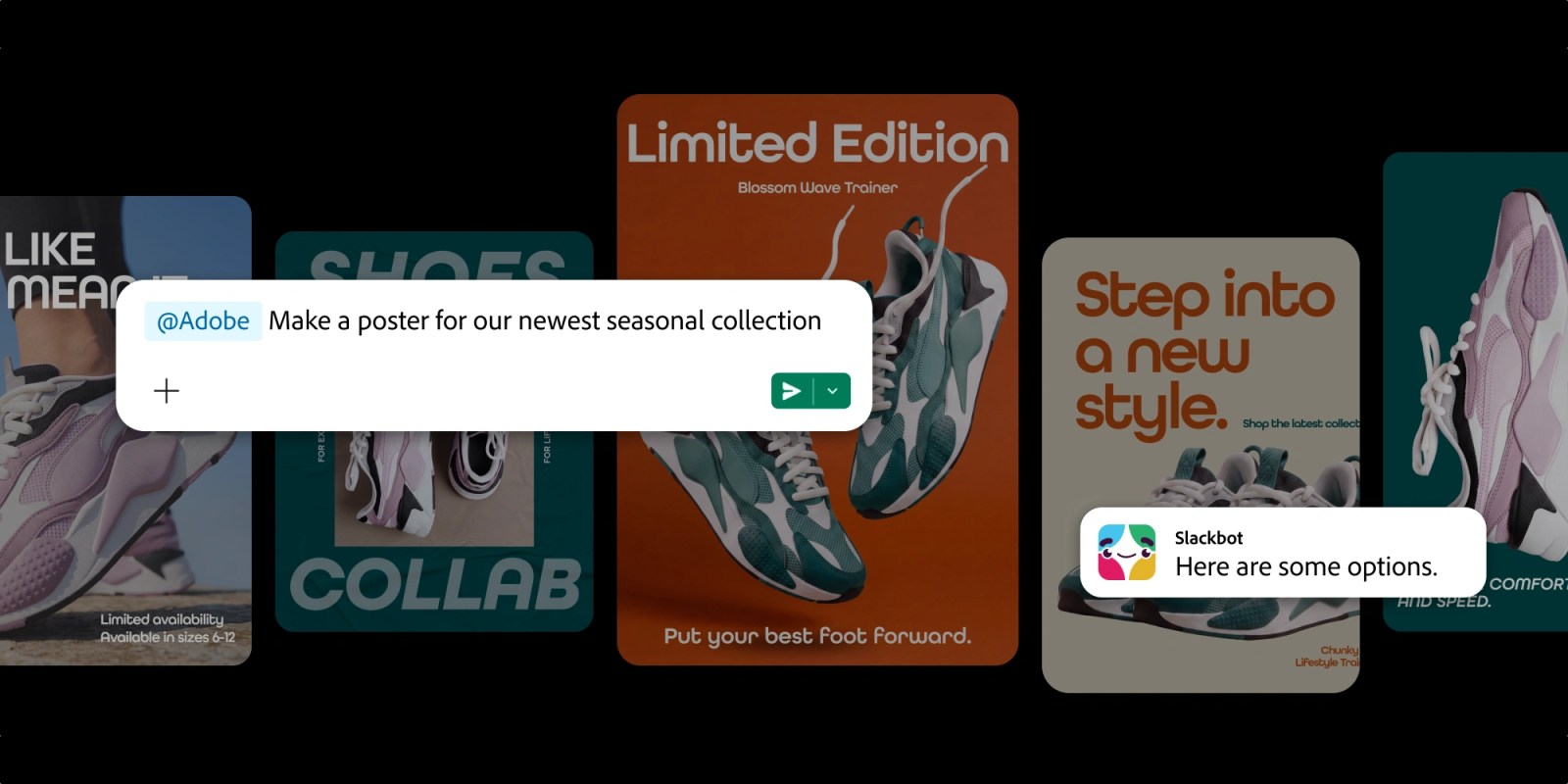
Adobe is bringing its creative and productivity tools directly into Slack, letting teams create and edit images, videos, designs and PDFs without leaving the conversations where projects already take shape.
The new Adobe for Slack MCP app launches today with more than 70 pro-grade tools spanning Firefly, Adobe Express, Photoshop, Premiere, Acrobat, InDesign, Illustrator, Stock, Lightroom and more.
It works through Slackbot, Slack’s built-in AI assistant. Slackbot can pull context from messages, files, channels and Canvases before calling the appropriate Adobe tools.
Context is the heart of the integration. A user could ask Slackbot to summarize a project brief, then turn the information into a PDF, image or video.
The app can also search Creative Cloud assets by subject, style or mood and bring the results into a Slack workflow for further editing.
Other examples include resizing approved campaign creative for different social platforms, transforming spreadsheet data into a shareable visual and refining batches of photos.
Adobe says users can remove backgrounds and distractions, adjust lighting and tone, crop images and produce multiple variations from Slack.
Adobe for Slack is available globally to Slack Business+ and Enterprise+ customers across desktop, web and mobile starting today.
People can start without an Adobe account, while signing in unlocks more tools, generative AI features, Creative Cloud files and continuity across sessions.
The launch expands Adobe’s push to bring its tools into AI chatbots. Adobe already supports ChatGPT, Claude and Copilot, with Gemini integration coming soon.