// 9TO5MAC — MOBILE & WEB
Logitech launches $99 MX Keypad for coding and AI workflows
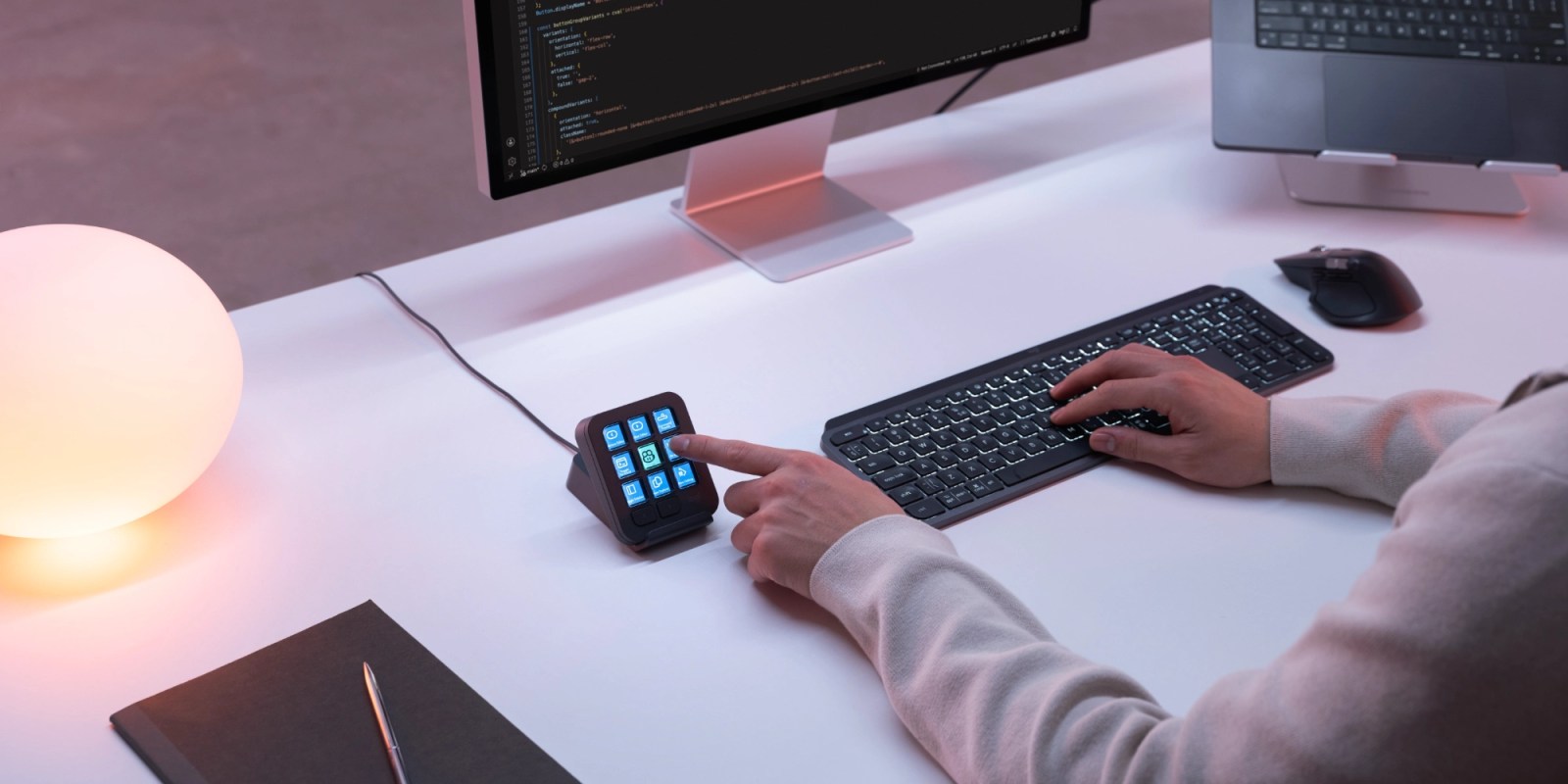
Programmable physical controls are becoming key to power user workflows, including agentic programming. Now Logitech is bringing to market a compact solution that fits on any desk.
Logitech today announced the MX Keypad, a $99.99 accessory with nine customizable full-color LCD keys for launching commands, running macros, and accessing AI tools.
If the hardware looks familiar, there’s a reason. Logitech’s MX Creative Console pairs an LCD keypad with a separate dialpad for adjusting settings and navigating creative apps.
MX Keypad offers the keypad experience without that additional controller, at half the Creative Console’s $199.99 list price.
The new product puts developers and AI workflows at the center of the pitch, although customization extends beyond coding apps.
Through the free Logi Options+ app, users can assign shortcuts, saved prompts, scripts, and macros to individual keys. Two page buttons provide access to up to 15 pages, while app-aware profiles automatically switch layouts as you move between applications.
That means the same physical buttons can offer different actions in VS Code, Slack, Chrome, or another app. Logi Marketplace supplies plugins, profiles, and icon packs, and a built-in icon editor lets users personalize each key’s appearance.
My initial hands-on test consisted of connecting MX Keypad to my MacBook Air at my desk, then having Codex use computer use to program custom buttons in Logi Options+ based on how I use ChatGPT on Mac.
There’s something fitting about asking an AI coding agent to configure the physical controls you’ll use while working with AI. It also makes the appeal clear: putting the prompts and actions you repeatedly reach for onto dedicated, labeled buttons.
Logitech developed MX Keypad in collaboration with GitHub. The product includes GitHub Copilot integration in VS Code, plus three free months of Copilot Pro+ for both new and existing users, redeemable through Logi Options+.