// ITS FOSS — LINUX & OPEN SOURCE
This Tiny Fingerprint Key Unlocks Linux, Approves SSH and AI Agents
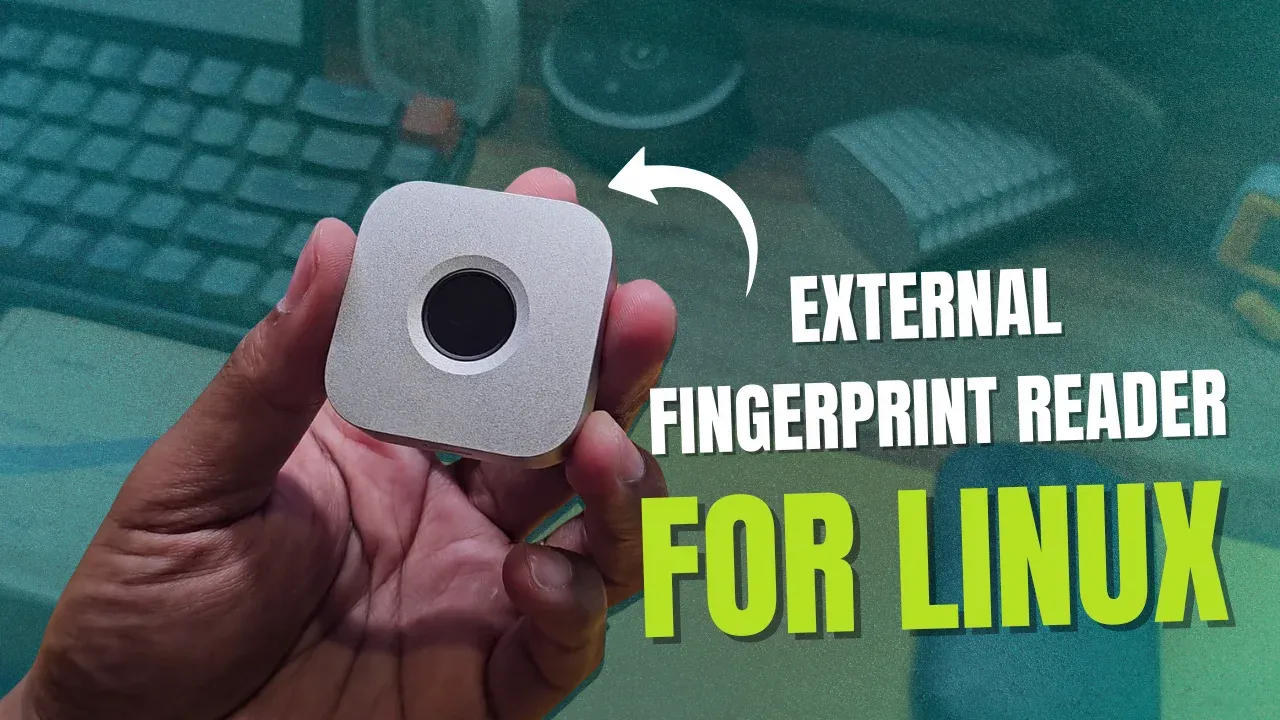
A laptop fingerprint sensor unlocks the laptop and usually stops there. Immurok wants to do quite a bit more than that.
It is a tiny wireless box that can unlock your desktop session, approve a sudo command, authenticate via polkit, log you into a server over SSH, generate TOTP codes for 2FA, and put a physical touch in front of an AI coding agent. And it does all of that with the same finger, over Bluetooth.
The good news is that the core features work. The less good news is that on Linux, getting there was not as simple as touching a sensor. During my testing I ran into bugs, missing prompts, confusing behaviour, and one timing issue that made the initial setup a little challenging. But once things were setup, the device worked smooth and that's what matters, right?
Let's take a detailed look at what Immurok gets right, what still needs work, and whether this little box could earn a place on your desk.
I also have a video review of Immurok, if you prefer watching over reading.
At its simplest, Immurok is a wireless fingerprint reader for a desktop or a laptop that does not already have one. But the feature list goes well beyond unlocking a screen.
You can use it to unlock an existing desktop session. Through Linux PAM integration, it can approve sudo and other supported authentication prompts such as polkit. It can generate and store SSH private keys on the device itself, and it can release a TOTP code only after it recognises your fingerprint.
Then there is the more unusual usage: AI-agent approval. The idea is that a coding agent can prepare a privileged command, an SSH operation, or a request for a secret, but it cannot complete the protected action until you physically touch the sensor.
According to Immurok, fingerprint templates and private keys stay on the device. There is no cloud account and no telemetry. Pairing uses P-256 ECDH with HMAC-SHA256, and authentication responses are cryptographically signed.
Those are the company's security claims, and as I said above, this review tests how the device behaves in use rather than auditing that cryptography.