// 9TO5GOOGLE — MOBILE & WEB
Gemini app starts rolling out big side panel simplification, settings redesign
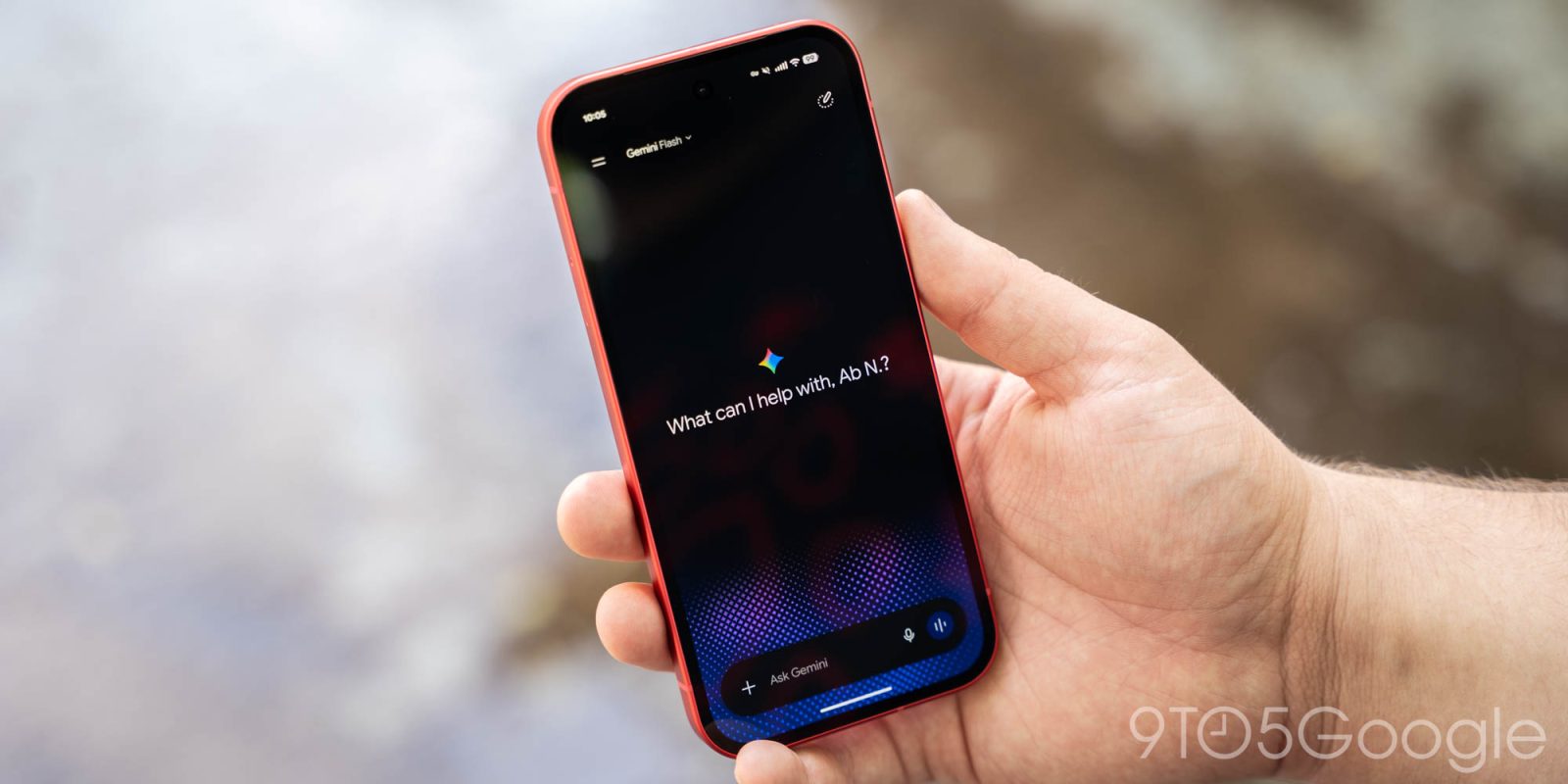
The next big update to the Gemini app on Android and iOS is beginning to roll out with a focus on simplifying core navigation.
There are no major changes to the homepage, with the first differences found in the side panel. Search has moved to the top-right corner, while the chat history now offers filters: All, Ready, Needs attention, and In progress.
“Scheduled” is a new item in the list and replaces the “Scheduled actions” page. You get “Suggested” prompts like Create a news digest or Build a study quiz.
“Customize” is the big update today. The “Discover” tab surfaces skills, which are replacing Gems, and third-party connected apps. Notably, skills are activated using the ‘@’ symbol instead of a forward slash like in Gemini Spark. This page feels like a mini-app store for Gemini.
Meanwhile, the “Connectors” tab serves as a modernized “Connected Apps” page. Gemini is leaning into that app store parlance with the ability to “Uninstall” from the overflow menu.
Meanwhile, Gemini is getting a much-needed Settings redesign when you tap your profile avatar in the top-right corner or the gear icon. Manage account and Usage limits make up the first grouping, followed by:
This redesign is not yet widely rolled out and only appearing on one of our Google Accounts. That said, it’s appearing on both Android and iOS.
FTC: We use income earning auto affiliate links. More.