// 9TO5MAC — MOBILE & WEB
iPhone Duo one day later: Here’s why its quirks don’t make it any less incredible
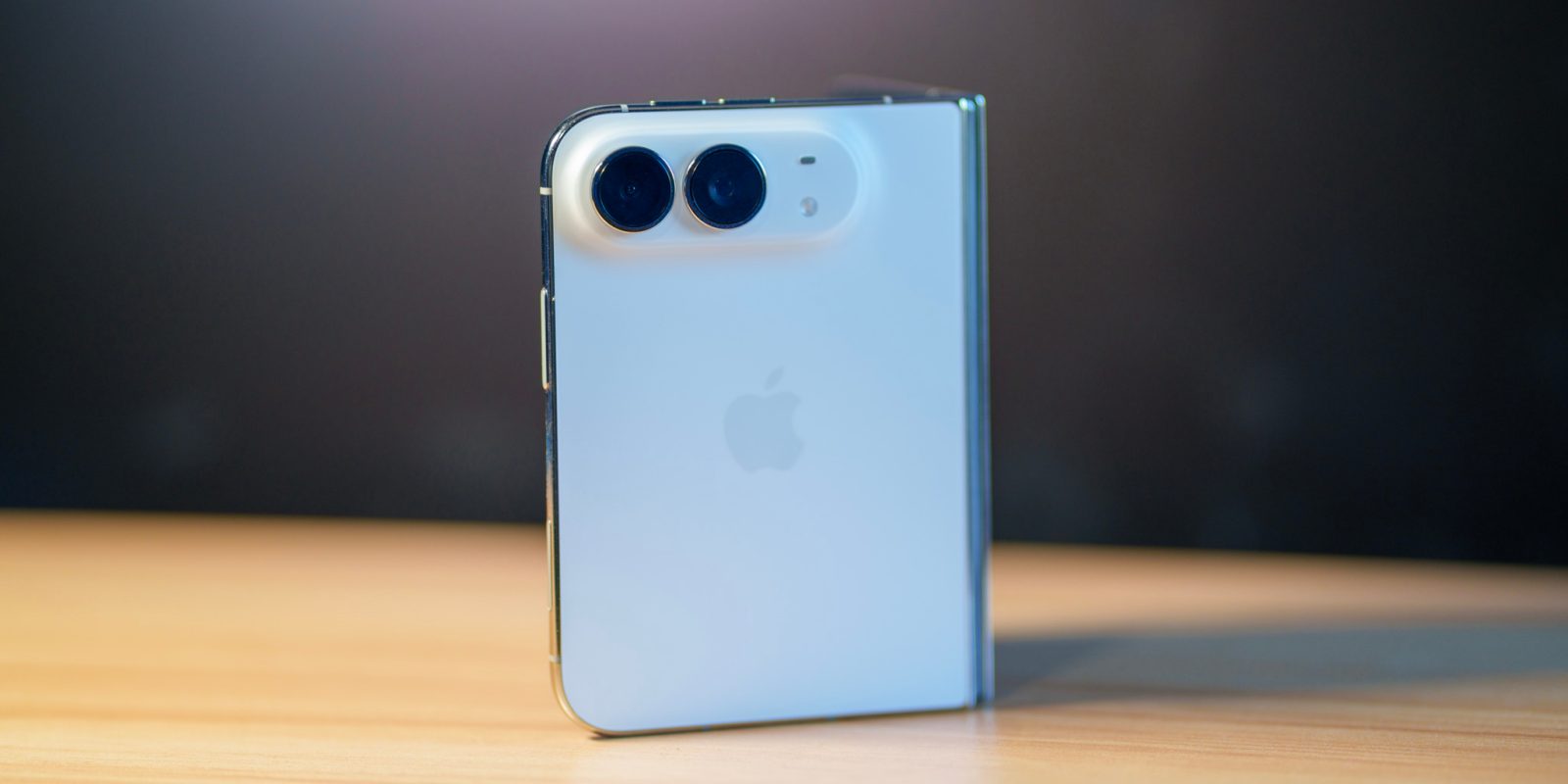
Yesterday, I picked up my iPhone Duo at Apple Fifth Avenue, and it’s been a wonder to use. Of course, the phone isn’t perfect, but after my first day of usage, I’m looking forward to daily driving it – even if it has a couple quirks.
When discussing iPhone Duo, most people are going to talk about the under display FaceTime camera, Touch ID, and app support as compromises. Sure, those are features that make it a lesser experience than a typical iPhone, but personally, I don’t find them as experience-ruining at all.
Last year, Apple impressed many with the iPhone Air. It was incredibly thin, and certainly an engineering marvel to shove everything into that form factor. You felt it though: speaker quality was subpar, you only had a single rear camera, and battery life was lacking compared to any other iPhone. It was by no means unusable, but you had to compromise.
To me, iPhone Duo doesn’t really feel like I’m giving up anything that really matters. Touch ID is a learning curve, but it doesn’t feel like a struggle. The under display FaceTime camera is worse than if it weren’t under display, but in good lighting it looks perfectly fine, especially over video calls.
As for app support, I feel the entire situation was overblown. Many early reviewers were quick to point out the fact that many apps aren’t yet updated for iPhone Duo, while ignoring the fact that they had the phone early and most developers were planning their releases for when consumers would start having devices, not reviewers. In just the past couple days, substantially more apps have been updated for iPhone Duo.
The outside screen also feels like something worth using, not just an afterthought. It’s a smaller screen, and you certainly read less on it than you’d otherwise be able to on a taller display. To me, though, the screen actually feels quite refreshing to use. The keyboard is still full width, you just don’t have to take in as much background context at once. It feels more focused.
That said, there are two things I’ve really felt with iPhone Duo that I’d like to see improved. Luckily, these are mostly software improvements.
In the first day of using my iPhone Duo, I’ve noticed two things about the device that feel a bit odd. For one, iOS still only allows you to backswipe from the left edge of the device. This feels a bit in conflict with the fact that navigation elements are on the right side of the device.
When I got my iPhone Duo, I found myself naturally trying to backswipe from the right edge many times. Unfortunately, Apple doesn’t let you do that. This certainly isn’t a make or break for the phone, and I’ve gotten used to reaching over to the left edge of the device, but given the fact that this form factor is otherwise incredibly reachable, I think that would be a nice adjustment.
Another thing I’d like to see improved is unlock with Apple Watch. The feature itself works great, and makes losing Face ID less of a pain. That said, it means if you hand your device to anyone else, they can just unlock it. I think having basic camera-based facial recognition in combination with unlock with Apple Watch would be a nice improvement.