// ARS TECHNICA — MOBILE & WEB
Touchscreen MacBook Pro hands-on: OLED looks great on a Mac
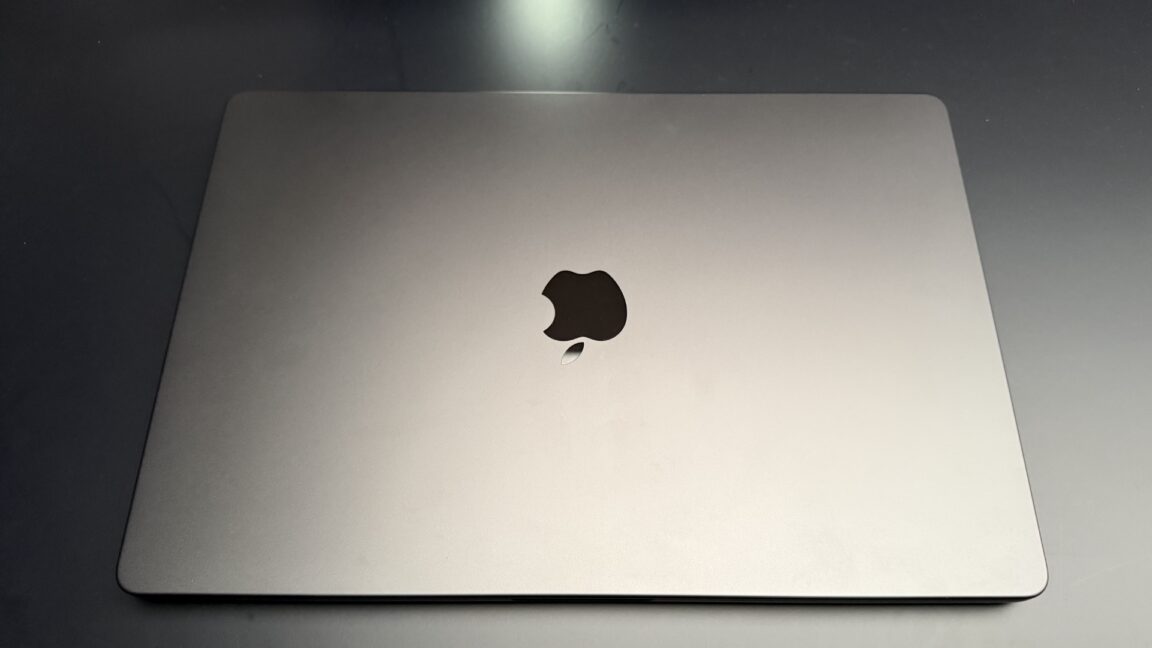
It’s not as different from the previous model as you might have expected.
LOS ANGELES—For about five minutes on an extremely crowded showroom floor, I got to take pictures of the new MacBook Pro and test out some of its new features. First impressions: It’s not as much of a departure from the previous design as I expected, but the outstanding OLED display steals the show regardless.
The first thing I noticed was that it’s lighter. My daily driver is a 14-inch MacBook Pro (M1 Max), and it’s a bit weighty for a 14-incher. Picking up the new model, I could immediately tell it was lighter. It’s not like it’s in a different general weight class, but it’s a noticeable difference.
The next thing I noticed was the Dynamic Island. Given the larger screen real estate of a laptop, it’s much less dominant on the screen than it is on an iPhone. I do worry about what will happen with fullscreen games, which I wasn’t able to test today. The notch MacBook Pro has an option to maximize apps or games to just below the notch, so it doesn’t cut into the image. I’m curious to test in the full review whether that remains the case with this little cutout.
And lastly, the Apple logo on the back glows again! Some find this tacky, some find it essential. I just think it’s a little bit nostalgic.
Of course, you might make the case that the most notable thing about this laptop is not its weight or the Dynamic Island. For years, people have debated whether Apple should introduce a touchscreen laptop. Steve Jobs was famously against it. A few years ago—there were reports that under Tim Cook and now John Ternus—Apple decided to move ahead with the idea.
I played with it a bit, and it works just about exactly as you expect for a laptop touchscreen.
A few of the things I did with the touchscreen during my brief time with the laptop:
All of that is nice to have, I guess, but there’s not much you can do with it that you couldn’t already do with trackpad gestures, at least at the OS level; some creative apps, like finger painting on the screen, seemed to offer a bit more.
When the credible reports emerged that the MacBook Pro would get a touchscreen, I imagined a convertible with Apple Pencil support—something you could use as a large iPad or drawing tablet, essentially. That’s not what this is; it only takes the usual laptop shape, and I was told it does not support the Apple Pencil. It’s just a MacBook Pro, in its normal form factor, but you can use your fingers on the screen to do things like drag files around, swipe between desktop spaces, or pinch-to-zoom on maps or images.