// ENGADGET — HARDWARE & GADGET
Sony 27-inch Gaming Monitor with DualSense Charging Hook review: A piece of PC history
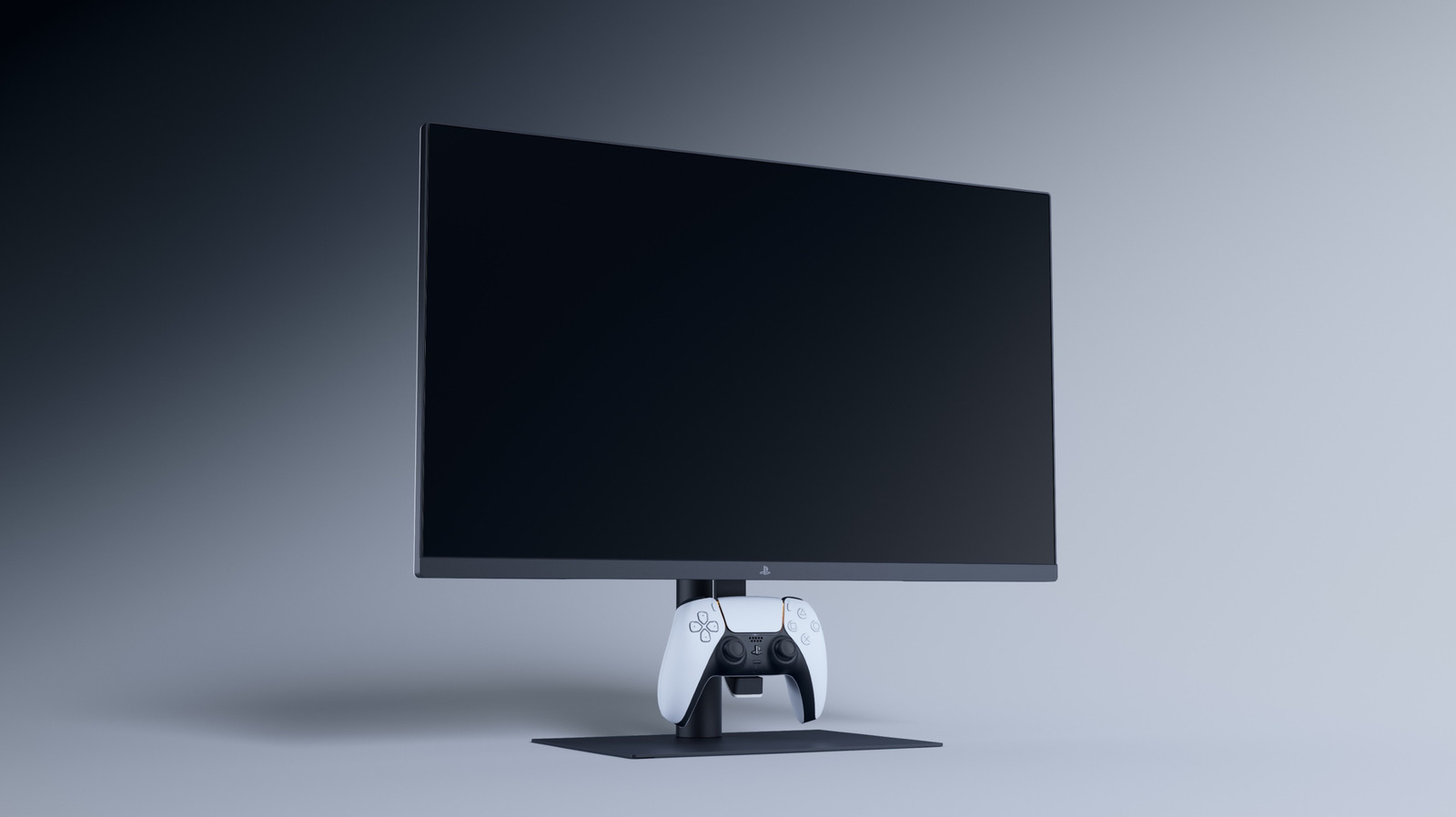
It’s a perfectly adequate display with one unique hook.
It's an odd time for Sony to launch a PlayStation-branded gaming monitor, but hey, we'll take it. News broke in March that Sony would no longer bring its first-party games to PC, reversing course after a six-year run on desktops and teeing up a summer of heartbreak in the video game world. On the heels of this decision, Sony debuted the 27-inch Gaming Monitor with DualSense Charging Hook, advertising it as a desktop-geared peripheral that's compatible with PC, PS5 and a lineup of PlayStation accessories. It's sleek, it's sturdy, it has a crisp QHD display that supports VRR and HDR, and it features a buttery screen that handles glare well.
At $349, the 27-inch Gaming Monitor with DualSense Charging Hook is a reasonably hot gaming accessory. But more than anything, it feels like a vestigial remnant of Sony's abandoned plans to infiltrate the PC space.
The DualSense monitor has a 27-inch IPS display with QHD (2,560 x 1,440 pixels) resolution and a 240Hz refresh rate that supports VRR. Here we have the first sign that this thing was originally designed for PC play: The PS5 and PS5 Pro max out at 120Hz, and the monitor's 240Hz cap was included with PC play in mind.
It supports HDR on the spec sheet, but with a peak brightness of 350 nits and no advanced local dimming, you're mostly getting a broader range of colors rather than the eye-popping highlights the term might suggest. There's also a stereo speaker built into the display, and while its output is slightly tinny and lacking bass as you'd expect, it's perfectly acceptable. Put simply, this is a pretty standard gaming monitor in 2026.
As far as inputs go, there are two HDMI 2.1 ports, one DisplayPort 1.4, two USB-A slots, one USB-C connection and a 3.5mm audio output. They're tucked into a divot on the rear of the monitor and pointed downward, with a clever cable management hook that can be popped out from the stand's neck, keeping things as organized as possible.
The monitor is compatible with PC, Mac, PS5 and PS5 Pro, plus it can hold and charge a DualSense or DualSense Edge gamepad. It also functions with the PlayStation Link adapter, which enables Sony's Pulse and Pulse Elite wireless headsets, Pulse Explore earbuds and Pulse Elevate wireless speakers (at least theoretically). The Pulse headset will hit the market this month, while the Elevate speakers were just recently delayed indefinitely, extending the last echoes of a grander desktop scheme.
The DualSense charging dock swings down from behind the screen and hangs below the frame, and it's actually the star of the show. It's truly cute and also incredibly useful. Having a dedicated, out-of-the-way spot to store and charge an often-used gamepad is clutch.
The DualSense monitor is a noticeable upgrade from both the 27-inch Samsung 1440p/144Hz TN display and the 24-inch Alienware 1080p/240Hz IPS display that I currently use. This improvement applies not only to gaming scenarios, but also your standard PC use cases, like working, creating, watching YouTube, scrolling Reddit and streaming Real Housewives.
Sony's marketing positions the monitor as a display for your desktop PS5, but this is an uncommon console configuration and it's one that I don't personally have set up in my home. So, I tested out the monitor the way most players will use it, as a PC peripheral that happens to hold and charge my spare DualSense. This worked out exceedingly well for my gaming habits, considering I play Overwatch on PC and PS5, and I prefer to use a DualSense for both (keyboard and mouse players, don't come for me). However, outside of this one title, I tend to use the Wolverine V3 Pro for my Steam games, and there's no place to adorably dangle any non-DualSense gamepad from Sony's latest display. This is also true for literally every other monitor, of course.