// ENGADGET — MOBILE & WEB
5 CarPlay apps for listening to music and podcasts
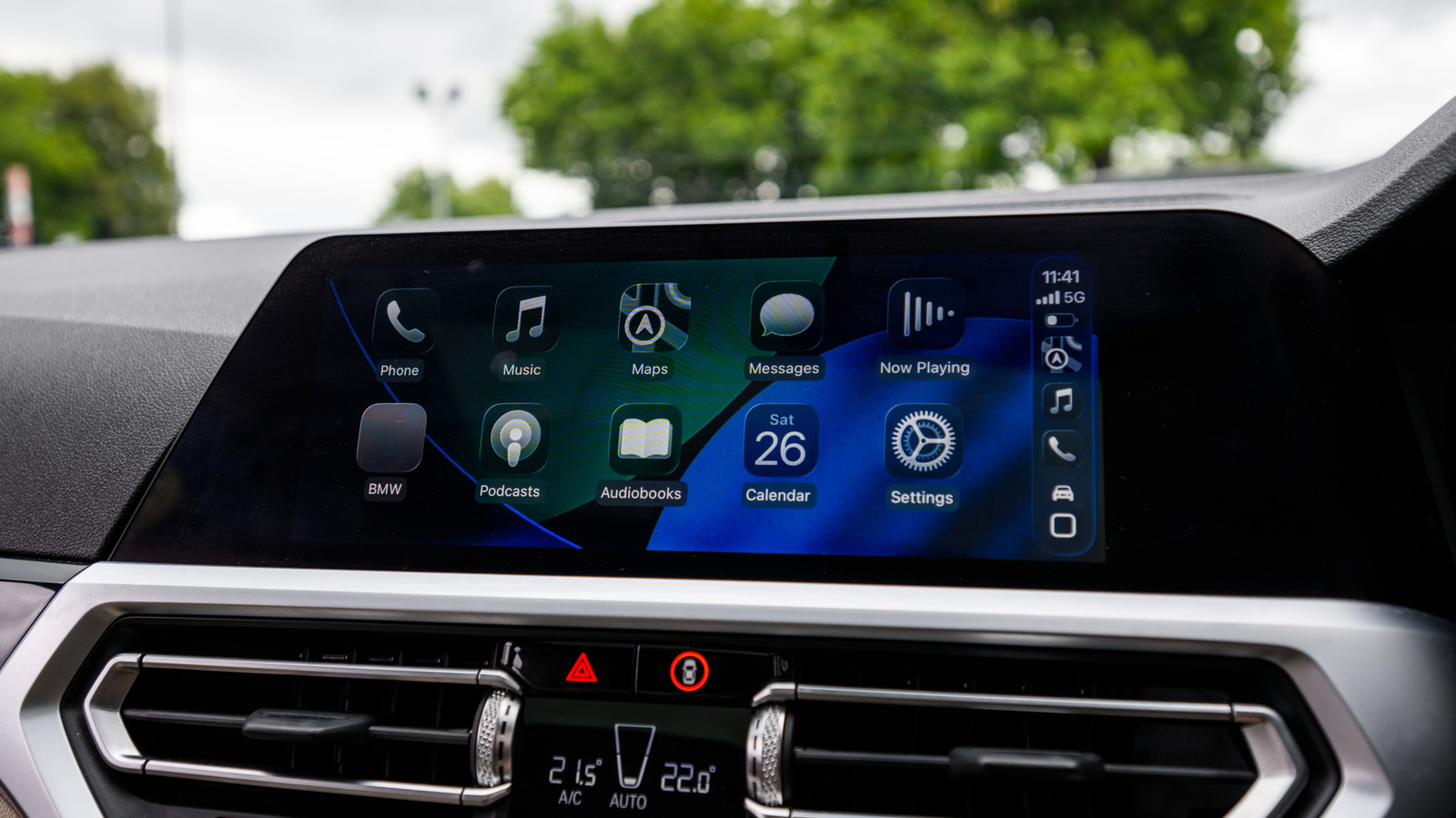
From free streaming to offline files and live radio, these apps are worth adding to your CarPlay setup.
CarPlay is an essential tool for many iPhone users since it puts your favorite apps right on the car's dashboard. There are dozens of apps compatible with CarPlay, and while map and navigation apps are probably the first that come to mind, CarPlay also supports music and podcast apps for listening to your favorite playlists and shows while you drive.
With iOS 27, the audio app experience on CarPlay has gotten a lot better thanks to the new persistent mini player in the upper-right corner of the screen offering quick access to playback controls. But outside of Apple Music, there are other music and podcast apps you should try in CarPlay.
You can't talk about music apps without mentioning Spotify, which is not only the world's leading music streaming platform but also the main rival to Apple Music. Many people like it because it offers a free tier, so you can listen to songs without paying — though this means you'll hear ads during playback. Spotify also has a CarPlay app, so you can listen to your favorite songs or find new ones right from your car's dashboard.
Spotify also brings audiobooks and podcasts into its experience so you don't have to switch between apps for different audio purposes. Apple, on the other hand, splits songs and podcasts between different apps. There's no right or wrong here; some people might prefer to have everything in one place. You can download Spotify for free on the App Store. For an ad-free experience, the Premium subscription costs $12.99/month, which also enables lossless audio and offline playback.
SongCapsule is one of those indie apps you can only find on iOS, and it's especially useful for Apple Music subscribers. It brings songs you haven't listened to in years back to your attention with playlists tailored to your tastes, sorted by genre or artist.
The service helps you rediscover your music library by acting as a personal DJ. You can create new playlists based on your own criteria or simply play your entire library on shuffle. And as you won't be surprised to learn, it also has a CarPlay version.
A big plus for SongCapsule is that the app is a one-time $5 purchase, with no recurring subscriptions. It also works with iPad, Mac and even Vision Pro. Those who don't subscribe to Apple Music can still use the app with a local music library.
VLC has become well-known for supporting many different codecs and formats, including FLAC and AC3. It's also a free, open-source app with no subscriptions or ads. Because it's open-source, you can find VLC available for pretty much every platform, from macOS to Windows, iOS and Android — and of course, CarPlay.
Inside CarPlay, the VLC app lets you organize your library by artist and playlist, and transferring your files is super easy; you can do it from the Files app or using a computer. You won't find curated playlists or anything like that, but if having all your music downloaded offline is what you're after, VLC is the way to go.