// ENGADGET — HARDWARE & GADGET
There's a chance your Xbox Series X is plugged into the wrong HDMI port
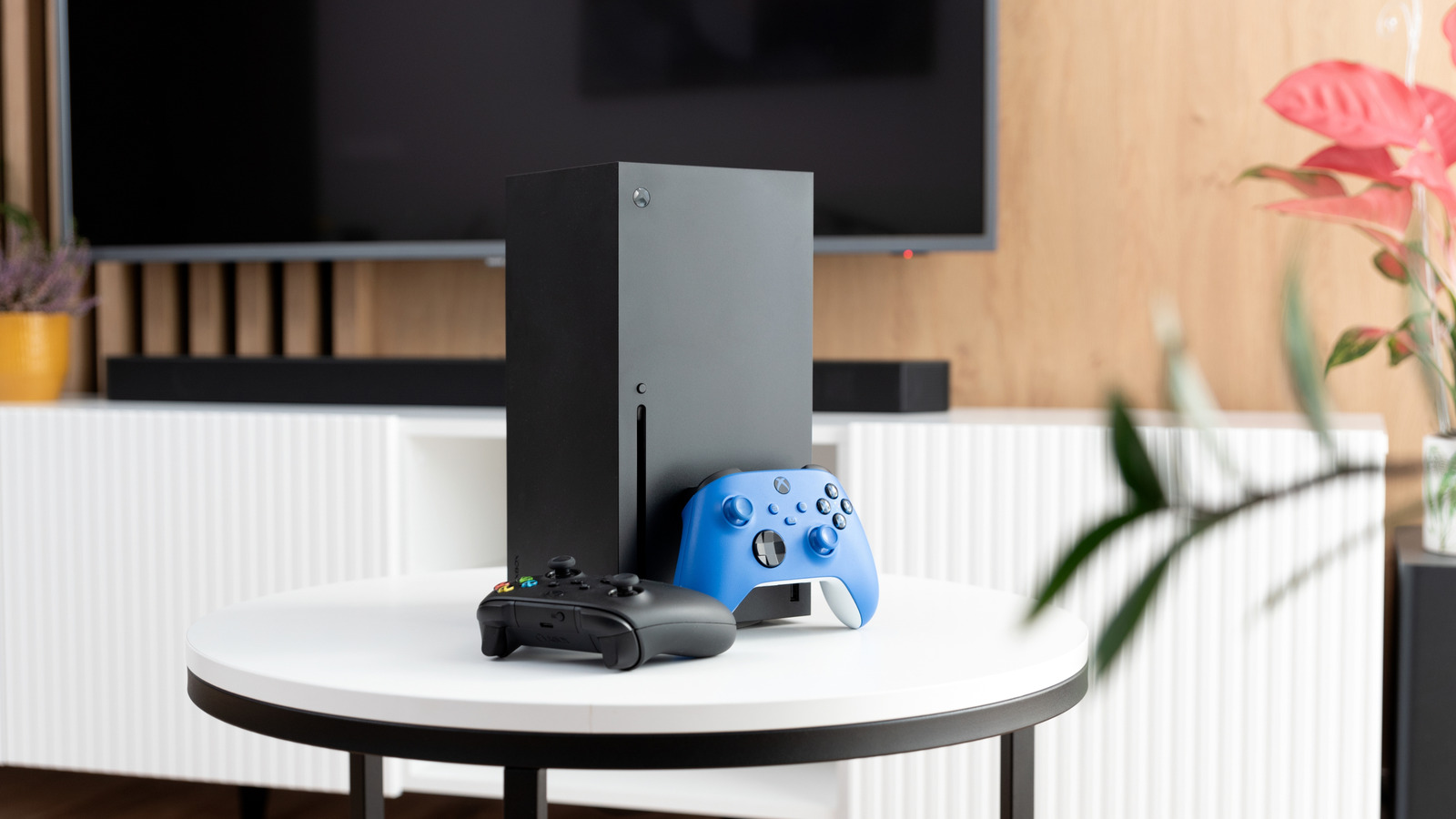
Make sure you're getting the most out of your Xbox Series X.
This sounds like an idiotic suggestion at first, right? Surely all you need to do is plug the HDMI cable that came with your Series X into your television, and you'll be ready to enjoy the best Xbox games, no? It's not always that simple.
Though your current TV may support HDMI 2.1, the input that ensures the Series X can display its maximum resolution and framerate, that doesn't mean all of your TV's ports are 2.1 compliant. This latest high-def standard really matters, as without it, cutting-edge visual features like Variable Refresh Rate are off the table.
It's important to know the specifics of your current TV. For instance, if it's an aging model that only supports HDMI 2.0, you can stop reading this article now, and content yourself with a top output of 1440p/120 fps or 4K/60 fps from your Series X. However, if you own a semi-modern budget flatscreen, there's a good chance only one or two of its ports will be compatible with HDMI 2.1, enabling 4K/120 fps and framerate-smoothing VRR from the Xbox.
Let's get to know your TV's HDMI sockets a little better, discuss whether you should upgrade the cable that came in the box with your Series X, and go over why HDMI 2.1 is so important for current-gen gaming.
Possibly, but it's entirely dependent on the model of TV you own. If you picked up your screen within the last five years and it wasn't an ultra-budget panel, it probably supports HDMI 2.1. But remember, even with a newish TV, there's no guarantee that all of its ports are HDMI 2.1 compatible.
Most modern high-end sets will have three to four HDMI 2.1 ports total, so if you've bought a premium OLED or MicroLED panel in the last couple of years, it's likely that all of its HDMI inputs will comply. If your set is a good few years old and was one of the first models to support HDMI 2.1 features, there's a decent chance that only one of its ports can take advantage of the Xbox Series X's 4K/120 max output.
To assess your TV's port situation without any awkward bending or flashlight usage, check out your model's online manual. Otherwise, individual inputs tend to be labeled on the backside of the TV itself. My 2023 LG OLED has four HDMI 2.1 ports, so thankfully I never have to worry about connection issues, but it's often the case that certain brands and less-recent models favor HDMI 2.1 in specific slots. Take Sony as an example: Older Bravia displays usually reserve their 2.1 configurations to ports three and four. Again, it entirely depends on your specific model. And when in doubt, reference your TV's online manual.
In the vast majority of circumstances, you should definitely not replace the Ultra High Speed HDMI cable that came in the box with your beloved Microsoft machine. That puppy is fully HDMI 2.1 compliant and it's likely to have a far greater shelf life than any Xbox Series X. For most folks, there really is no reason to upgrade the Series X's standard cable. Of course, there are exceptions.
Depending on the logistics of your gaming setup, you might need a longer HDMI cable than the one Microsoft provides. It's 6 feet long, which will be plenty for most Xbox players. But if for some reason you can't place your Series X as close to the TV as you'd like, investing in a lengthier cable might be worthwhile. Just make sure it's HDMI 2.1 certified and you're good to go.