// PC GAMER — GAMING
If you're fed up of GTA 6 at 30 fps, this tool gets it up to 60 and injects DLSS 5 if you have a powerful enough gaming PC
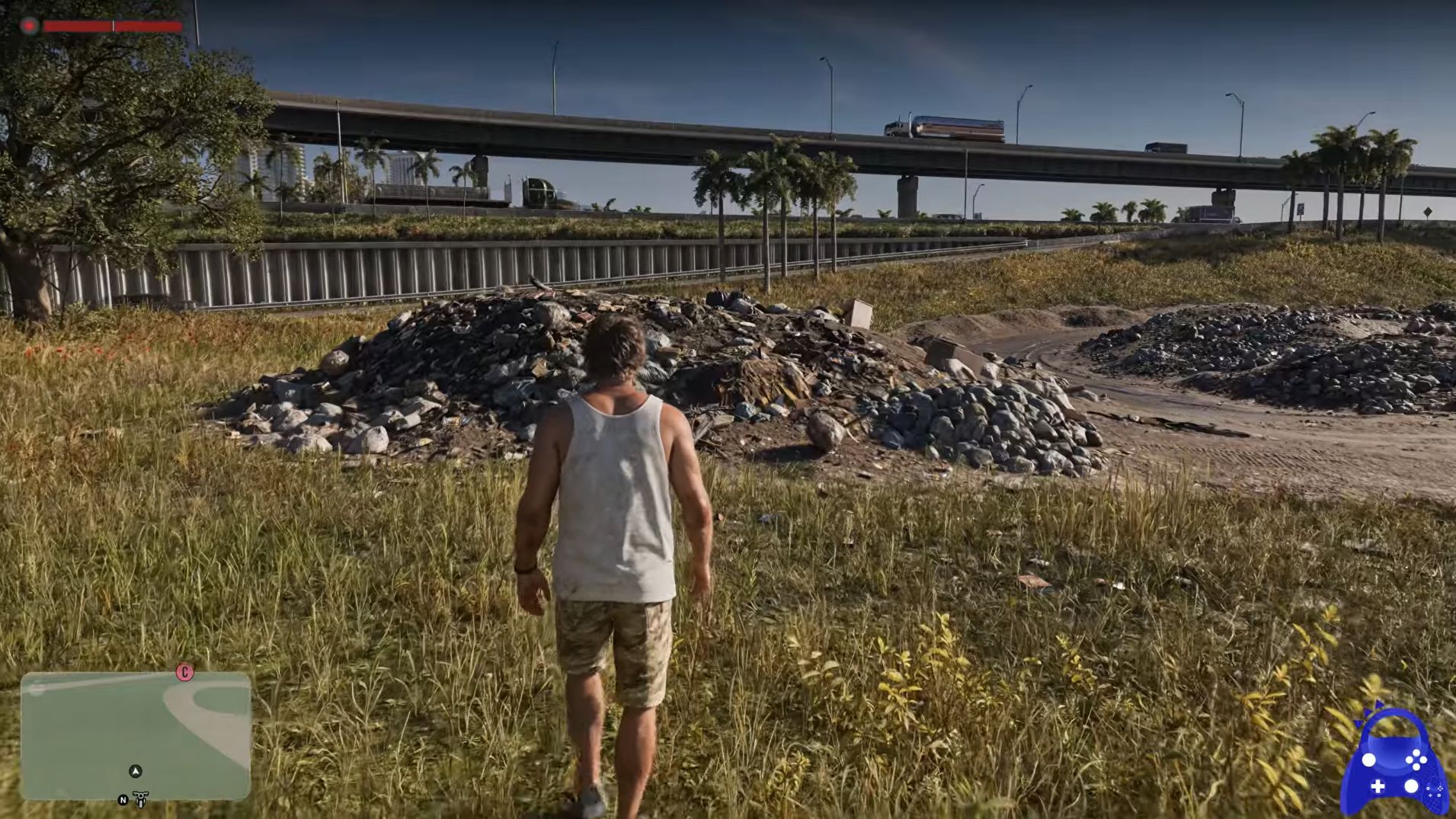
Though we've struggled to get it working over here.
When you purchase through links on our site, we may earn an affiliate commission. Here’s how it works.
With a game as gorgeous as GTA 6, could you want even more, graphically? Well, some PC gamers seem to be answering 'yes' and throwing some DLSS 5 neural rendering into the mix. Oh, and perhaps more importantly for those of you concerned about the low frame rate on console, they're managing to up the frame rate to 60 fps, too.
How, you ask? In both cases, you can either use a capture card or Remote Play to get the game streamed to your gaming PC. Then, for DLSS 5, you use a tool called Veyra, which can be easily installed and set up by running it via another tool from the modder Phosphen (via VideoCardz).
You just have to run a PowerShell command, get Remote Play linked up, and run a short setup with the new Veyra executable. Assuming, that is, you have a graphics card that can handle the extra DLSS 5 work. And assuming you can get it to work—my colleague couldn't get the tool to link up to his PS5 when he tried.
Judging by some gameplay capture of GTA 6 with DLSS 5 running on top, and to perhaps state the obvious, it's very graphically impressive. That goes for both the environment and characters.
This tool should get you up and running at 60 fps, too, using frame gen. Essentially, whether by 60 fps capture card or via Remote Play, each of the game's 30 frames per second is duplicated, giving you a 60 fps output that still feels like 30 fps. The tool removes the duplicated frames and then adds frame gen to double them, giving you genuine new frames interpolated between each actually rendered one. A proper 60 fps, but using frame gen.
Naturally, this will add some latency, especially because extra latency from frame gen is most noticeable when starting at a low base frame rate. Still, it might be worth a try.
You also don't have to use that tool try to and hit 60 fps, as you could try Lossless Scaling instead. You have to pay for that on Steam, but it lets you add upscaling and frame gen to a bunch of different windows or games, not just GTA 6. If you use this method, you just wrap it over your Remote Play stream of GTA 6.
Keep up to date with the most important stories and the best deals, as picked by the PC Gamer team.