// ENGADGET — MOBILE & WEB
4 random apps you might not realize work with Android Auto
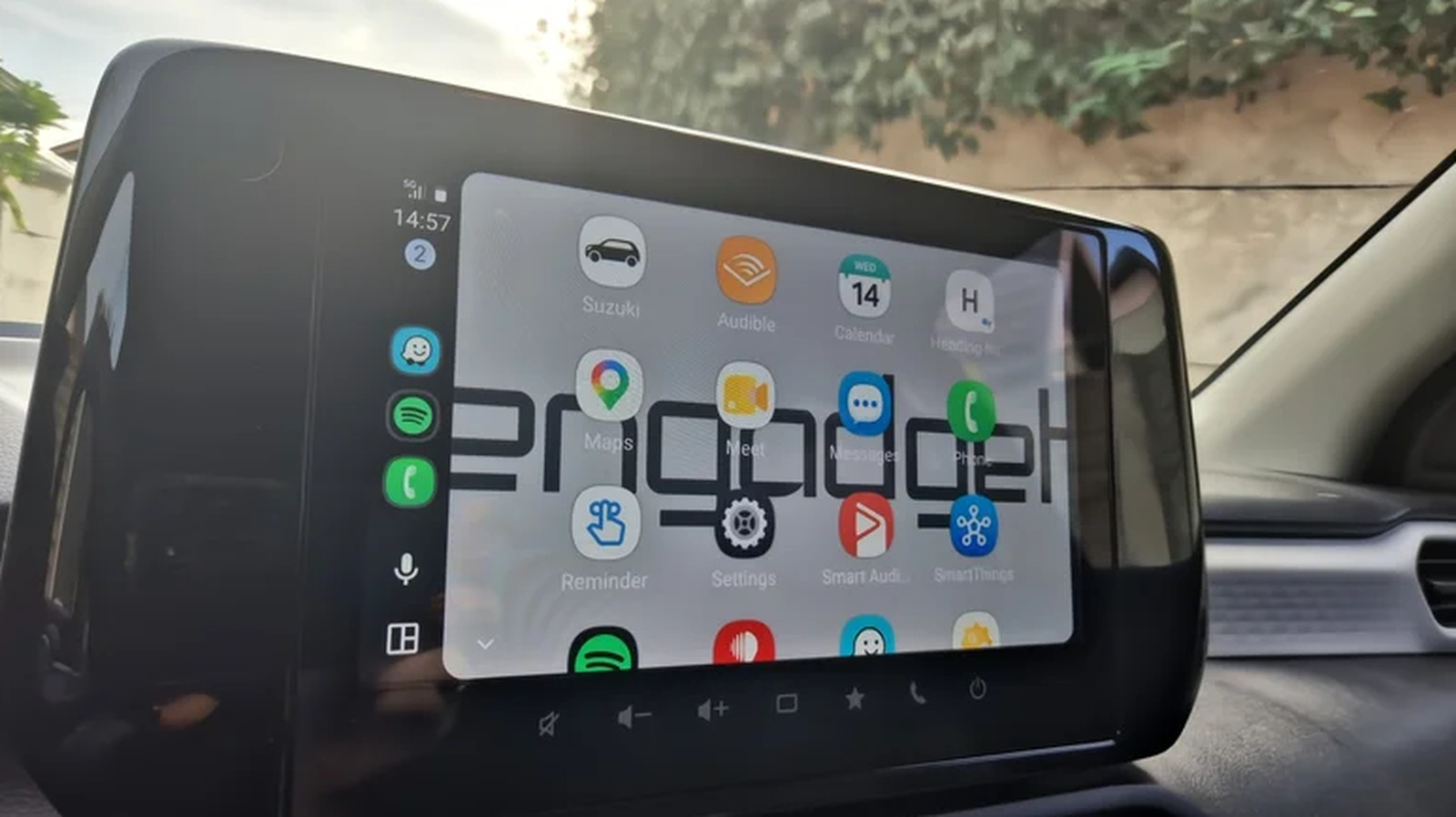
Some of these apps will be familiar, while others you may not have heard of.
Android Auto users typically utilize just a few basic apps like Google Maps for directions and Spotify for music. They don't dive into the developer menu; they don't make any serious changes to the way Android Auto works; and they don't know they could be spending all those minutes waiting for someone in a parking lot playing games directly on the car's infotainment display. But the platform's compatible app library runs much deeper, well beyond navigation and streaming.
Android Auto actually supports a surprising range of communication and meeting tools, like WhatsApp and Google Meet, and even a bunch of other apps to help you navigate more efficiently. Each one adds layer after layer of functionality that most users never think to explore. Discovering new apps can genuinely change how you commute while also making it possible to enjoy your drive just a tiny bit more.
Android Auto comes with some extra functionality for those in the corporate world, as several popular apps come with Android Auto support for meetings and calls, with Google Meet leading the way. Because Meet is Google's own app, it fits naturally into the Android Auto experience. You can see your upcoming meetings on the car display and join a call with a single tap, all in audio-only mode so your eyes stay on the road. Whether it's a short check-in with your manager or a longer team call, Meet makes it easy to keep up with your schedule even if you have to drive around.
Google's app isn't the only option, though. Zoom, Webex by Cisco and Microsoft Teams all work on Android Auto, offering users the opportunity to join video conferences with audio only. Some apps take integration a step further. Microsoft Teams, for instance, lets users check their calendar and place calls directly from the car display. Google Meet also displays upcoming meetings on your schedule. These features are particularly useful if you're often traveling from location to location but still have to participate in meetings along the way. They also help if you have to leave early to pick up the kids from school while a meeting is still on your calendar.
One thing to mention about these apps is that, depending on your employer, restrictions may apply. Certain companies require corporate apps like Google Meet and Microsoft Teams to run inside an isolated Android Work Profile. In such situations, Android Auto may block calendar sync or prevent the app from appearing on the screen. There's a Work Mode in the works on Android Auto, though, so it may soon be easier to reach all those apps that are locked out by your employer.
With gas prices being what they are these days, it's more important than ever to know where to fuel up. Apps like Fuelio can help with that when you're looking for a place to put gas in your car without breaking the bank. Fuelio tracks fill-ups, odometer readings and fuel prices, then calculates your average fuel economy and cost per mile over time. You can even use various filters to display gas stations that were updated within the past day, or those that are most appreciated by users.
Google Maps and other similar tools can surface the nearest gas stations and even tell you the latest prices, but Fuelio gives more in-depth information regarding fuel type, distance and more. Plus, when you throw in all the other features, it's a much better fit if you want to know exactly how much your car is costing you. While Fuelio is free to use with Android Auto, there is a premium version available that costs money.
If you're driving an EV, then the app you absolutely must use through Android Auto is PlugShare. This free tool (the paid version removes ads) gives you access to a crowd-sourced map that lets you see the nearest charging stations along your route. Its real strength is the community behind it, because drivers leave real-time feedback, uploading photos of the charger layout, reporting broke