// ENGADGET — HARDWARE & GADGET
Don't throw away your old Xbox — Do this instead
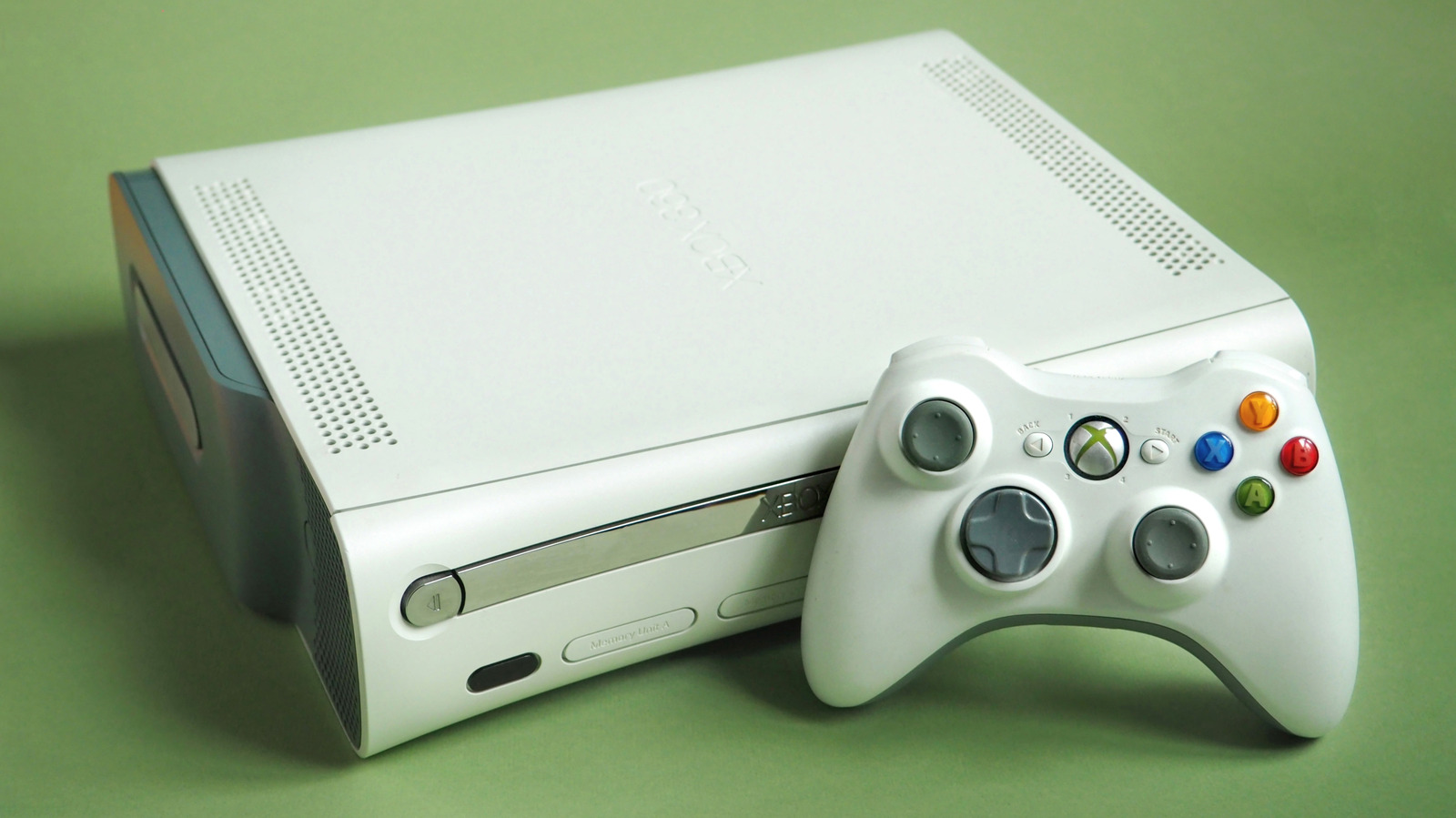
Letting old pieces of tech go is never easy, especially when you have fond memories of the original Xbox. But no matter how much you loved shooting seven shades of alien goo out of the Covenant in Halo: Combat Evolved, it's unlikely you're still using a 25-year-old console on a daily basis. If you no longer touch your OG Xbox, Xbox 360 or Xbox One, as long as it's working, there are far better options than just tossing it out.
Make your Xbox One your go-to streaming box for the bedroom! Go retro — dust off that Xbox 360 and play those obscure DVD collections you've been hoarding for years! Many Xbox controllers can even be used to enjoy the best PC games! You could obviously make cash for your old console on auctioning sites like eBay. Or here's a thought: How about gifting your past-gen Xbox to a thrift store/charity shop? Your old Xbox deserves more respect than being dumped in a dustbin.
If we're talking Xbox One, you can download and enjoy many streaming services on Microsoft's last-gen console, including Netflix, Disney+, Amazon Prime Video, Hulu and Paramount+. Skip back to Xbox 360 and sadly, you're mostly out of luck.
Provided you don't have a relative who is currently begging for your old console, why not keep it? These past-gen machines are still perfectly good bedroom streaming boxes, with the added bonus that you can still still play classics on them — like Aussie-set open-world racer Forza Horizon 3 — from the comfort of your sheets.
Xbox consoles have never been associated with watching physical media as much as their PlayStation counterparts. The PS2 was the DVD machine — the first console to embrace a media format that would comprehensively replace video tapes. Did the original Xbox also support DVDs? In a fiddly way... yes. You needed Microsoft's official Xbox DVD Movie Playback Kit, which came with an awkward dongle that needed to be plugged into a controller port to get it working. Not exactly an elegant solution.
If you're reading this, it's highly unlikely you're trying to repurpose the 25-year-old OG Xbox as a DVD player in an age of 4K Blu-ray players, but if you have kept either an Xbox 360 or Xbox One, those make a whole lot more sense as back-up media players. The 360 will happily play DVDs straight out of the box with zero tinkering required.
As for the Xbox One, it also plays DVDs and Blu-rays/4K Blu-rays, although the latter media type requires a free Blu-ray app download from the Microsoft Store. I used to occasionally watch UHD discs on my old Xbox One X, and the supercharged console provided perfectly decent UHD movie experiences with my 4K Blu-rays.
Microsoft has done a tremendous job with backwards-compatibility for several generations. Skip back to Xbox One X, and the company offered free 4K upgrades for select original Xbox games and 360 titles. These gratis updates include some absolute bangers, like Crackdown, Conker: Live & Reloaded, Halo: Reach, Red Dead Redemption, Mirror's Edge, and many more (well, provided you still own the game).
In total, 13 OG Xbox games got Xbox One X Enhanced features, while 21 Xbox 360 titles received similar big time resolution boosts thanks to the supercharged console's 6 TFLOPS. For context, the Xbox Series X can tap into 12.15 TFLOPS of GPU power.
The Xbox One X, Xbox One and Xbox One S will all play an impressive 632 Xbox 360 games! Microsoft's backward compatibility program deserves all the flowers. Though sadly, Xbox has mostly dropped its commitment to adding new original Xbox and 360 titles to Game Pass since late 2021.