// ITS FOSS — LINUX & OPEN SOURCE
KDE Plasma 6.7 Release Resurrects Two Themes From the KDE 4 Era
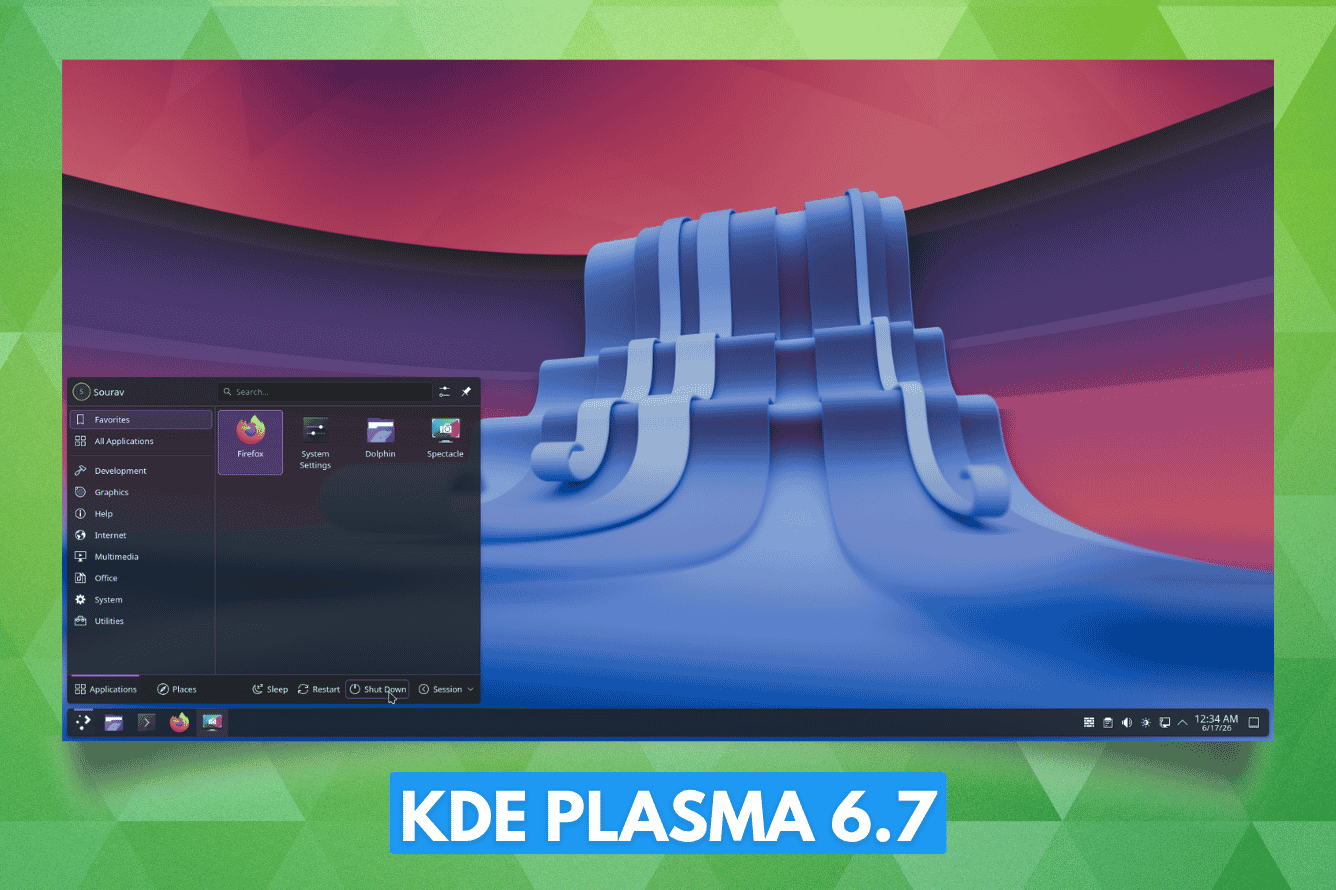
KDE's 30th anniversary is closing in on us, and the developers have spent these past few months getting things ready for the occasion, set to take place in October. Two of those things are Oxygen and Air, two classic Plasma themes from the KDE 4 era that we talked about a few months ago.
The X11-free Plasma 6.8 is also due around the same time, barring any delays, of course.
But, yeah, that's looking somewhat further into the future. For now, let's focus on the Plasma 6.7 release, which has arrived with those themes as well as a number of upgrades that make the desktop experience more refined than before.
Before we get into the highlights of this release, let's talk about the various usability and quality-of-life upgrades that ship with Plasma 6.7.
If you use Plasma's virtual keyboard, holding down a key now brings up the special characters tied to it instead of you having to dig through a separate symbols screen.
The Discover software center also gets some attention, where the "Install" button has been redone to make it clearer and harder to miss, and app listings carry more useful descriptions on each card.
Similarly, the printing workflow has been improved with a new print queue management tool, the system tray icon for printers now showing the number of print jobs in a queue, and quick connections to shared printers on Windows networks.
Plasma's calendar options grow too, with the Vietnamese lunar calendar joining the other non-Gregorian calendars already on offer.
And if you've already set up custom Global Themes for day and night, you can now flip between light and dark instantly via a toggle inside the "Brightness & Color" quick settings.
If you remember, Oxygen and Air both go back to the KDE 4 days, when Oxygen was the default theme starting with KDE 4.0, and Air took over that role once KDE 4.3 arrived.