// ITS FOSS — LINUX & OPEN SOURCE
Run Hermes on Raspberry Pi, Control It from Your Laptop
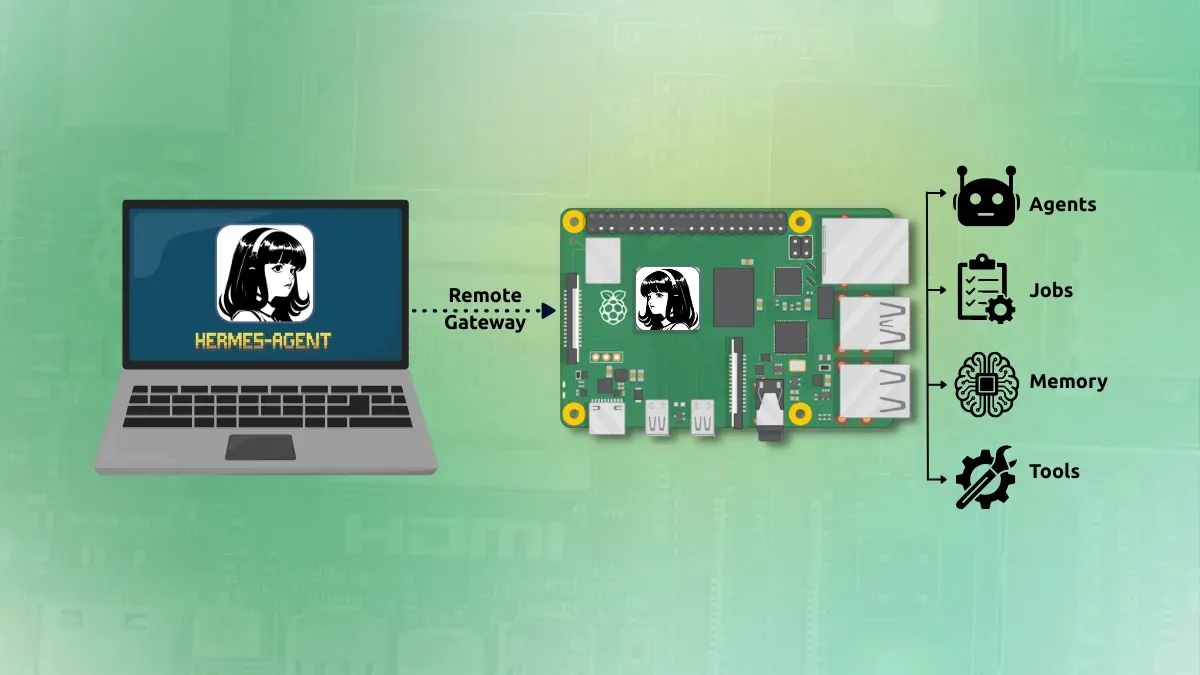
My agent harnessing journey started with Nanoclaw. Which is super simple to setup and use. It works for a few simpler tasks through Telegram.
But I wanted something to work on my main computer. Out of all claw like agents, I find Hermes the most suited.
So I installed Hermes on a Raspberry Pi running on Pironman 5 Pro Max. And I installed Hermes desktop on my Asus Zenbook laptop, my primary system.
The advantage is that the Raspberry Pi remains the always-on Hermes machine. I can close Hermes Desktop or shut down the laptop without needing Hermes itself to run on the laptop (for scheduled tasks). Also, Hermes agents won't have unrestricted access to my system. A safer approach, in my opinion. At least, that's the idea I am going with.
Let me show you how you can use the Hermes agent via the remote gateway feature.
Open a terminal on the Raspberry Pi or SSH into it.
You need to add the following in the ~/.hermes/.env file of hermes:
These credentials will be used from the Hermes desktop. Now start Hermes's backend with:
This is normal. hermes serve does not provide a browser interface. It starts the backend that Hermes Desktop connects to.
Keep this process running while testing the connection.