// 9TO5MAC — MOBILE & WEB
iOS 27 public beta 3 is here with Siri AI, iPhone speed upgrades, and more
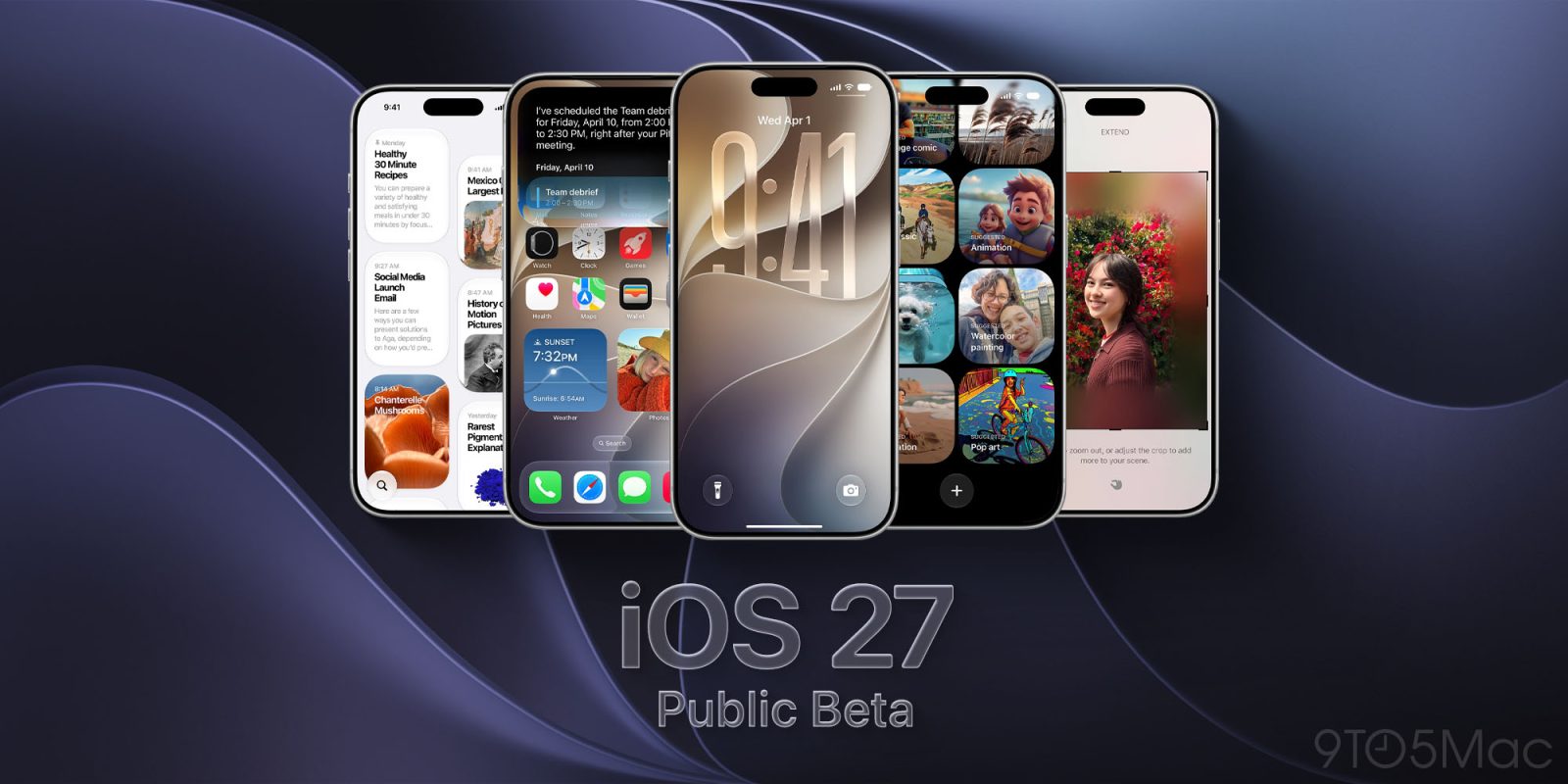
The third iOS 27 public beta is now available for iPhone. It gives users an early chance to try Apple’s biggest software update of the year.
Siri AI is the headline feature. The release also includes a redesigned Screen Time experience, Liquid Glass refinements, performance upgrades, and dozens of quality-of-life changes.
Here’s how to install the beta, what’s new, and which features you should try first.
The Apple Beta Software Program is free, and you don’t need a developer account.
Before you begin, back up your iPhone to iCloud or a computer. Beta software can include bugs, reduced battery life, and third-party app compatibility problems.
Apple recommends installing beta software on a secondary device. If you use your primary iPhone, make sure you have a recent backup first.
iOS 27 supports every iPhone that runs iOS 26. That includes iPhone 11 and newer, plus iPhone SE (2nd generation and later).
However, Apple Intelligence requires iPhone 15 Pro or newer. Apple’s most powerful new on-device model has an even shorter compatibility list, but Siri AI only requires Apple Intelligence compatibility to work.
Once the iOS 27 public beta is installed, Siri AI is the best place to start.
Apple has rebuilt Siri around its next-generation Apple Intelligence system. The assistant can now hold an ongoing conversation and search your personal information. It can also understand onscreen content, take actions in apps, and answer broader questions.