// HACKER NEWS — CYBERSECURITY
Commodore 8-Bit 5¼" Disk Images
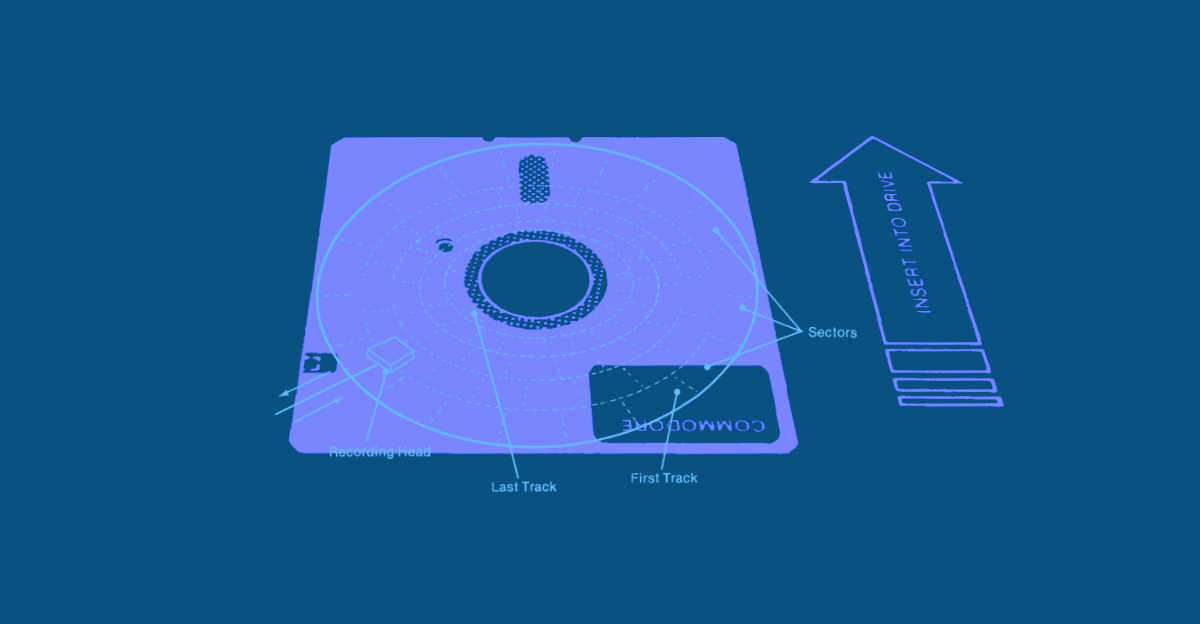
Presenting a new (web) tool, also a general discussion of Commodore 5¼" disk images.
So, Dear Reader, I’ve been working (busily) on a new version of the PET 2001 emulator. (Yes, again.) In essence, this is about a totally new implementation of the IEEE-488 / GPIB bus emulation and translation layer, from scratch. This not only includes implementing the IEEE-488 protocol itself (there are stories to tell, but this is for another time), an implementation of the DOS on the drives (some interesting details here, as well, but also, well, for another time), rewiring the entire command chain / glue logic behind file handling, but also an improved handling of disk images (aha, we’re finally arriving at the matter of this post!).
This rewrite is not about emulating any of the drive hardware and subsequently running the ROM code on this, rather, it’s about re-implenting the interface as an entirely independent solution. The benefit of this will be that we’ll be able to do whatever we’d like to do with any files (local files, data stored on some media image, etc.) and supply them to the emulated PET as if it were delivered by a normal disk drive unit. Moreover, we finally have support for things like OPEN, PRINT#, INPUT#, GET#, CLOSE, CATALOG, etc., and some nice-to-have things, like “FILE NOT FOUND” (if we can find this, but this is yet another story — as already indicated, there are stories to tell). And, maybe, we may even have support for a printer emulation (why not, now that we have full GPIB?)
So it’s really about mixing media: local files, data on disk image or tape image files, stand-alone files, etc., and presenting them in a transparent manner to the emulated PET. In order to close this information cycle, I thought, it would be nice to be able to peek into a disk image, to explore its content, and to copy and even export any data/files from this. Similarly, to finally close the gap between files stored on some media image and local files, especially for the purpose of distribution of any of your esteemed projects, it should be nice to have a tool for composing D64 disk image. This, actually turned out quite well.
Since, I’m rather proud of this and also think that it may be of broader interest and utility (it may be hard to believe, but there’s more from Commodore than just the PET), I packed these two tools into an early “single release” of the new disk utilities as a stand-alone application. Or, in the (somewhat unrelated, but still immortal) words by Sir Clive (Sinclair), “I give you the ‘Commodore 8-Bit Disk Image Utilities’!”
As it ought to be, our “single release” from the programmatic album that is the PET 2001 emulator features two sides:
The Disk Image Inspector is essentially your very own point-and-click adventure to the mysteries of Commodore 8-bit 5¼" floppy disk images (D64, D80, D82 formats). Use the context menu to copy any data or to bring home any treasures, you may find, by exporting them as a file (generic .PRG, .SEQ, etc., or in P00-format). You may even use the context menu to navigate! No expenses were spared.
The D64 Composer is a wizard to compose and finally download D64 (35-track) disk images. You may add any traditional Commodore file (e.g., as previously saved from the emulator, or as extracted from anouther disk image), rename and/or reorder them, change the file type attribute, exclude a file temporary from export. You may even add DEL-files for decorative purposes.
Moreover, you get some explanatory notes on Commodore file formats.Of course, this runs all locally in your browser and no data is transmitted anywhere. Also, this is an entirely new and independent implementation from scratch and no AI was involved at any point.
But this is all easier shown than told, so, maybe just head over and give it a try?