// 9TO5MAC — MOBILE & WEB
AI-generated text should be detectable, but Apple needs to avoid Anthropic’s huge error
As someone who writes for a living, you would correctly guess that I’m wholeheartedly in favour of allowing AI-generated text to be detectable and marked as such. There’s just a ridiculous amount of AI slop out there, and an “AI content” label means I don’t need to waste my time reading any of it.
However, Anthropic has just announced that it’s complying with an EU initiative to have Claude watermark AI-generated text, but doing so in a particularly perverse manner …
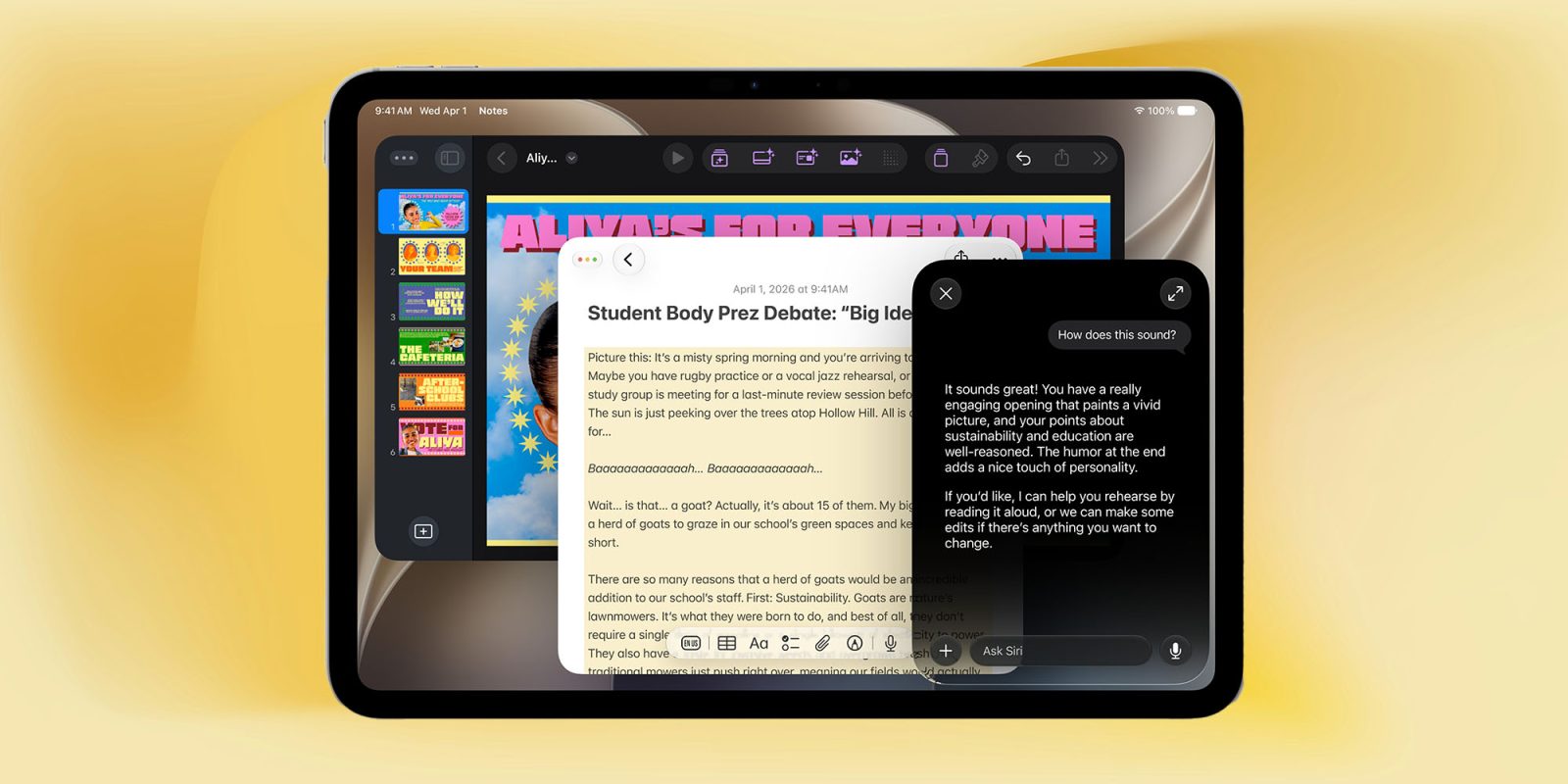
Apple is already preparing its own response to the problem of AI-generated imagery through a feature known as Apple Reference Image. It’s likely the company will have to do something similar with Siri AI tools since they can be used for anything from proofreading to writing something for you.
There’s no perfect solution to this, as I mentioned last week when referring to the approach of using invisible characters to serve as watermarks.
The most eye-opening requirement in the EU initiative is that AI companies must digitally watermark text output as well as images. This can be done using invisible characters, such as the one I just used to replace the space between the words ‘invisible’ and ‘characters.’ This would survive copying and pasting, although would be very easy to defeat using optical character recognition.
I mentioned then suggestions that Anthropic might instead take a different approach.
Some are suggesting that Anthropic may go as far as using particular language patterns in Claude output in order to allow detection even for OCRed text. I could have very much to say about this, but that’s beyond the scope of this piece.
Well, it now appears that the company is indeed doing this, so it’s time for me to have my say about it!
The issue isn’t that Claude will embed these language patterns in text entirely generated by the AI; I have no issue at all with that. The problem is that some people write their own text and then use AI chatbots for proofreading. It would appear that Claude will embed these hidden watermarks in the language even when it was only asked to identify and correct any grammatical errors in human-written work.
This is, of course, one of the features offered by Siri AI. You can highlight text that you’ve written, tap the Siri button and select the Proofread option.