// 9TO5GOOGLE — MOBILE & WEB
Pixel Watch 5 lets you customize double pinch to dismiss alarms, skip music, & more
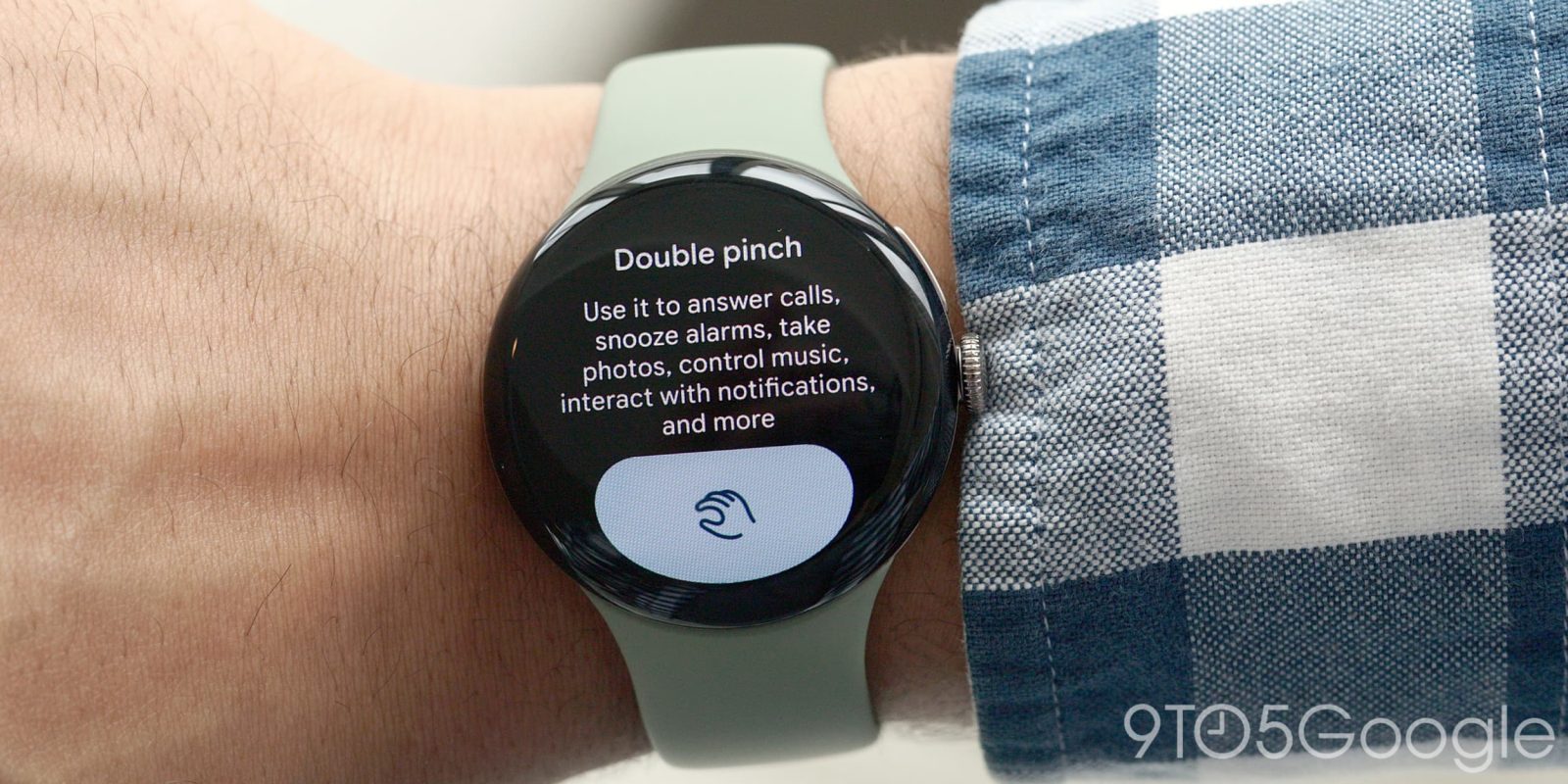
Besides expanded availability across apps, the double pinch gesture on the Pixel Watch 5 benefits from being able to “Customize actions” across music and alarms.
On the Pixel Watch 4, you can only snooze an alarm with the double pinch gesture. The new model lets you change the behavior and set it to dismiss.
Go to Settings > Gestures > Hand gestures and scroll down for Customize actions.
Skipping music is also convenient, while scrolling the notification tray ensures you haven’t missed anything important.
The settings description suggests that the Pixel Watch 5 might offer wrist turn customizations, but there are only settings for double pinch today.
Another setting Pixel Watch 5 owners should know is how they can long-press media controls in At a Glance to set whether they just see an icon or both “Icon and text.” The latter shows the song name, though the large font size might cover too much of the watch face. It’s a nice look with a minimalist face.
FTC: We use income earning auto affiliate links. More.