// HACKER NEWS — CYBERSECURITY
What's in a PowerPoint File?
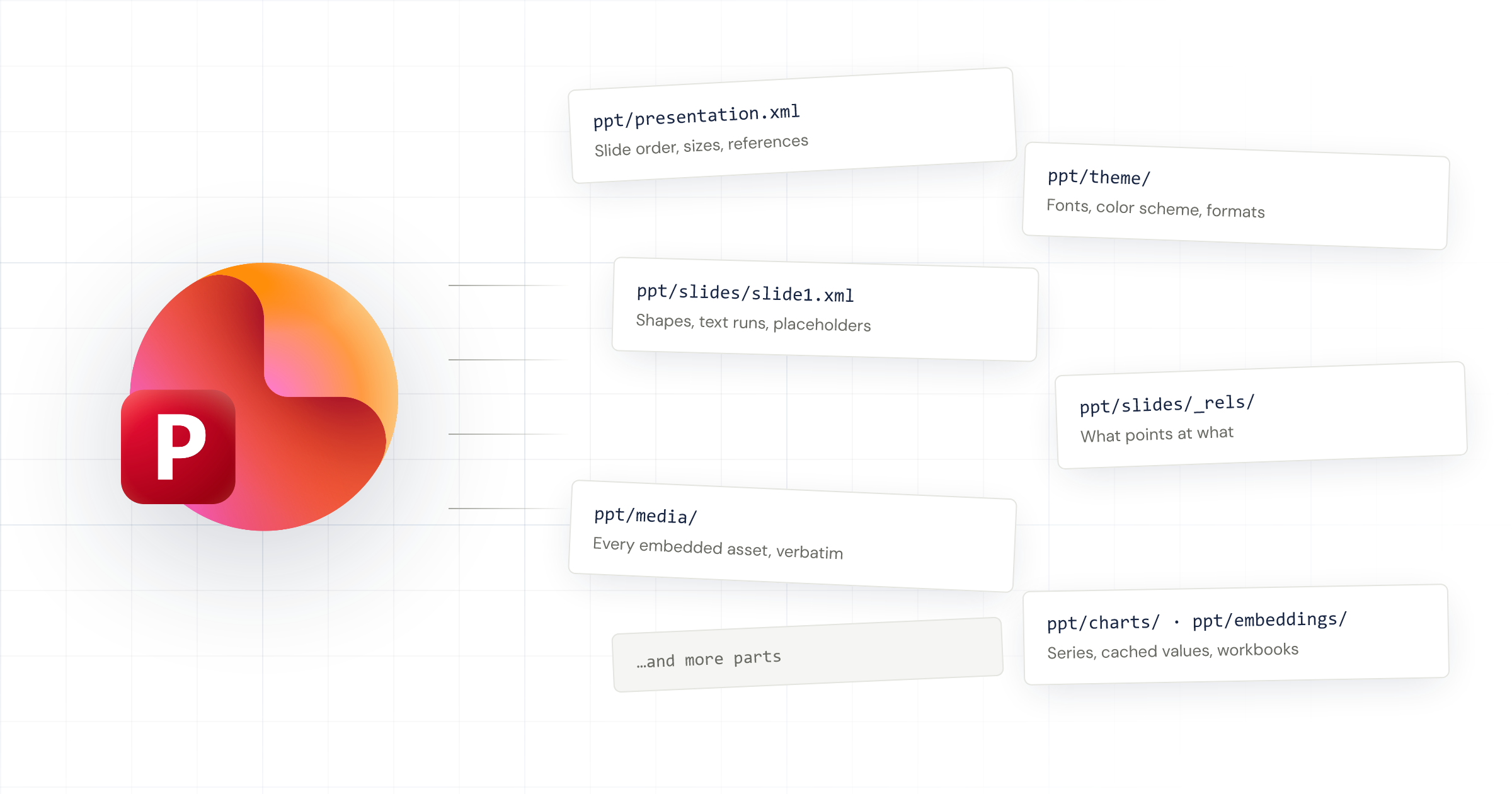
A PowerPoint presentation is a collection of slides. Each slide is a
canvas with text boxes, shapes, pictures, tables, and charts. There
are fancy things like animations, SmartArt, and video, but you don't
need those for 90% of professional slides.
A PowerPoint file is the place where you store all of that
content for your computer to read. It contains things like the text
you typed for a chart title, embedded Excel files with your chart
data, .png files with your company logo, and the
properties that determine how everything renders on your screen. The
title's font size, the data labels' font colors, the row heights for
your table, and whether your chart shows gridlines.
You could try writing everything down in a text file. List out every
element and its properties.
Here's a dumb example: a blank slide with a single textbox that says
"Hello world!"
You could open up Notepad and type out a .txt file that
looks something like this:
You see this and think to yourself, "Hmm, I'm repeating some stuff
that isn't going to change. Every slide has the same width, height,
and I'm just going to use the same font. Let me consolidate."
Better. But this file is going to be huge when you have a proper
30-page deck, so you decide to break it out into smaller files and
group them into folders.
So far your slides only hold text and shapes. What about your
company logo?
Since you're already working with folders, just add a
pictures folder and save the .png and
.jpg files in there.
Then in your slide you just reference the picture file and specify
the size and position.