// ITS FOSS — LINUX & OPEN SOURCE
Content Creators Will Love This FOSS Android App
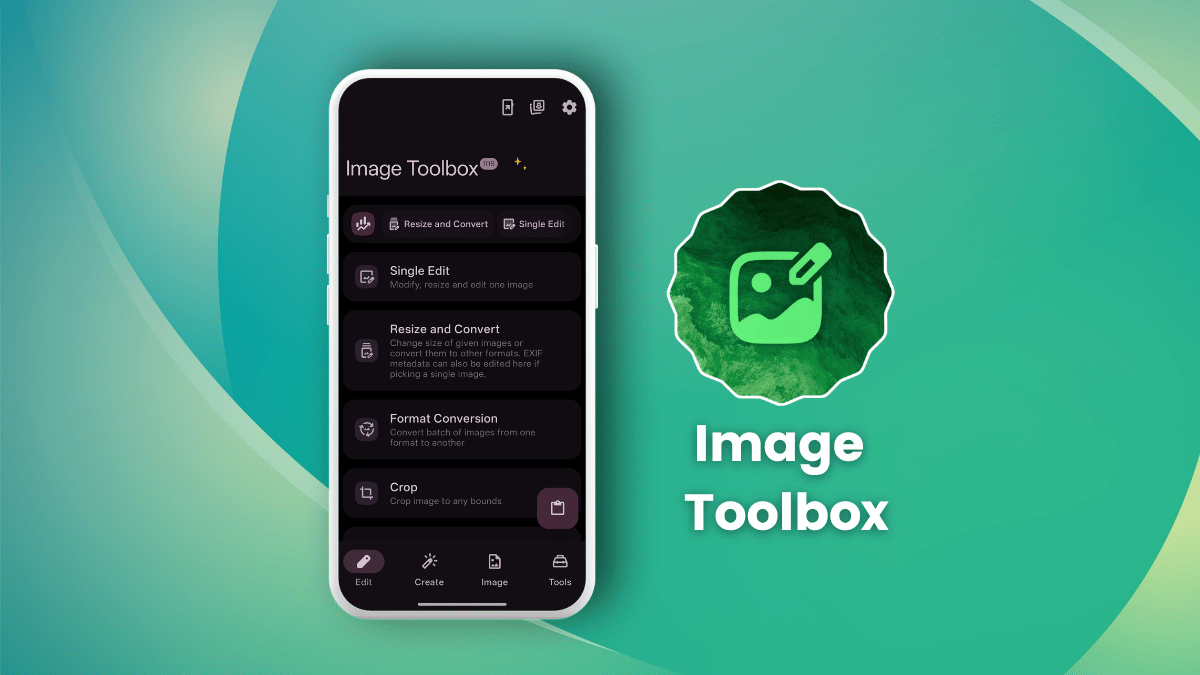
If you are a content creator in 2026, then I am sure you end up juggling through a stack of apps and browser-based tools for the same handful of jobs. One resizes an image, another handles format conversion, a third takes care of watermarks, and a website somewhere tells you the exact pixel dimensions Instagram, X, or YouTube expects.
None of those steps take long on their own, but doing them one after another for every single post does add up.
Image Toolbox is built to make all that easier. It's an Android app that offers resizing, format conversion, watermarking, and platform-accurate exports under one roof.
Working under the name "T8RIN," Malik Mukhametzyanov has come up with Image Toolbox, offering it for free without any advertisements inside the app.
For you, as a content creator, the tools that matter the most are batch processing, format conversion, the 61 built-in export presets sized for platforms like Instagram, X, and YouTube, background removal, and watermarking.
The latter, background removal, comes in both automatic and manual modes, with a choice of models including MlKit, U2Net, RMBG, and BiRefNet.
It's built in Kotlin, uses Image Toolbox Libs for shared components, and Coil for image loading. The whole project is released under the Apache License 2.0.
When you first launch it, Image Toolbox asks you for the usual set of notification and file access-related permissions, along with a dialog that lets you opt out of update checks.
Before I started editing images, I first tweaked the app to my liking.
In the sidebar menu, I noticed that the app had pulled the purple straight off my phone's Dynamic color setting which was nice, and I then turned on "Amoled mode" for getting a deep black-themed interface.