// ITS FOSS — LINUX & OPEN SOURCE
Tether Brings the Apple Continuity Experience to Linux
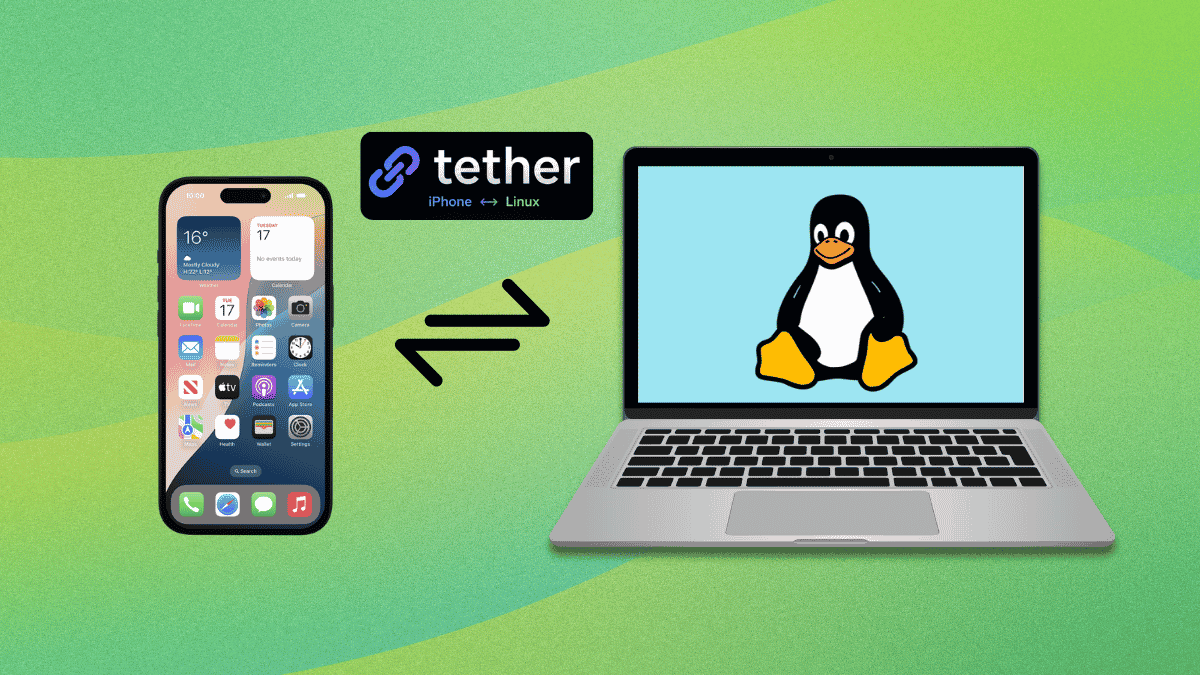
Zack Bartel is a developer who switched to Linux full time and hasn't really looked back at his earlier daily driver, macOS, as something he would return to. There is, however, an exception.
That is Apple's catch-all term for how iPhone, iPad, and Mac talk to each other. It covers a wide range of small conveniences. Copy something on the iPhone and paste it on the Mac. Start an email on one device and finish it on another. Take a call from the Mac even when the phone is across the room.
But, to no one's surprise, there's a gap in its support. It doesn't officially work on Linux. So Zack built Tether, an open source project that replicates pieces of that experience on Linux without requiring a Mac device.
Considering an app whose first release was just a few months ago in May, Tether covers a lot of ground already. Clipboard sync, file transfer, OTP autofill, iMessage, SMS, notifications, and contact sync are all live right now, with some of them being in the beta stage of availability.
A background daemon called tetherd handles inter-device communication on Linux, talking to a CLI and a native GTK4 app for pairing. A SwiftUI iPhone app finds the daemon automatically over Bonjour.
Linux has no supported way into iMessage or SMS, and Zack ruled out the common workaround of proxying everything through an actual Mac.
ancs4linux and BlueFerry supplied enough Bluetooth groundwork for him to build his own path, though both are GPL-licensed, so a clean room C++ rewrite kept Tether licensed under MIT.
To secure it all, he built the pairing process on mTLS, so the iPhone and the Linux daemon each have to prove who they are before anything connects. Security sweeps run regularly on the codebase too via Anthropic's Opus and Fable AI models.
Before you say that KDE Connect already does a lot of what Tether does, know that Zack is aware of its existence and calls it great, but points out that the app doesn't cater to the use cases he had in mind.
For Arch Linux users, Tether is available via the AUR; you can get it by running the following command: