// HACKER NEWS — CYBERSECURITY
The Browser's Main Thread Is Expensive
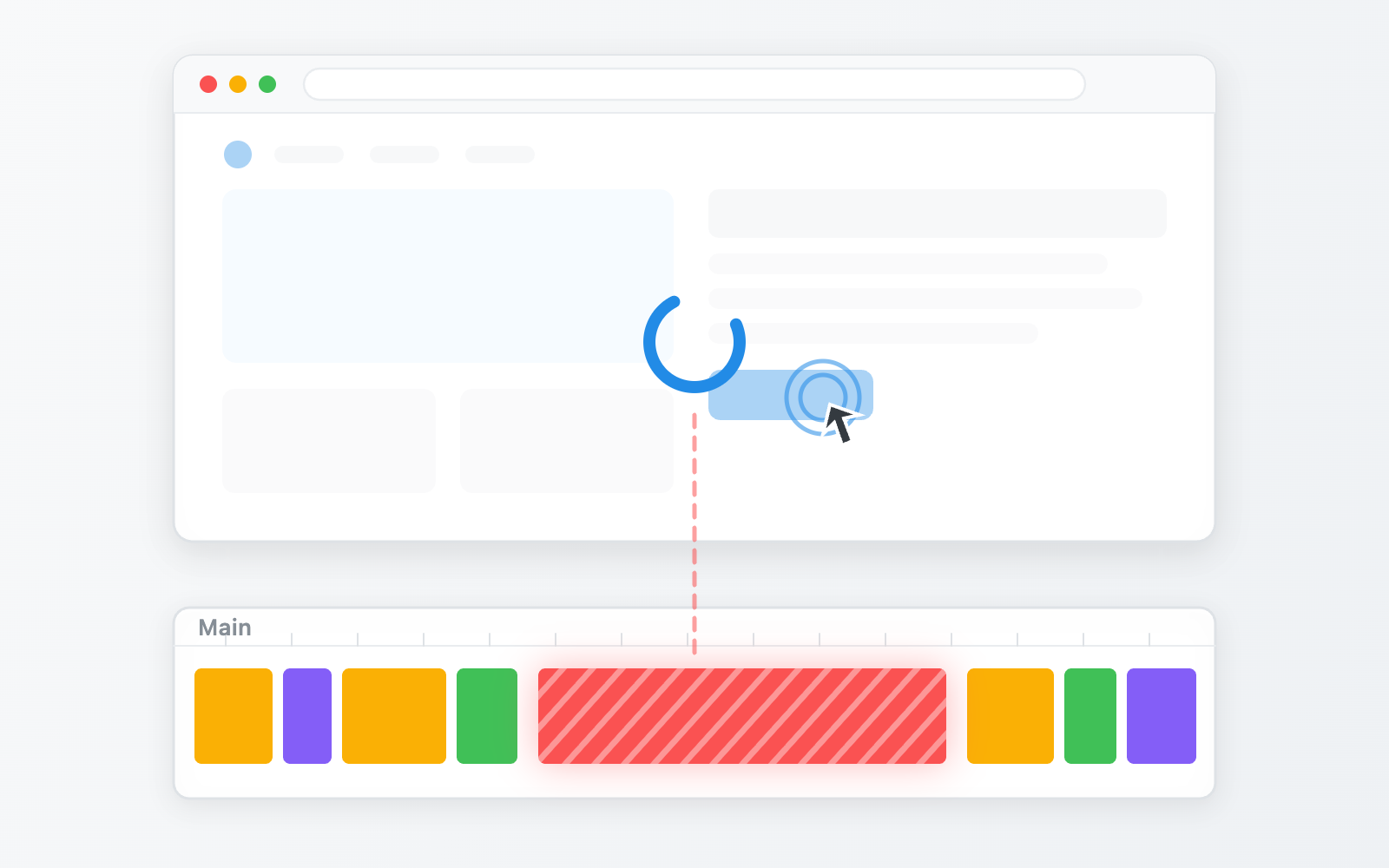
What comes to mind when you hear “frontend optimization”? For most of us it’s things like reducing network requests, shrinking the bundle, or making good use of the cache. Beyond that, maybe cutting down on re-renders or tuning when resources get loaded. The main thread doesn’t usually come up, and there’s a reason for that: on most screens it never becomes a problem. But on screens with a lot of interaction, where data streams in live and scrolling, animation, and input all get tangled together, the picture changes. However much you save on network and bundle size, the screen freezes the moment the main thread gets blocked.
You’ve probably come across a website where scrolling stutters now and then, a button responds slightly late, or the letters you type into a search box show up half a beat behind. It isn’t bad enough to be annoying, but it gets on your nerves in a subtle way. That kind of jank is what a blocked main thread looks like.
When we run into jank like this as developers, the usual reaction is to wonder “is my code slow?” and start picking apart algorithms or looking for wasted computation. In most cases, though, the speed of the code is not the problem. The code isn’t slow. It just happens to be the code that’s holding the main thread.
The browser has a number of threads, but almost everything we can touch from code is concentrated on the main thread. Computation, rendering, event handling, network response handling, and your framework’s internals are all processed there. One resource, a mountain of work.
The browser’s main thread is expensive. Most of the time it doesn’t cause trouble, but once you try to do something ambitious, dealing with the main thread becomes the important part. This article is about how to handle that expensive resource.
Let’s start with what the main thread actually does. Its work falls into two broad categories.
The first is running JavaScript. The code we write, along with event handlers, timers, network response callbacks, and the framework’s internals, all run here. These tasks execute in the order they enter the queue, whenever there is a gap, with no relation to the screen refresh cycle.
The second is drawing the screen. When the DOM or styles change and the screen needs updating, the browser goes through roughly these steps, in order, to produce a frame.
If nothing changed, these steps are skipped entirely, so they don’t necessarily run every frame. Only the final compositing step, which takes the produced output and assembles it on screen, is handed off to the compositor thread1. In other words, most of the front half of the pipeline that draws the screen is the main thread’s responsibility.
For the screen to look smooth, frames have to be drawn at the display’s refresh rate. On the most common 60Hz display, that means 60 frames per second, or about 16.6 milliseconds per frame. And you don’t get to use all of it. Once the browser’s own processing cost is subtracted, the practical budget is usually considered to be around 10 milliseconds2, and on a 120Hz device the budget itself is cut in half.