// ITS FOSS — LINUX & OPEN SOURCE
Getting More Out of KDE Plasma System Monitor
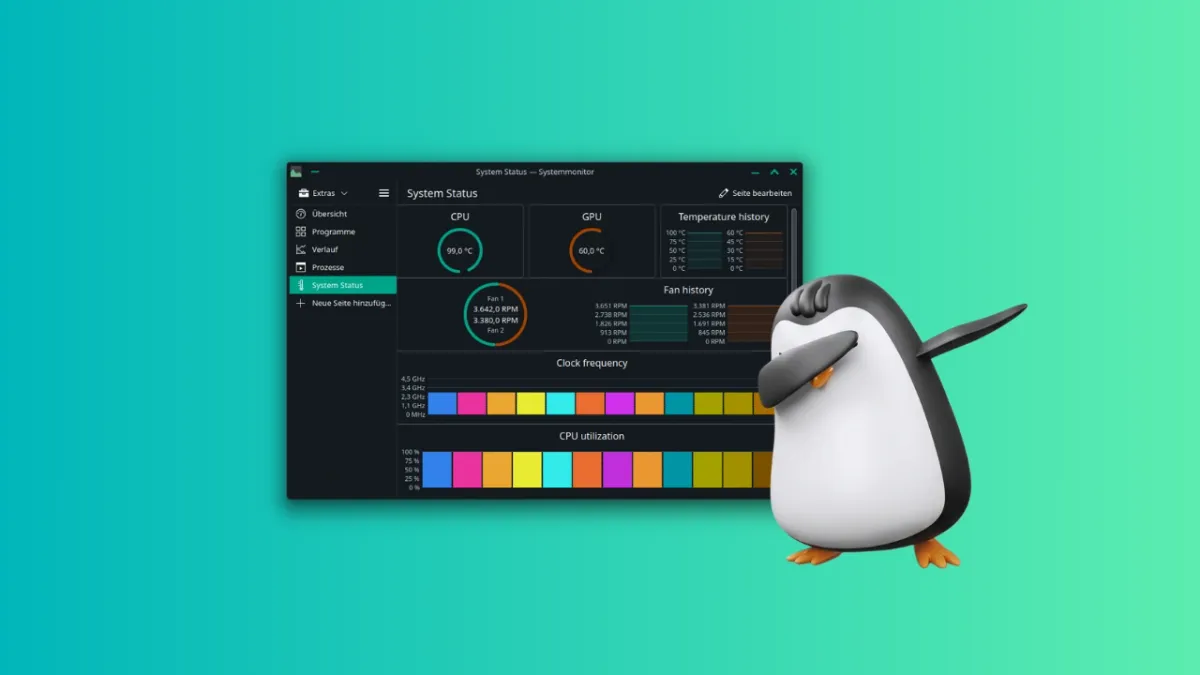
One of the biggest strengths of KDE Plasma is its customization, and the System Monitor is no exception.
I have shown this with KDE Konsole tweaks earlier and now I am here to do the same with KDE System Monitor.
Like most other parts of the Plasma desktop, the System Monitor offers plenty of customization options that are easy to overlook.
Let me show you how to transform the default KDE Plasma System Monitor into a clean and powerful system monitoring dashboard.
Before we start customizing the System Monitor, let's first understand how KDE Plasma System Monitor arranges sensors on the page.
This gives you a general idea of how different elements are organized inside the System Monitor.
At the top is the window layer, where everything is arranged in rows. Inside each row is a column layer, where items are arranged into columns.
Within each column, you'll find sections. These sections hold the individual widgets that display system information.
When you enter the System Monitor's edit mode, which we'll cover in the next section, you can hover over the layout to identify these different layers.
As you add or modify widgets, clicking on a particular layer only shows the options available for that layer.