// 9TO5MAC — MOBILE & WEB
Apple releases iPadOS 27, here’s what’s new for iPad
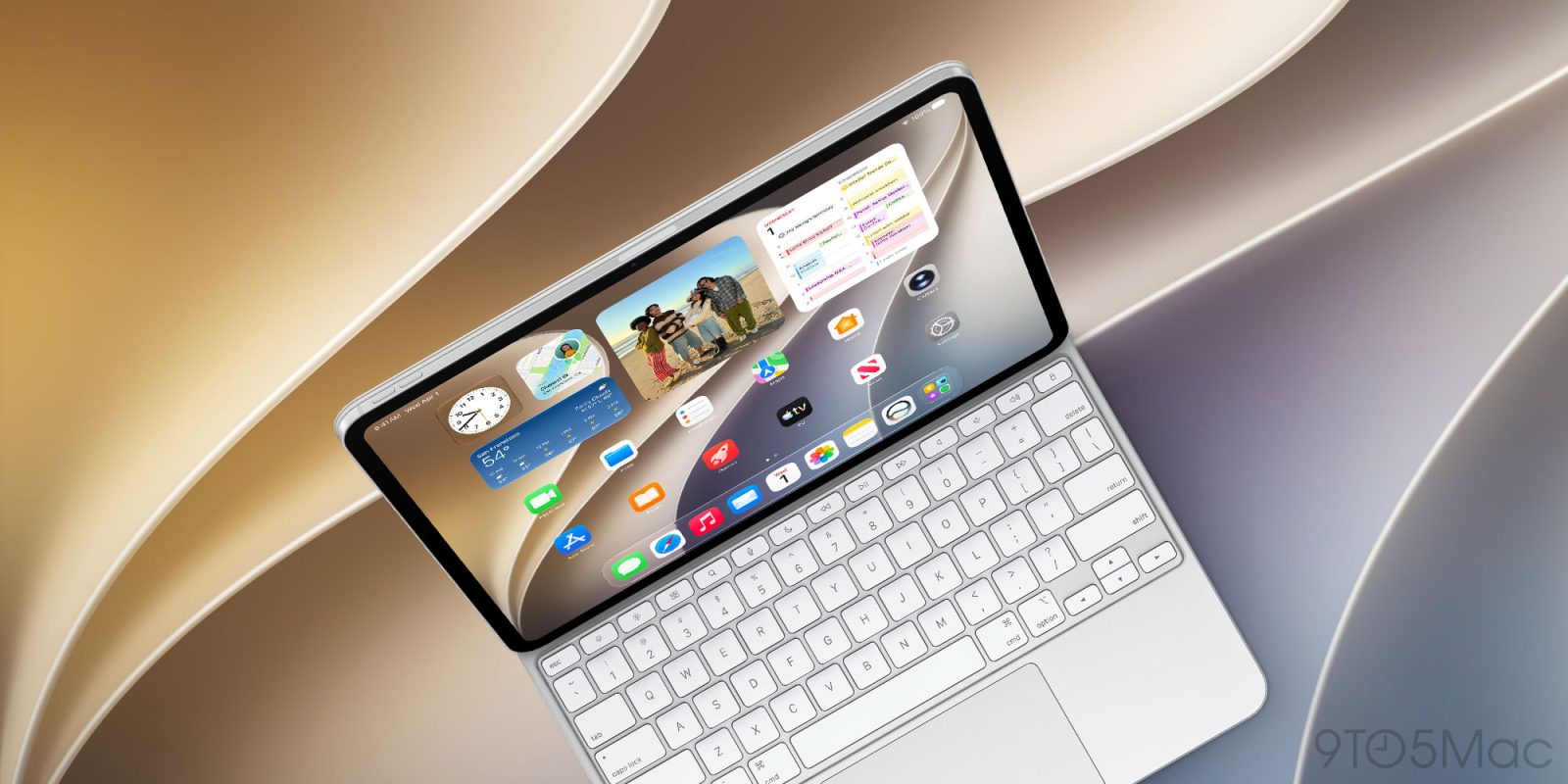
Apple has just launched iPadOS 27, its next major software update for iPad users. Here’s what’s new.
iPad users, Apple has just released iPadOS 27, its next major software update. Users can install the update in Settings ⇾ General ⇾ Software Update.
Compatible iPads are listed here, with five models dropped that could run iPadOS 26. No longer supported are the iPad Pro 12.9‑inch (3rd generation), iPad Pro 11‑inch (1st generation), iPad (8th generation), iPad mini 5, and iPad Air 3.
Apple’s tentpole iPadOS 27 addition is Siri AI, a major upgrade to the assistant that’s more intelligent and personal than ever. Siri AI can be accessed via the dedicated Siri app, by swiping down on the screen, or by any previously supported methods like “Hey Siri” or holding the Side button.
Spotlight search has been integrated with Siri, and is one of my favorite changes this year.
Several iPadOS 27 updates make the iPad feel more like a Mac, such as adding app names to the status bar and letting you make the menu bar always visible.
System apps benefit from a lot of new iPadOS 27 features too. You can find details through the following links for new features in Messages, Notes, Photos, Calendar, Mail, Reminders, Maps, Safari, and Apple Music.
Apple also has a suite of upgraded Screen Time features and other parental controls in iPadOS 27. And the update brings a variety of system improvements and bug fixes that should make your iPad run smoother than ever.
Which new iPadOS 27 features are your favorites? Let us know in the comments.
FTC: We use income earning auto affiliate links. More.