// ITS FOSS — LINUX & OPEN SOURCE
Elecrow CrowPanel Advanced HMI Display Review: A Tinkerer's Touchscreen
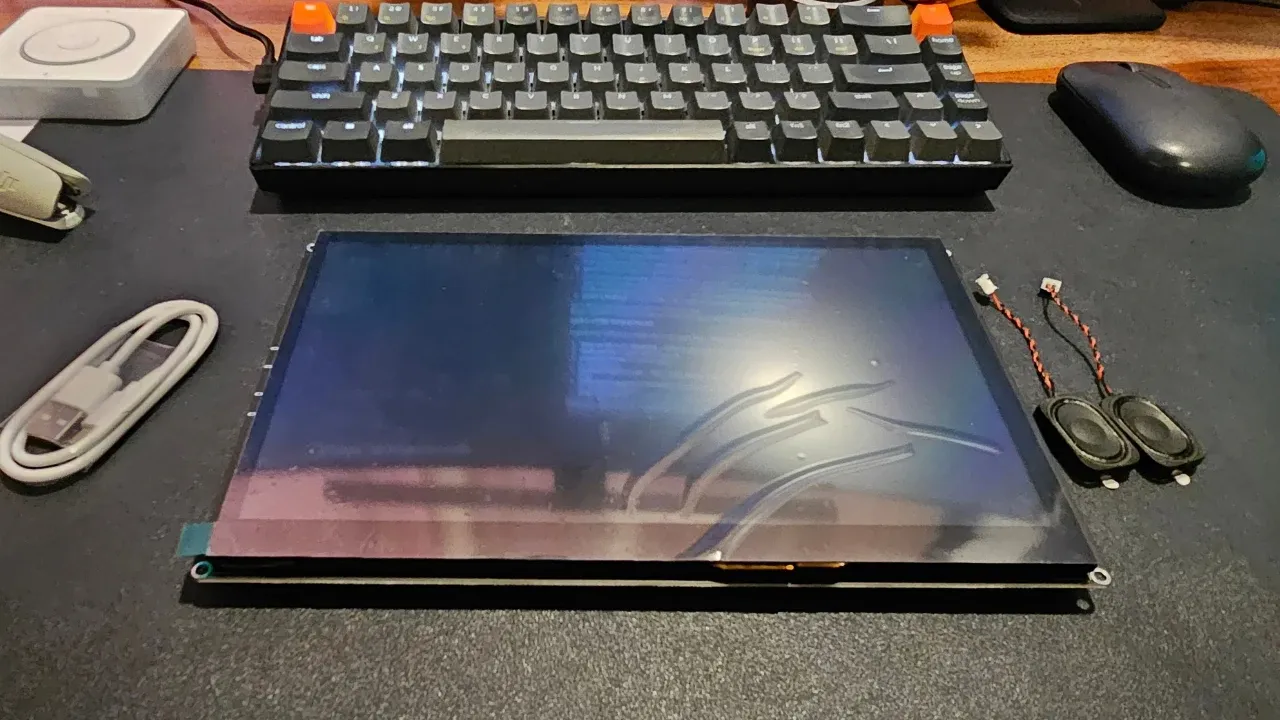
I have been (mostly) happily running Home Assistant in my homelab for a while now. There is a tiny issue, though. While my wife and I can manage most devices through the companion app, kids or guests cannot.
Reaching out for a phone is not always convenient, and of course, I cannot handover my phone to guests. Home Assistant's own Voice Preview device is not a capable device if you are not connected to the cloud.
So when I got my hands on the Elecrow CrowPanel Advanced 10.1", a big ESP32-P4 touchscreen, I got some ideas. I could configure this device to allow access to some connected devices and put it in a common area where anyone in the household could use it.
It's an ESP32 device, and I already tinkered a little with ESPHome on my ZimaBoard so it was kind of a natural fit.
Note that this is a developer board with a screen. It's not an out-of-the-box smart home panel you just take out of the box and mount on your wall. If you enjoy tinkering, building things, you will like the device. If you want something that just works, it's not for you.
Here is a quick look at what this device is packing inside it:
It has interesting hardware, especially since it also offers a camera connector. My package came with a camera as well, not sure if it is included in all the boxes.
And then you also get the options to connect speakers on their own port. Which means that if you connect a LLM to your Home Assistant, and get a reply in audio format. There is a battery connector in case you want to use the device without direct power connection. The I2C, UART, and GPIO pins are accessible, too.
This is where I spent most of my time, and where you should set your expectations.
Out of the box the board runs Elecrow's demo firmware, which shows off the screen but does nothing useful really. But it is still good enough to test the touchscreen and its connectivity. You would at least know that the device is working.