// 9TO5GOOGLE — MOBILE & WEB
OpenAI launches Dots, new ‘always-on agents’ you can assign tasks to
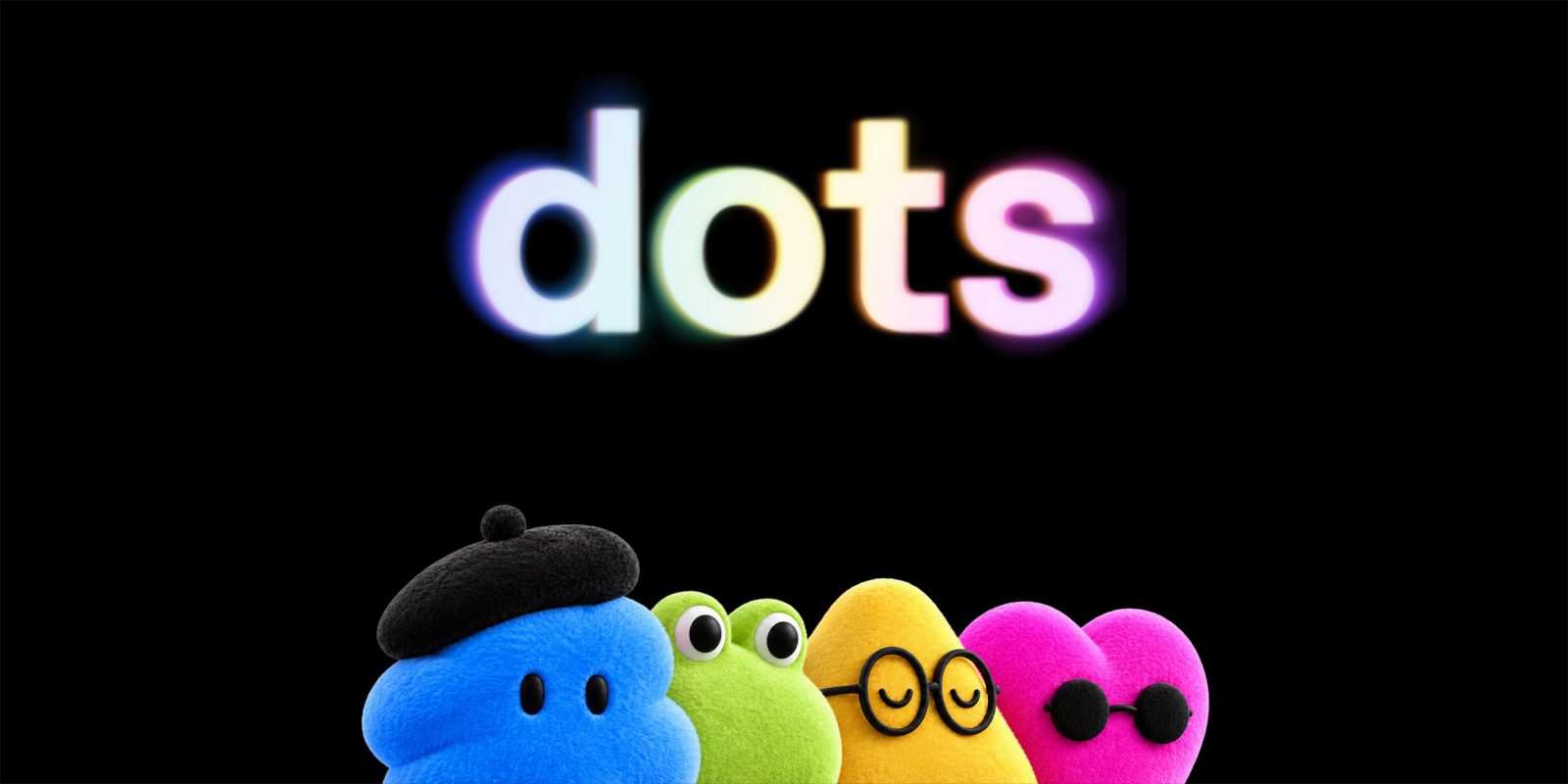
Right as Meta’s Muse avatar agent has taken the AI world by storm, OpenAI is today announcing Dots as “always-on agents” you can customize to your needs.
Out of OpenAI DevDay 2026, Dots are OpenAI’s answer to giving users a way to assign tasks to an AI agent to run in the background. The company says that Dots, powered by GPT-6 Astra, has “their own cloud computer” and can use that to accomplish tasks that you have assigned. You can interact with Dots via ChatGPT, Slack, or Teams once they’ve been set up.
Dots are frontier intelligence that have your back. Powered by GPT‑6 Astra, they have their own cloud computer, learn from feedback over time, and can work towards your goals 24/7. Through our ecosystem of plugins, they can readily connect to over 4,000 apps, giving them the tools to help wherever you need them.
Your dot is always within reach, whether it is through ChatGPT, Slack, or Teams. You can ask questions, explore ideas, and give feedback along the way; or you can simply hop on a voice call when you need to talk something out. The more you work together, the more your dot learns your preferences, how you think, and what good looks like to you.
Some examples of how OpenAI says it is using Dots internally include having Dots automatically investigate bugs when they are mentioned in Slack, creating working apps when a “new design” is ready, and more. Another example saw a Dot notice on its own that an invoice had not been sent, to which it created that invoice for the user’s approval. Dots do “proactive research” when not actively working on a task through read-only connections with tools you’ve connected.
As the user, you can see a Dot’s cloud computer at any time while it is working on a task, as well as giving it permission to use your computer.
OpenAI further adds that Dots follow the same permissions and controls as ChatGPT, and they also support custom rules around when they can act on their own or require approval from you.
Dots are available today to Pro and Business Premium users, with Enterprise users also able to try it out when workspace admins approve it. One Dot is included with these plans, with OpenAI saying you’ll be able to add more in the future. Dots must be created via the ChatGPT desktop app, but can be interacted with via the mobile app after that.
Follow Ben: Twitter/X, Threads, Bluesky, and Instagram
FTC: We use income earning auto affiliate links. More.