// HACKER NEWS — CYBERSECURITY
Automating Wi-Fi setup testing on the ESP32
The first thing a customer does with a new Wi-Fi-enabled connected product is complete the Wi-Fi setup, so it has to be reliable and work every time, no matter what else changes in the product.
This is something we can do with the Groundrun system. Let's set it up.
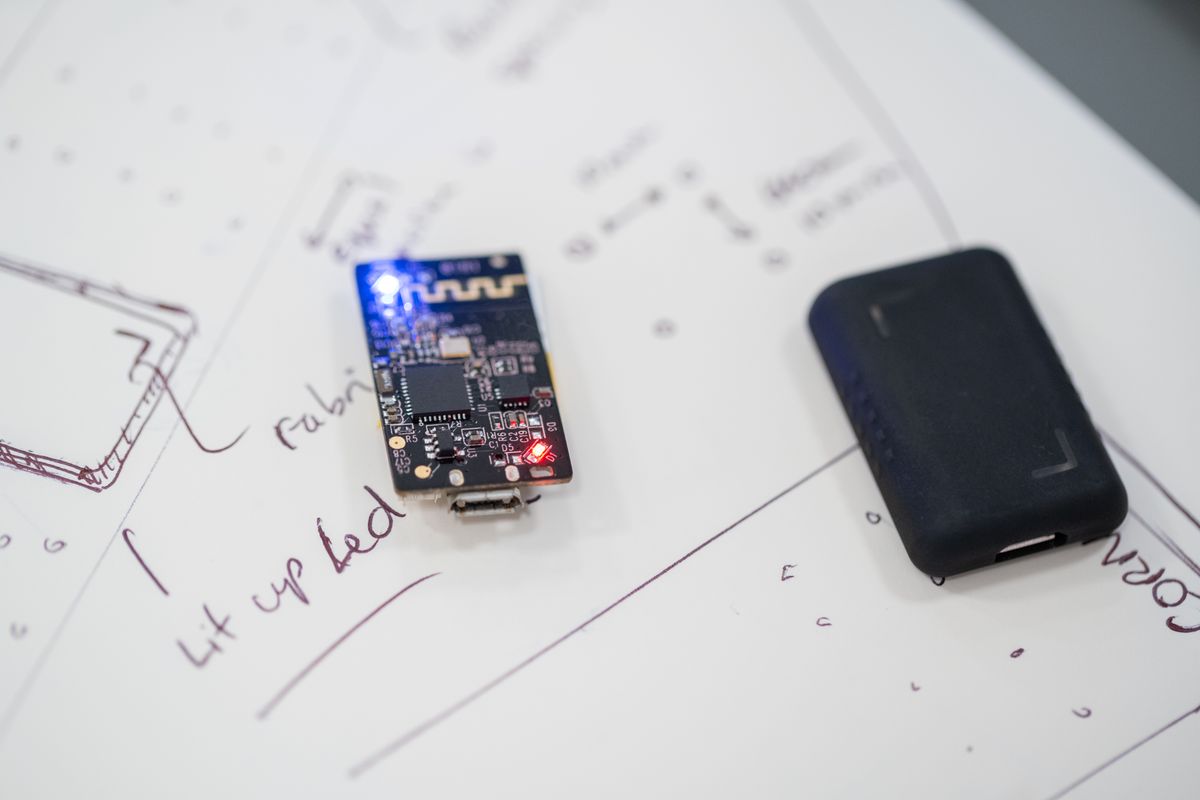
First we need to get the hardware in the loop, the same way we did for testing an over-the-air (OTA) update on the ESP32. We used an ESP32-C6 devboard from Espressif for this test. With Groundrun, getting it into the loop is easy: we just do this:
There are several ways to set up a Wi-Fi network on a connected device, and the ESP32 family supports a range of them:
The phone stays connected to the home network and broadcasts the credentials as a stream of encoded packets; the board, not yet on any network, picks them up by listening in promiscuous mode.
In the typical case, you already have a smartphone app. In our case, we needed something simple, just to demonstrate how to connect the Wi-Fi, so we asked Claude to develop a quick app. It needs to send the right bytes at the right moment for each of the five methods, and nothing more. The app doesn't need to look good, and it doesn't.
For an existing connected product, the firmware is already written. In this case, we need to follow the best practices for getting AI development tools to understand it (see how to start using AI coding agents in connected product development).
We asked Claude to develop the firmware code for us. The Groundrun system helps here, by providing the skills for working with ESP32 firmware, and we ended up with code files that implement each of the Wi-Fi setup mechanisms above.
Because Claude Code has access to the rig and its hardware, it does this work independently. We give it the plan, the goal, and the stopping condition, so it knows what to aim for and when to stop.
The resulting firmware code looks like this (this is the WPS mechanism):