// ITS FOSS — LINUX & OPEN SOURCE
Collabora Office 26.04 Keeps AI Optional and Refines Writer and Calc
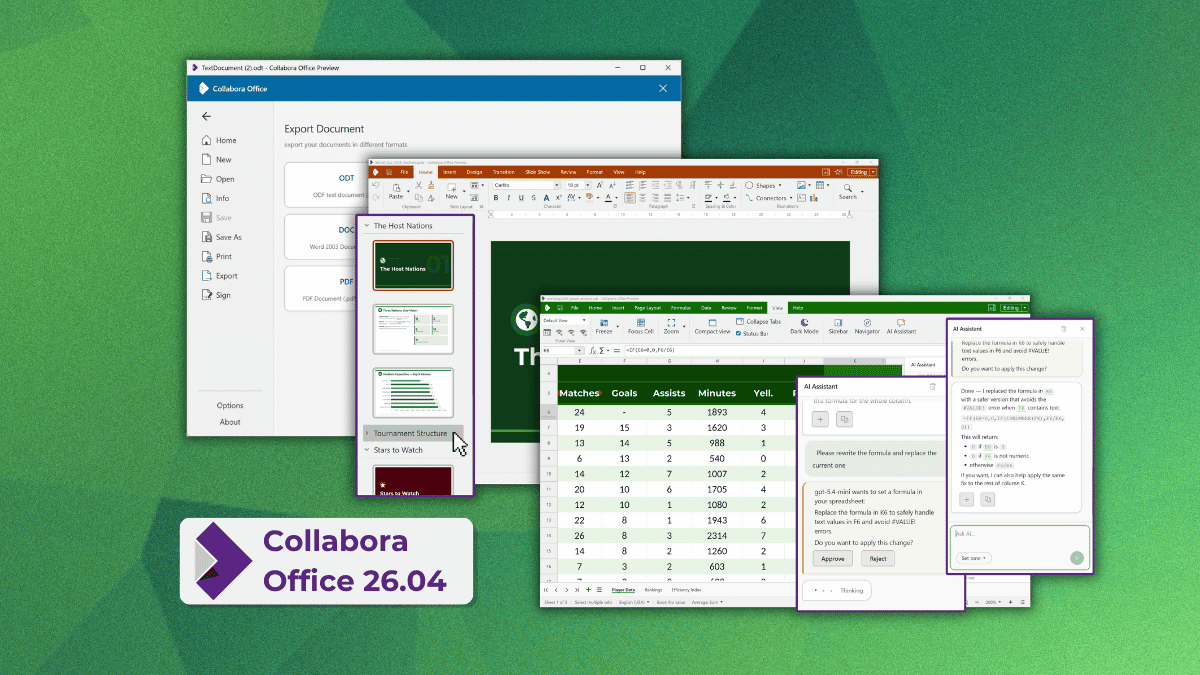
Collabora Productivity got into the desktop editor market last year when they launched Collabora Office, an office suite built on the same rendering mechanism as Collabora Online, but focused on offline use.
They came up with this so people could get the same editing experience online or offline without needing to re-learn their way around the interface. It is still LibreOffice code under the hood, but instead of the traditional VCL interface, it uses a JavaScript, CSS, WebGL, and Canvas stack.
That shared codebase means updates move fast between Collabora's products, which is why the first major update for Collabora Office already pulls in features from CODE 26.04.
Open any one of the three editors without a document loaded, and you will land on the new start screen. It will show your recent documents with file type icons, a template gallery, and provide quick access features like AI and document signing once a file's open.
Of course the bigger addition here is AI. I know you are tired of seeing every other open source office suite dipping themselves in Clanker paint, but fret not, as Collabora has kept AI off by default.
Switching it on means picking your own model provider, self-hosting a model, or choosing a vendor you already trust, and plugging in your own credentials. Collabora stays out of the loop entirely and the assistant gets no access to your documents unless you hand it over yourself.
When enabled, it drafts and rewrites text in Writer, sorts out broken formulas in Calc before you go hunting for the error yourself, and turns rough notes into an actual slide deck in Impress.
It can also generate images and summarize documents when you don't have time to go through them manually.
For the rest of the release, Office 26.04 ships what the CODE 26.04 release came with.
So for Writer, you get a reworked document comparison tool that color-codes insertions/deletions and any moved content while flagging who made each change and when.