// ITS FOSS — LINUX & OPEN SOURCE
Terminal Text Editor: Like VS Code But in Linux Terminal
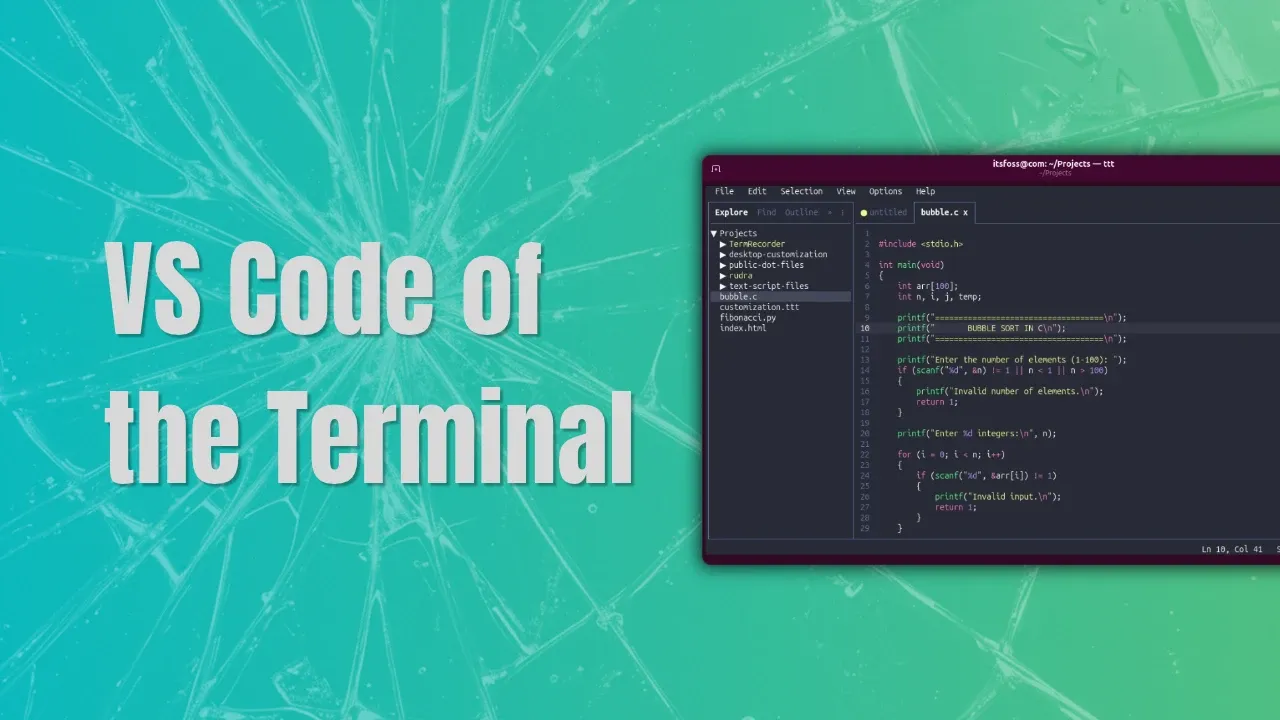
I spend a lot of time in the terminal. Whether it is writing scripts, editing configuration files, or managing remote servers, the terminal remains the place where I get most of my work done. But when a project becomes slightly complex, I often find myself reaching for the comfort of a graphical code editor like Zed.
I'll be honest, while I can appreciate why people love tools like Vim and Neovim, learning a modal editor has always felt like more of a commitment than I was willing to make.
My editing needs are fairly straightforward, and spending hours memorizing keybindings, configuring plugins, and building a workflow from scratch never felt like a worthwhile investment for me.
That's why TTT caught my attention. The project describes itself as a real alternative to VS Code, Zed, and Sublime Text that runs entirely inside the terminal.
On Linux, to install TTT, you can use the official installer script. That's fashion these days. No package, just an installer script curled right into your system.
This will install the binary in ~/.local/bin. To run it, open your favorite terminal and use the command:
There are also prebuilt binaries available to download so that you can place it in a folder of your choice and use it in portable mode.
Instead of trying to emulate traditional terminal editors, it aims to provide a modern, GUI-like editing experience in the terminal application with virtually no configuration required.
Sure, not all of these features might be unique, but they are good to have in an editor.
TTT uses textmate-go for syntax highlighting, a Go implementation of Microsoft's TextMate engine that powers syntax highlighting in VS Code. It claims to support more than 120 languages out of the box, giving it a surprisingly mature editing experience for a terminal-based application.