// ENGADGET — HARDWARE & GADGET
Kindle Colorsoft Signature Edition 2026 review: Nice, but doesn't justify the price
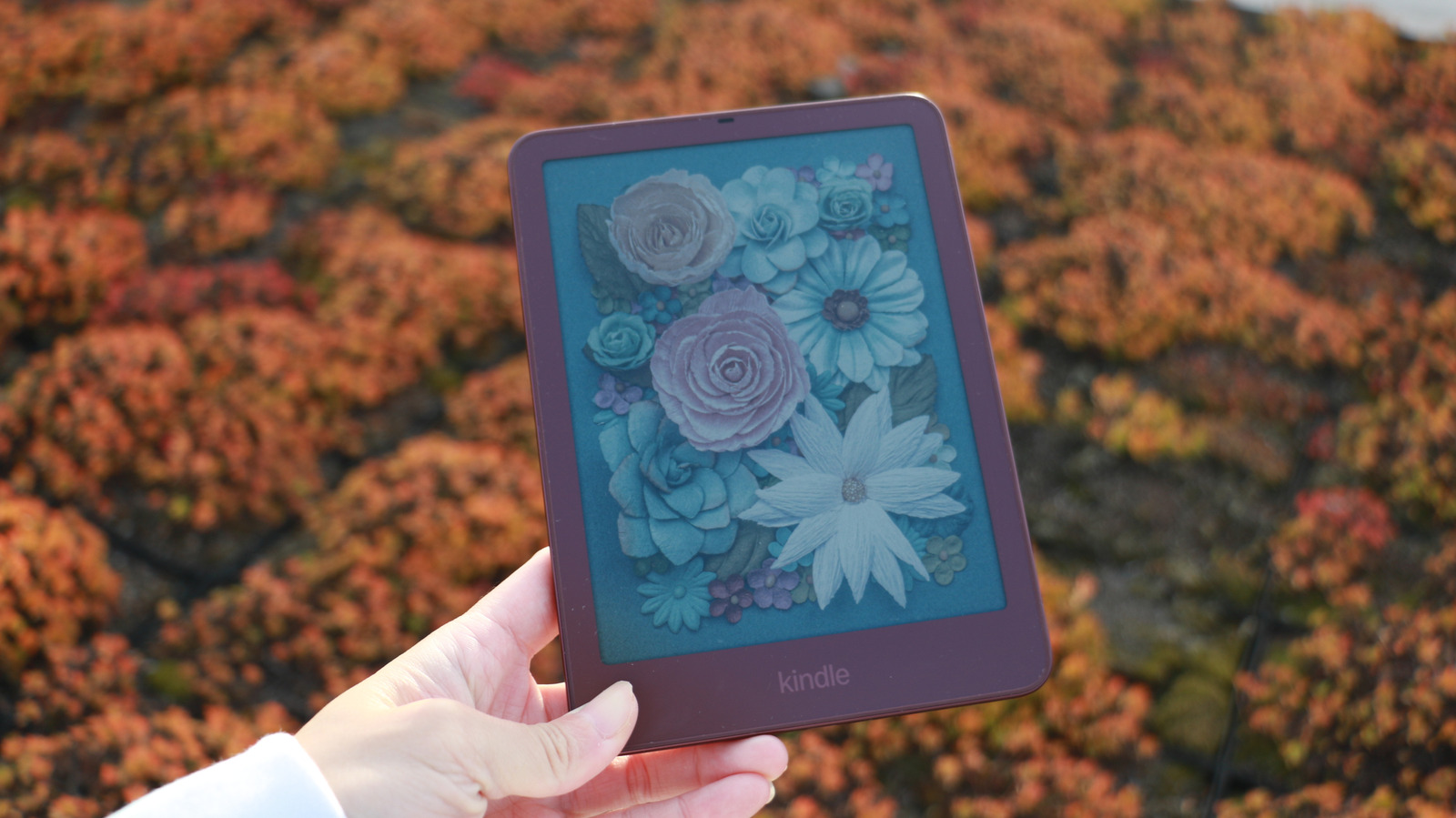
$320 is a lot to pay for a well-balanced device in an aluminum case with pogo pins.
We may receive a commission on purchases made from links.
I'll be honest. I don't have much to say about the new Kindle Colorsoft. It doesn't feel like that long ago that Amazon introduced its first-ever color ereader, but that was in October 2024. At the time, the product was novel for the company, as it presented a technical challenge. How was Amazon going to offer a paper–like color reading experience while preserving the quality of a black-and-white ereader? The company used nitride LEDs and custom algorithms to finetune how lights were beamed through individual pixels to maintain contrast levels, and also made sure that pages turned faster than previous devices. The original Colorsoft only came in one color, which felt like a staid container for its relatively vibrant contents.
Cut to October 2026 and Amazon has a new Kindle Colorsoft Signature Edition for the world. It's a bit thinner than before, with edge-to-edge color and a new color option: Fig. With this variant, the Colorsoft's front bezels also match the rest of the case, so you won't see unsightly white or black bars like on previous models. This Kindle Colorsoft generation starts at $290, but if you pay $30 more, you can get the Signature Edition, which is what I'm reviewing here.
Everything else about the Kindle Colorsoft is basically the same as its predecessor. You're still getting a screen with 300 pixels per inch (ppi) for black-and-white reading, or 150 ppi for color. Nothing has changed about the color representation here – you still get the "vibrant" mode in addition to the standard rendering to get a bit more saturation out of your pages.
I'm not a huge graphic novel reader, and most of the pops of color in my Kindle Colorsoft experience are in the book covers in my Library or when I highlight particular sentences or passages. They were pleasant little touches, but for me, the novelty of paperlike color E Ink displays has largely worn off. If I'm not reading something where the colors are actually integral to the storytelling, I don't need an ereader to deliver a broad spectrum of shades.
All that is to say – the reading experience on the Kindle Colorsoft this year is largely the same as last year, minus the early troubles our reviewer (and some other people online) encountered with yellow bands on their devices. Since Amazon resolved to fix the issue, it should not impact current and new Colorsoft models, and I did not notice this during my testing. I didn't experience any obvious issues when reading on the Colorsoft either.
Pricing is a bit confusing to compare, so bear with me. At launch in 2024, Amazon only made a "Signature Edition" of the Colorsoft available, and it started at $280. This year, the Colorsoft starts at $290 for the base configuration with 16GB of RAM and goes up to $320. That additional spend will get you the Signature Edition's aluminum case, pogo pins on the back, twice the storage and the choice of black or maroon. So you can say the Colorsoft costs between $10 and $40 more than before, and for that money you're mostly getting a slightly more refined flush-front design and thinner chassis.
In real life, much as I appreciated the aesthetic tweak, it didn't have a huge impact on my reading experience. I never struggled to hold the previous Colorsoft (or many other recent Kindles) so the thinner body, while nice, wasn't a huge change. The new Fig finish was a nearly identical match for my Burgundy iPhone 18 Pro, though, so if you love matching your gadgets to each other, this might be worth considering.
More importantly, I liked the sturdiness and premium vibe of the aluminum housing. My Kindles live in my cluttered purses, and their ability to withstand scratches is crucial. In my two weeks with the new Kindle Colorsoft, I've thrown it in my backpack with no regard for its safety, and it's still managed to remain pristine. I did decide to p