// ITS FOSS — LINUX & OPEN SOURCE
Jadens JD-166 Review: Portable, Inkless Thermal Printer on Linux
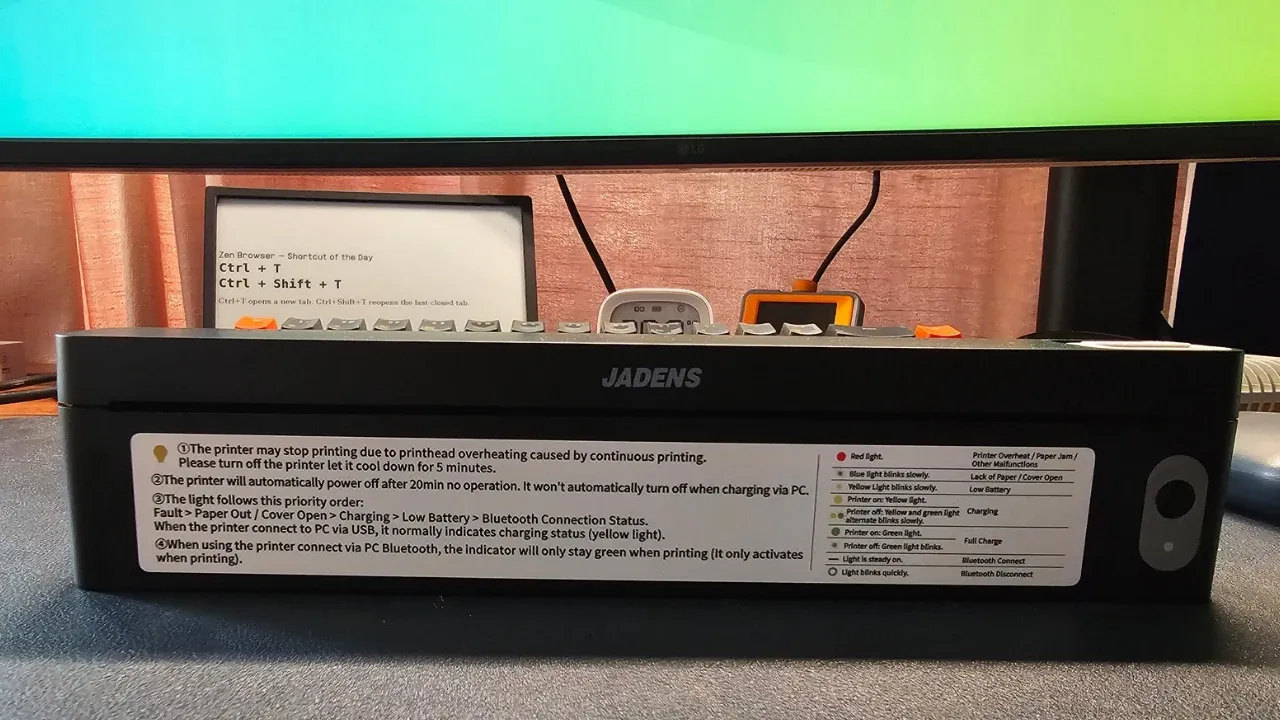
For Linux veterans, printers can induce nightmares. Although, lately, printer support has vastly improved on Linux, at least for the newer models.
Last week, I got my hands on Jadens JD-166, which is very different from all the printers I have used so far.
It's a tiny device, almost a foot wide and only an inch tall and yet you can use A4 papers with it. There is no concept of ink here as it is a 'thermal printer'.
Think of the last time you needed a printed agreement or a form while traveling, and had to hunt for a print shop. This is the problem the JD-166 is trying to solve. The tiny form factor means that you can carry this printer with you easily.
It does that document printing job well enough, but there are trade-offs you should know about before buying one.
✅ Truly portable, prints full A4 pages without ink or toner✅ Works over USB on Ubuntu once the right driver is installed❎ Black and white only, no duplex, and needs special thermal paper❎ Linux driver is only available as a .deb file
Here is what I know about the JD-166. I have left placeholders for the details I still need to confirm.
Pricing starts at US $60 and the printer comes with 10 sheets of A4 thermal paper. That's important, and I explain it in the next sections.
A thermal printer does not use ink or toner. It heats the paper itself, which is coated to darken where the printhead touches it. That is why the JD-166 is small, and also why it prints only in black and white.
Text and simple graphics are fine. Photos get reduced to black and white, so do not expect anything close to a photo printer. You stick to document printing and that's what the Jadens also indicates in the official file format support.