// ENGADGET — FINANZA
10 iPad widgets you probably didn't realize existed
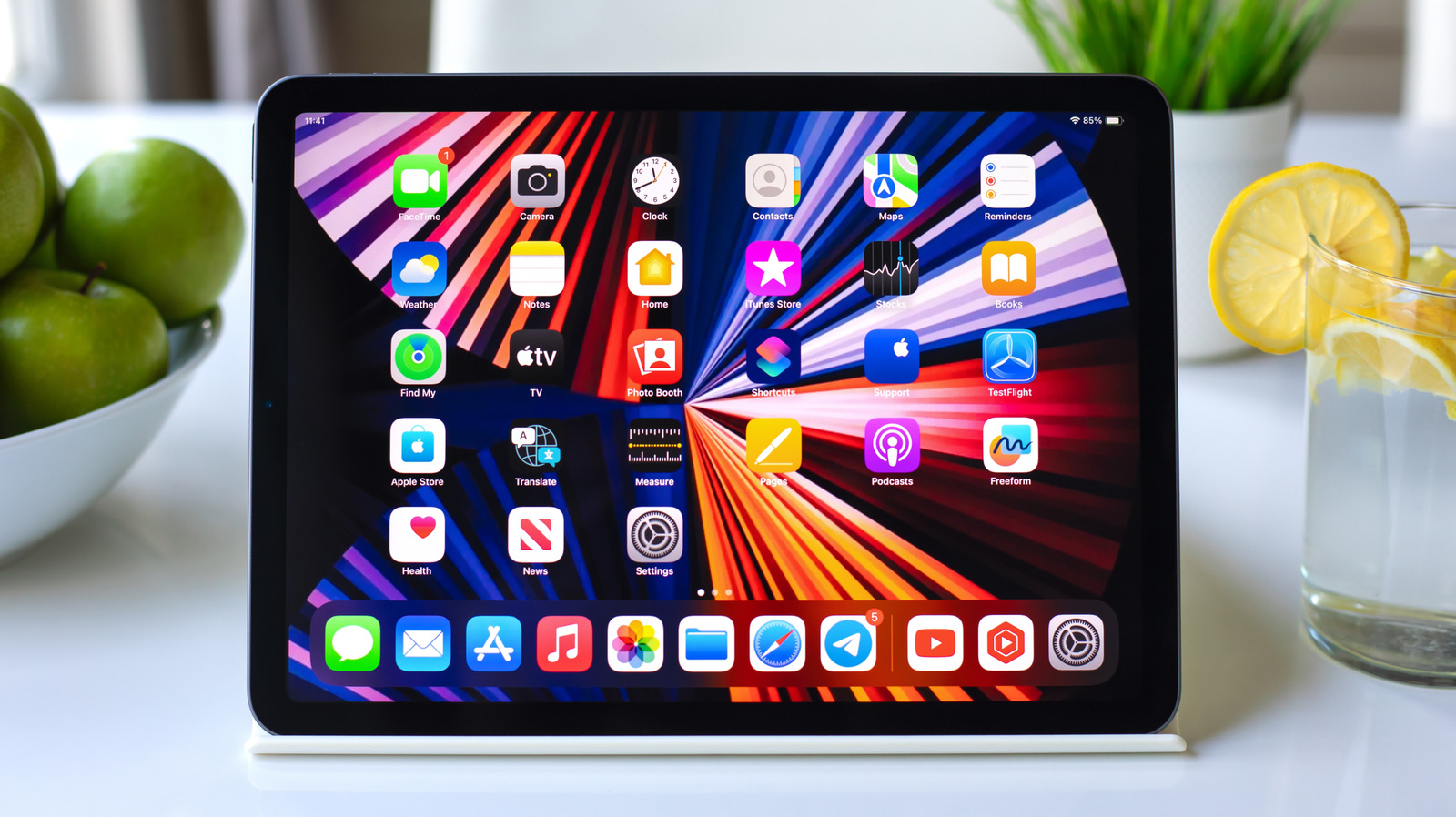
Basic iPad widgets are great, but there are many more exciting ones to discover.
Many iPad owners never truly grasp the capabilities of widgets. Adding a basic Weather, Calendar or Photos widget is limiting; they can do a lot more than just show the temperature and your next meeting, but many of the most useful ones go unnoticed. With iPadOS 27, Apple even brought extra-large widgets to Today View, giving them more room to take advantage of the bigger screen.
Between Apple's in-house widgets and third-party options, there's something for new iPad owners and power users alike to discover. To explore your available widgets, touch and hold an empty spot on the Home Screen of your iPad, tap Edit and then hit Add Widget. Depending on the app, you may have various options, including different sizes. Then, just place the widget where you desire.
In case you weren't already aware: you can turn an existing app icon into a widget by touching and holding it, then picking a widget size from the menu. However, not all apps support this.
If you're always waiting on a package, Parcel's widget is great for showing upcoming deliveries without opening the app. It supports up to 300 delivery services, including UPS, USPS, FedEx, DHL and Amazon Logistics, and there's also a map widget in different sizes that shows where a package is.
Getting deliveries into the app is easy. By connecting your Amazon account, orders are added automatically, which means no copying and pasting tracking numbers. For everything else, you can scan a shipping label's barcode with the built-in scanner instead of typing out a long tracking number.
Parcel isn't limited to your iPad, either. It has a native Mac app, and you can manage your deliveries from any browser through Parcel's web access, so your packages follow you across devices. The free version can only track three deliveries at a time and doesn't include push notifications. To remove those limits, you'll need a Premium subscription for $6.99/year.
Instead of launching the Home app every time you need to make a quick change, its widget lets you take quick actions like switching lights on/off. It's one of Apple's interactive widgets, meaning it can perform a task without opening the app. It also works for locking and unlocking garage doors, as long as you have a HomeKit-compatible controller.
You have full control over what the widget shows. Simply touch and hold it, tap Edit Widget and pick the accessories and scenes you want it to display. Using this, the bedroom lamp or scene that turns everything off at night stays within reach, while accessories you rarely touch stay out of the way.
The widget works with smart accessories like bulbs, LED strips and smart plugs, and what you can control depends on the accessories you own. It's built for simple on and off actions, though; you still have to open the app to adjust values like brightness and color, or setting the thermostat. For quick toggles from the couch, however, it's much faster than digging through rooms in the app.