// ENGADGET — HARDWARE & GADGET
How to choose the right gaming monitor for you
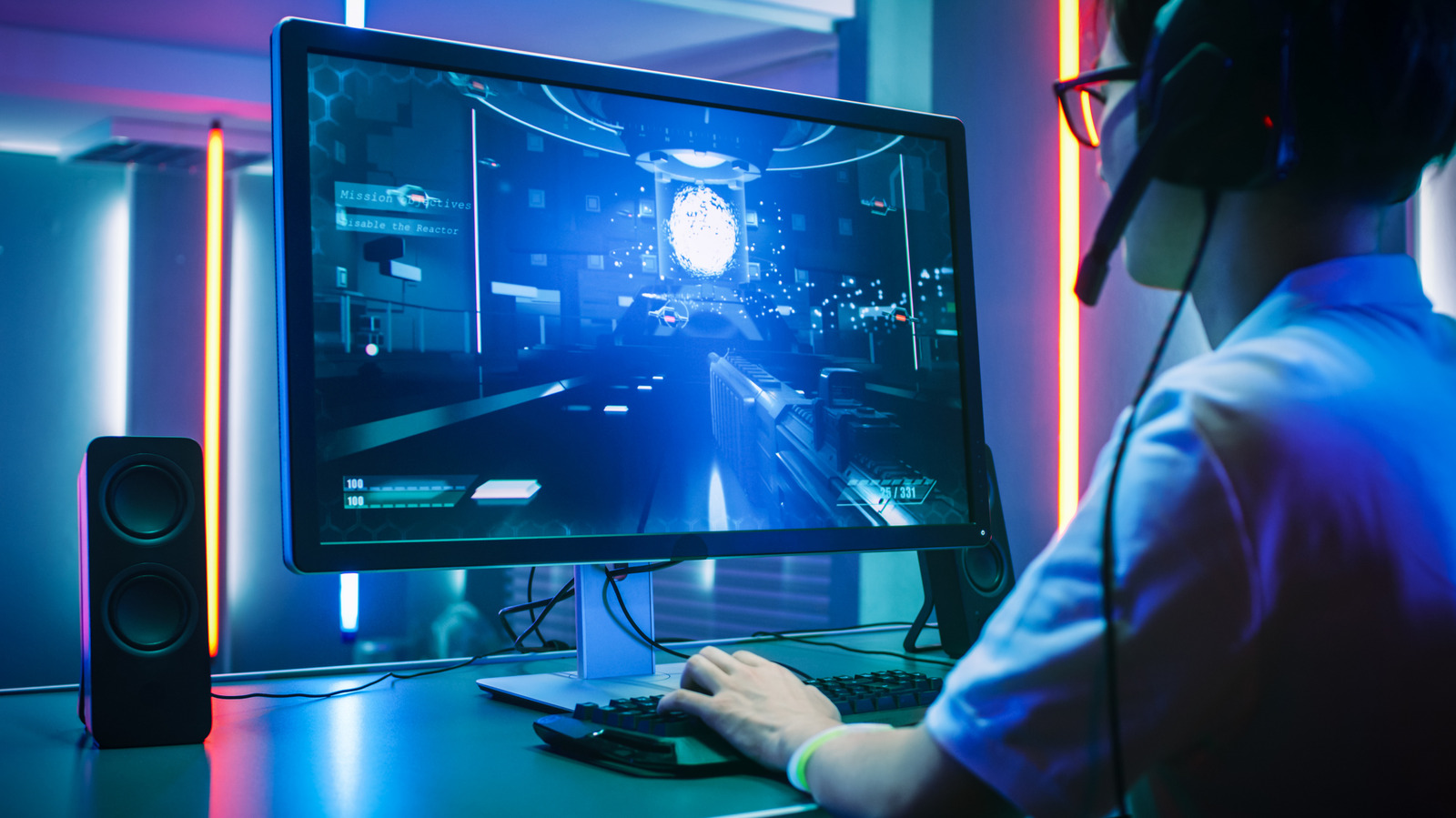
Refresh rates, size and screen technology all play a part.
Choosing the right gaming monitor is a lot like choosing the right outfit. You wouldn't wear the same thing to the gym as you would to the opera, while lifting weights in a tuxedo would inconvenience you and damage the tux. Similarly, a monitor that works great for one PC or console isn't necessarily the best fit for another and gamers who enjoy competitive shooters should look for different options than those who enjoy visually rich single-person narratives.
Only you can figure out exactly which monitor you should buy. To do that, you'll first need to understand which specs best suit your needs. Modern monitors have a lot more to them than resolution and frame rate. Different display panel types suit different uses and picture quality can vary between models. A quick crash course on the basics will get you ready to shop for the monitor you'll be happiest with in the long run.
Before we dive into specs, the first thing to consider when picking a gaming monitor is the existing hardware you'll pair it with. If your PC is decked out with an NVIDIA GeForce RTX 5090 or 5080, you can run games on the bleeding edge of performance and have real reasons to consider a top-shelf monitor with a 4K panel and an ultra-high refresh rate. On the other hand, if you're plugging the monitor into an older or lower-powered GPU, consider the performance you'll actually get in the games you play. If you aren't routinely seeing frame rates above, say, 90 fps, there's no reason to invest in a 240Hz monitor. Resolution and refresh rate move in opposite directions, so if you play competitive shooters and esports titles like Valorant, it's best to sacrifice pixels for higher frames, whereas players of visually rich first-person titles like Control: Resonant can make the opposite trade-off or find a balance in the middle.
Once you know the spec range you're looking for, you can move on to other concerns such as panel type, HDR and brightness support, port selection and VRR technologies like G-Sync. Size and resolution are personal preferences. Resolution is tied to graphical performance, but there are reasons other than gaming to consider a 1440p or 4K display. If you do a lot of photo or video editing, or if you watch a lot of video, a higher resolution can be worthwhile. Size is related to resolution, in the sense that the smaller of two monitors with the same resolution will have a higher pixel density — a finer level of image detail, which can be measured in pixels per inch (PPI).
Esports players often prefer smaller monitors around 24 inches in order to see everything at once, while single-player gamers who value immersion may gravitate toward 27 inches or higher. Larger displays also support multitasking better, but work best when you sit farther back. You'll also need to consider your ideal aspect ratio. A squatter shape is better for productivity tasks, but 16:9 widescreen is the de facto aspect ratio for gaming. Some gamers enjoy ultra-widescreen monitors to fill their peripheral vision, but in games where HUD information is crucial, ultrawide displays can force you to look away from the action.
Refresh rate is often considered the most essential specification when choosing a monitor, and should be the first thing you settle on. As noted above, your GPU should dictate this. Monitors are now shipping with up to 1,000 Hz in lower-resolution modes, at which point you'd question whether you can see the difference even if you could push your hardware that far.
The average PC gamer in September 2026 was running an RTX 5070, 5060, 4060 or even a 3060, according to the Steam Hardware Survey. Accordingly, the sweet spot for the average gamer is likely to land somewhere from 144Hz to 240Hz on a 1440p or 1080p panel. If you have a similar configuration but want to play competitive, lightweight games, you may want to look for a 1080p panel with a significantly higher frame rate. Players of th