// TOM'S HARDWARE US — HARDWARE & GADGET
Apple MacBook Pro with PROLED XDR Display review: The screen that every Mac deserves
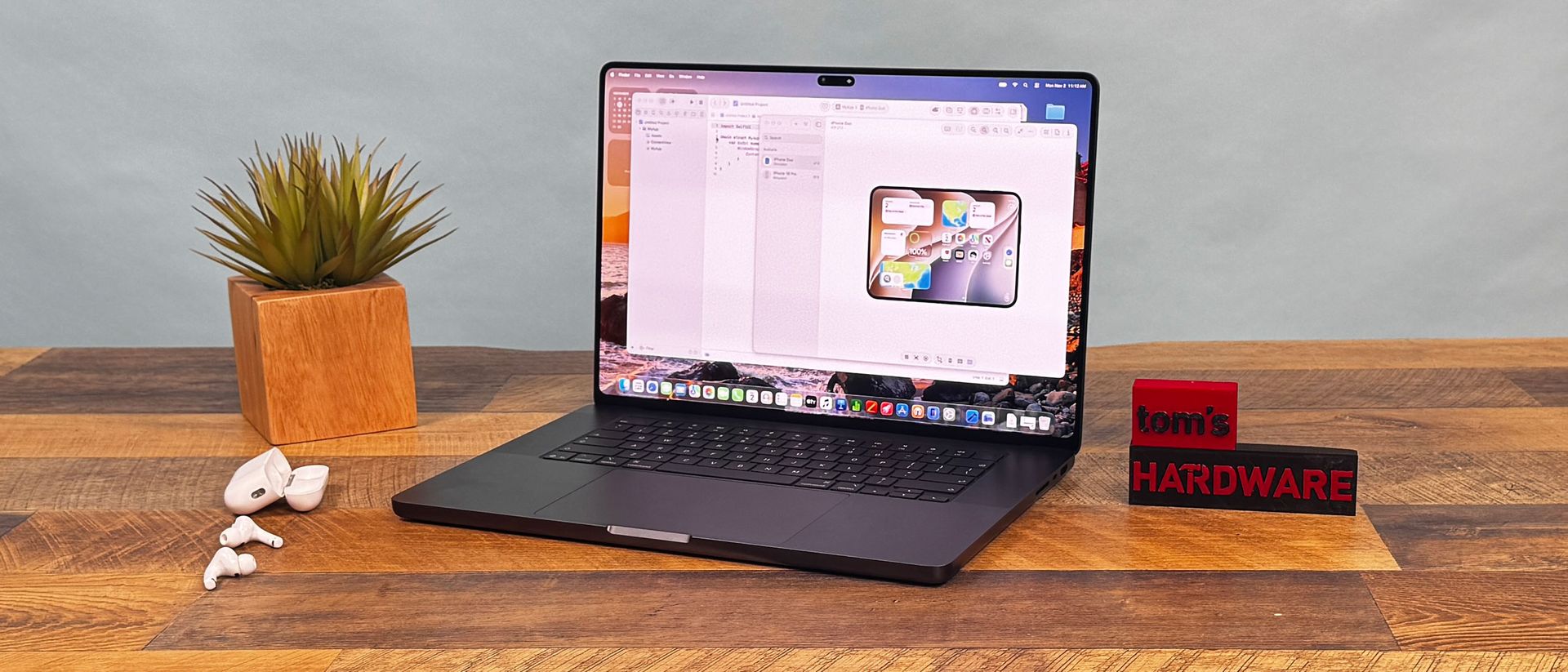
The MacBook Pro with PROLED XDR display has the best laptop screen I've ever seen, and other changes like reducing weight and moving from the notch to the Dynamic Island add to an excellent, albeit very pricey, machine.
Why you can trust Tom's Hardware
Our expert reviewers spend hours testing and comparing products and services so you can choose the best for you. Find out more about how we test.
Apple's fans know all about waiting. The company tends to polish features, especially in hardware, that some other laptop vendors release faster. The MacBook Pro with PROLED XDR Display ends the wait for two long-requested elements: OLED and touch, both on the platform for the very first time.
That comes at a price. The 16-inch version we have on review starts at $3,399 and is $7,899 as configured. 14-inch systems start at $2,899. Those are $400 bumps over the existing MacBook Pros with identical chips, making the OLED panel a pricey upgrade.
But those who can afford these high-end systems will get the best display on a Mac, if not laptops in general. Add in a significant reduction in weight and improved speakers, and you're getting a lot of small tweaks that add up over what was already one of the best laptops, even if many of the aesthetics haven't changed.
From a distance, this new MacBook Pro doesn't look all that different from the existing models, which are still on the market, which may upset some people looking for a more sweeping redesign. They come in the same colors (space black, like our review unit, and silver) and they largely have the same design. Technically, the new OLED display stack allows for a thinner system, but our 16-inch review unit, at 16 mm thick, is just 0.8 mm shorter than an equivalent 16-inch MacBook Pro with Liquid Retina screen.
The aesthetic differences show up once you open the laptop. For one, the notch in the display is gone with the PROLED XDR models, replaced with the Dynamic Island from the latest iPhones. Let us rejoice; while the notch never bothered me on phones, it always felt in the way, dipping into the macOS menu bar. This isn't perfect, but it feels far more natural and has added functionality (see "Dynamic Island and macOS Touch Features" below).
Then there's the glowing Apple logo on the back of the lid. We haven't seen this for years, and while I could take or leave it, it's definitely going to make some fans nostalgic. The old glowing Mac logos used light from LCD backlights, getting the effect with no extra power. Because OLED panels only light up pixels when they're needed, Apple is making an aesthetic choice to power the logo with a bit of extra electricity this time. The glow matches the brightness of the display, which is a fun touch. I didn't see anything in settings to disable it.
Apple's bezels are thinner, which has let Apple stretch the display to 16.3 inches on this new 16-inch model (it's still 14.2 inches on the smaller one). The displays are now rounded on all four sides. On the Liquid Retina displays, they're rounded on top to match the curves in the chassis, but are squared on the bottom. It's not a huge change, but it does cut some pixels on the bottom of the screen and looks a bit like an iPad.
Get Tom's Hardware's best news and in-depth reviews, straight to your inbox.