// ENGADGET — MOBILE & WEB
Why Apple's HomeView relies so heavily on your iPhone
It all comes down to convenience and personalization without sacrificing privacy.
"There's no product in the world better designed to be your intelligent personal hub than iPhone."
That's the statement newly minted Apple CEO John Ternus made during his opening remarks at his first iPhone event this year. It should be no surprise then, that the device holding so much of your data would play a vital role with a separate "intelligent personal hub" that stays inside your home.
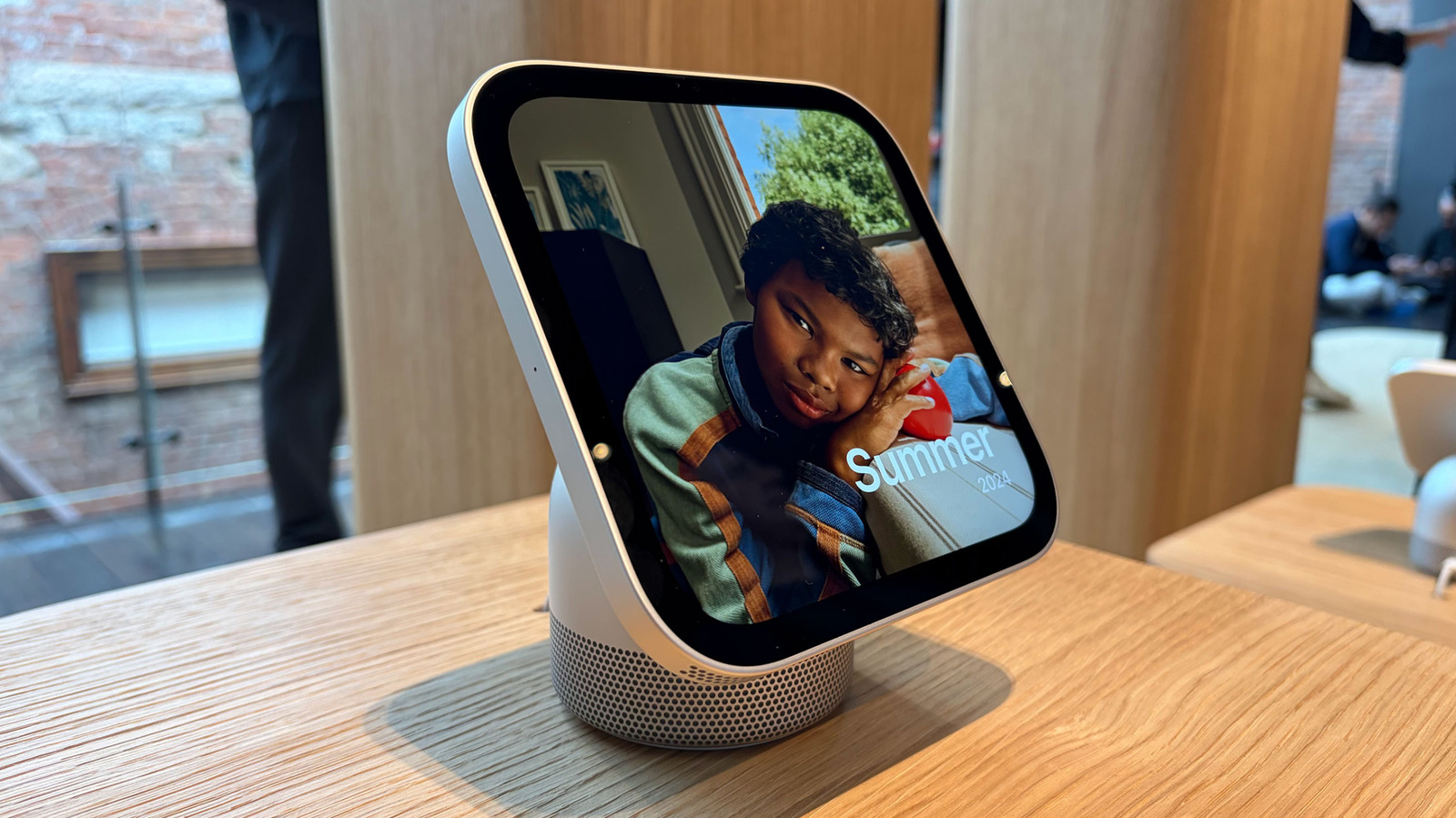
This week marks the arrival of the HomeView, Apple's long-rumored smart display that was announced last month. As I explained in detail in my review, it's basically a combination of several gadgets in one. It's both a visual interface and a smart speaker that is always listening for your Siri queries. It's a smart home hub for a range of connected devices. It's a sous chef in the kitchen, and it's a FaceTime station when you need to catch up with friends and family. Heck, it's even a digital photo frame.
The HomeView doesn't run apps though. It performs all those functions, and more, by mirroring the apps that you have on your iPhone or iPad. Instead of allowing you to download software from the App Store, the HomeView's system works like CarPlay does in your car. It shows you the compatible apps you've already installed on your phone or tablet, as well as Apple's core suite, including Calendar, Messages, Reminders and Weather.
This is just one of the reasons an iPhone (or iPad) needs to be close by for the HomeView to work.
"When we design home products, we always keep three things in mind," Cecilia Dantas, a member of Apple's Home product marketing team, told me. "They have to be intelligent, personal and private."
Since Siri AI needs all those apps to be able to provide the very personal context that makes its answers more intelligent and conversational, Apple needed a way to grant it that access that didn't compromise your privacy. Having your iPhone be the only container for that information and requiring it to be around for your data to be accessible helps keep it safe from prying eyes when you're away.
As a more general home hub, the HomeView has to work for every member of your household so they can turn lights off or see who's at the door. But it shouldn't be showing them every text message you get from your parents or revealing your calendar invites and inadvertently ruining surprises. This privacy is why, in addition to the built-in face and voice recognition, the HomeView relies so heavily on an iPhone or iPad.
"Everything that feels natural on a phone is now available in a subtle, glanceable device that gives you what you need in the moment," VP of hardware engineering Matthew Costello said. "It recognizes you and shows you your information, but when you step away, it's gone."