// ENGADGET — MOBILE & WEB
11 types of smart gadgets to consider pairing with your Ring doorbell
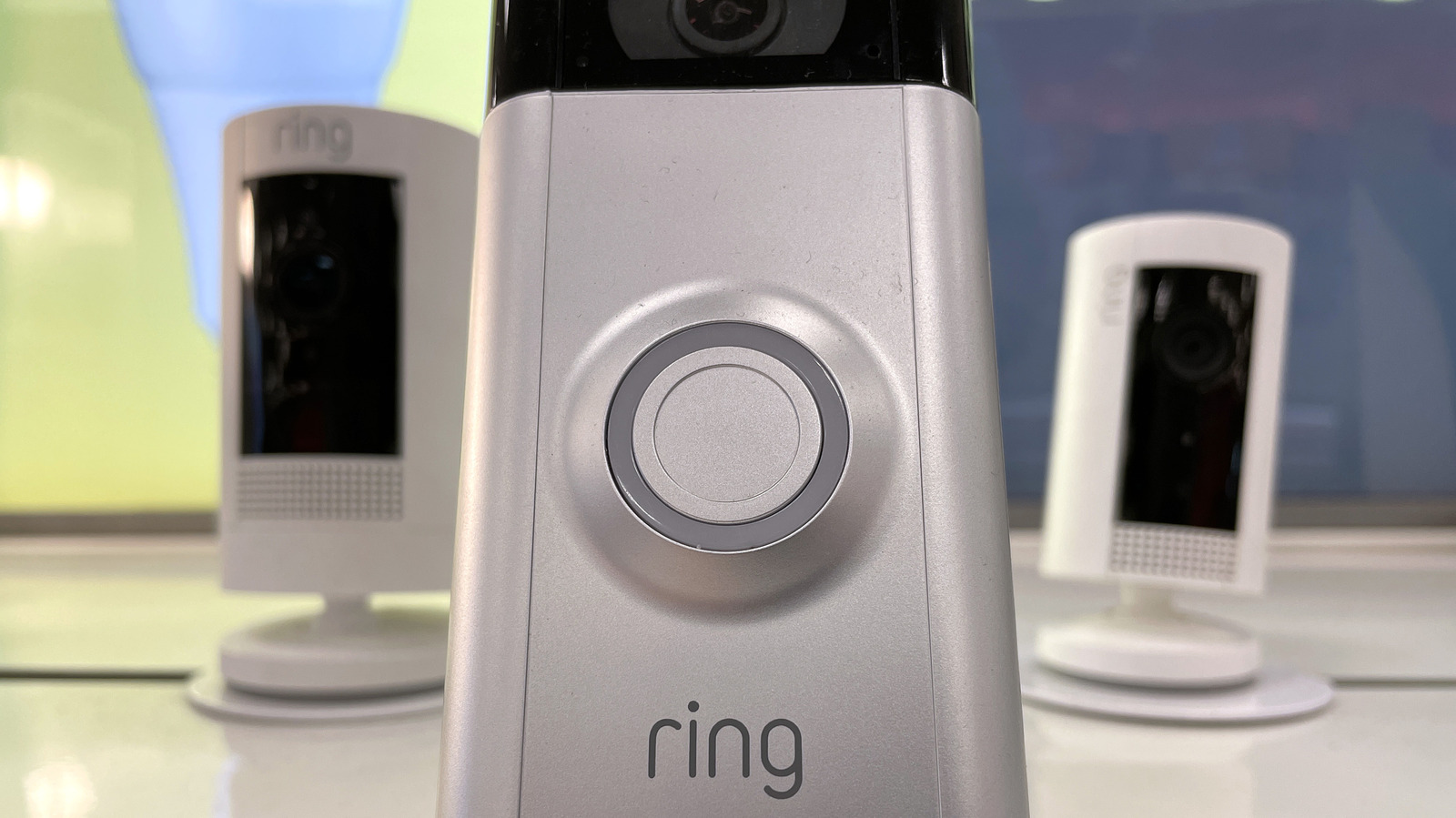
Your Ring doorbell can work in tandem with lots of other smart devices.
Your Ring doorbell can be so much more than just a doorbell. Of course you're familiar with its helpful functions, like high-resolution video up to 4K, Live View, Two-way Talk, 3D Motion Detection and night vision. What you may not know is that your Ring doorbell can seamlessly connect to all kinds of other smart home gadgets.
The Ring's compatibility with so many smart home devices can make your life much more convenient by simply pairing them and controlling them all through the Ring app.
Why limit your view to just your porch when you can pair wired and wireless cameras throughout your entire property? Ring alone offers more than two dozen security camera options to pair with your doorbell, including indoor and outdoor spotlight and floodlight cameras. If you're looking to pair a camera not made by Ring, you can do so through the Ring Alarm Pro Base Station and Ring ONVIF support. This enables your Ring system to pair with dozens of other brands, as long as their cameras are ONVIF-compatible.
Besides cameras, your Ring doorbell is directly compatible with Ring panic buttons, window and door sensors, glass break sensors, sump pump monitors, smoke and carbon monoxide listeners, and air-quality monitors — all controllable through the Ring app — for even more peace of mind. It's important to note, however, that some of these sensors and accessories may require the Ring Alarm Base Station hub to connect directly with the Ring app. It's a good idea to check your Ring app to find out which accessories are directly compatible.
You can also connect certain smart locks directly through the Ring app without needing the Ring Alarm Base Station. If you already have the Ring Alarm Base Station, however, your options increase quite a bit as more manufacturers make smart locks that can be connected to your Ring through the base station via Z-Wave radio frequencies. These locks allow you to lock and unlock your door through the Ring app, a PIN or your key.
Through the Ring app, you can set up a wide range of lighting options, like outdoor spotlights, steplights, floodlights, wall lights and path lights... even some that are solar-powered. By adding outdoor lighting options, you not only improve your Ring doorbell's camera performance with extra light, but you can also create customized lighting zones, turn lights on and off when you're not home, and program the lights to illuminate when motion is detected.
If your home is already equipped with landscape lighting, you can still connect it to your Ring system through the Ring transformer so you can control it through the Ring app. Third-party wireless smart bulbs and other lighting accessories, however, can't be directly connected through the Ring app. But there are workarounds. For example, with the Ring outdoor smart plug, you can turn any "dumb" lights (like most holiday lighting and inflatables) into smart ones by simply plugging them into the smart plug and controlling them with the Ring app.
Taking advantage of your Ring doorbell isn't limited to outdoor devices. For example, if you own a compatible smart thermostat, you can connect it to your Ring app and control your home's climate right from the Ring dashboard in your app.
And if you want a better look at what's going on outside your home, there's no better way than on a big-screen smart TV. Through an Amazon Fire TV or Fire TV Stick and the Alexa app, all it takes is a simple voice command through your Alexa remote to show you the front door. Fire TV systems even support picture-in-picture, which pops onto your screen as soon as your doorbell button is pushed. But Ring viewing is also available with newer Samsung Smart TVs through Samsung's SmartThings smart home platform. While the experience isn't quite as smooth as with Fire TVs, the SmartThings app does let you connect your Ring doorbell and manually open the camera to view it on the SmartThings das