// ENGADGET — MOBILE & WEB
5 cool Amazon Echo Show features you shouldn't overlook
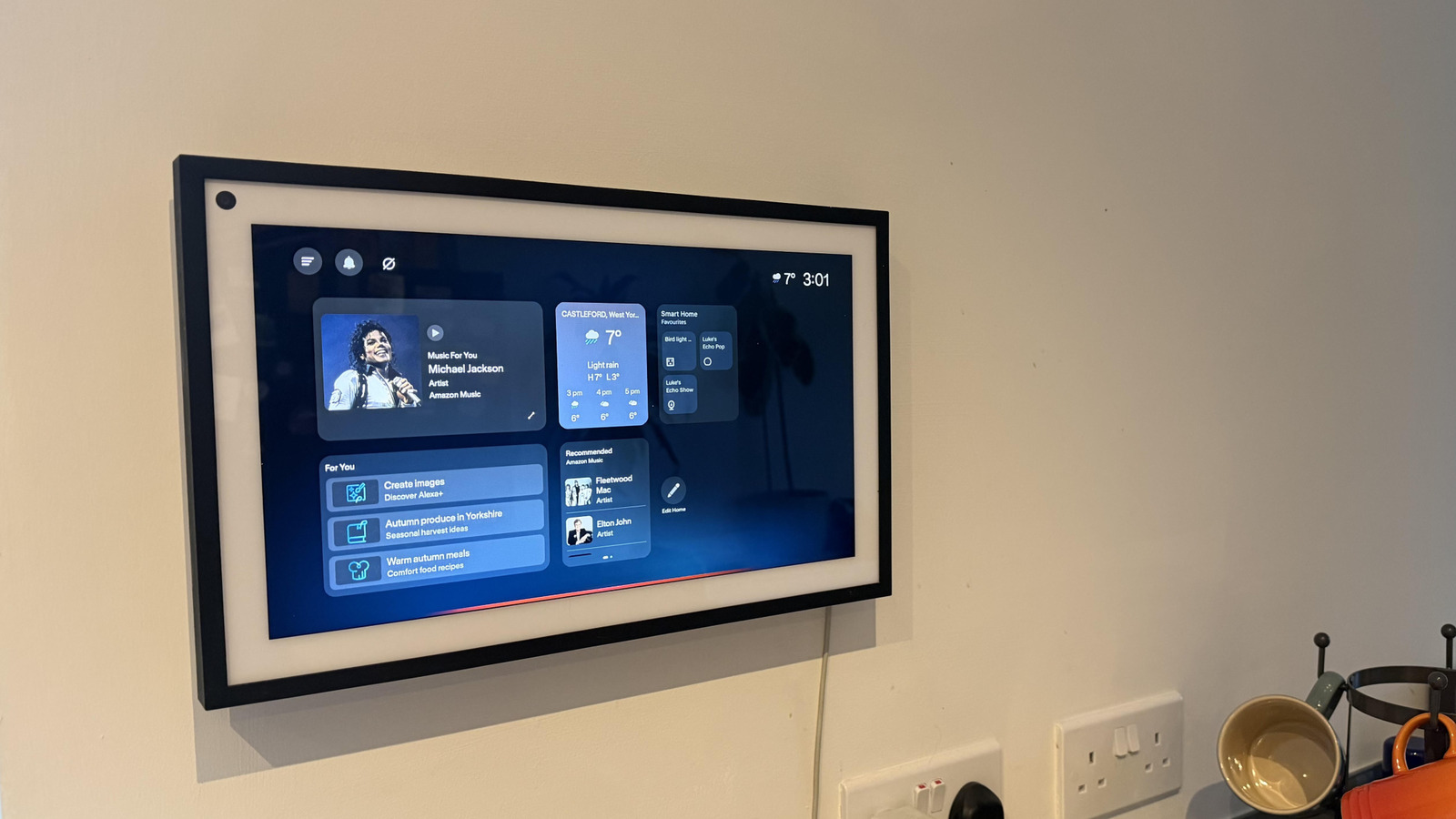
Amazon has a bunch of new smart devices coming, but some of the new features work on older devices, too.
In many owners' homes, mine included, an Echo Show spends most of its time serving as a very expensive kitchen clock. It shows the weather, cycles through a few photos and is occasionally used to set cooking timers or listen to the radio. It's a real shame, because that high-tech clock is also a touchscreen smart home hub, a video-calling camera, a Fire TV and a home monitor all at once — and some of its best features are buried a few menus deep.
Amazon returned the spotlight to its smart displays back in October with the announcement of the Echo Show 16. That's a $499.99 wall-mountable model with a 16-inch screen, switchable home screen layouts it calls Screen Styles, a 3D smart home map and a new way to organize your Alexa conversations. It was one of several new devices Amazon showed off at the end of October, including Echo Time, Alexa Photo Frame and more. But there's no need to go out and buy a new Echo Show to use what most of Amazon was demoing. Several of the features I've included here will work on older models, and a couple are on the way.
I will say, however, that most do depend on Alexa+, Amazon's generative AI upgrade to its smart assistant. It's free for Prime members and costs $19.99 a month for everyone else. Prime itself costs $14.99 a month or $11.58 if you buy a year up front, so it's obvious that Amazon is just trying to push more people to subscribe to Prime by pricing Alexa+ so highly.
Alexa Home Map was by far the feature that got the most attention during Amazon's October event, and some might call it dystopian. It's essentially an interactive 3D model of your house that maps all your connected devices — lights, locks, thermostat, cameras — to where they are in your home, and you can tap on any device to control it. Lights, for example, will glow on the map in the color you've set them to, and if you've got Ring cameras outside, people moving around your property show up as animated figures. You can even rewind the last 24 hours across all your cameras by using the timeline feature.
But what many people don't realize is that owners of the older Echo Show 15 and 21 devices already have a 2D version. It's called Map View, and with Alexa+, you can open it straight from the smart home dashboard. You build the floor plan once in the Alexa app, which scans each room with its camera and sensors and turns the scans into a plan. Amazon first launched this feature back in 2023, and it requires a LiDAR-equipped iOS device to work, such as an iPhone 12 Pro or a fourth-gen iPad or later.
To set it up, open the Alexa app and go to Devices > Map View > Start Now and then walk your house room by room. Once that data is on your Echo Show, a single tap on a device will open a side panel with its controls, while a double tap will turn it on or off. It's also possible to filter the map so that it only shows lights or cameras, and switch between floors. Setting up Map View makes it much easier for guests or anyone else in the house to control devices when they don't know that the lamp in the corner is called "Living Room Plug 2." Amazon says the 3D Home Map will begin rolling out later this year on its larger Echo Show devices, as well as the Alexa and Ring apps.
Most people set up Alexa Routines focused around a voice command or a time of day, like "Alexa, good morning" or lights automatically turning off at 11PM. The camera-equipped Echo Shows can do something a lot more useful, though: start a Routine because someone walked into the room. Amazon gives the example of the kitchen lights turning on and Alexa reading out the weather when someone comes in first thing in the morning, but there's a lot more you can do to tailor it around your schedule.
You've got two options with Routines. Occupancy Routines activate when anyone is detected. Amazon says they work on the Echo Show 15, 10 (third-gen or newer), 8 (seco