// ENGADGET — MOBILE & WEB
5 Android Auto navigation apps you could be using instead of Google Maps
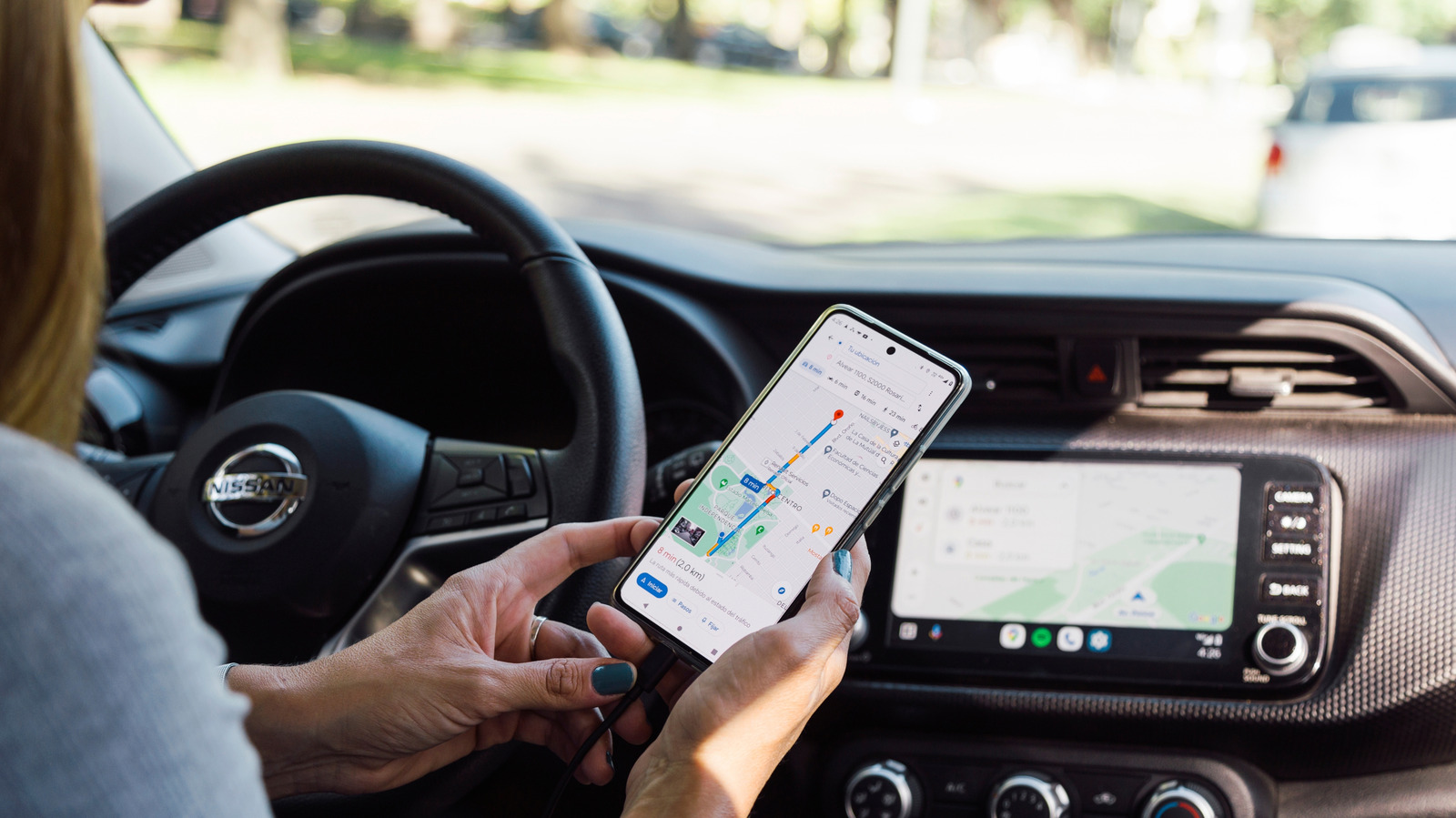
Google Maps works just fine, but if you want something different that works with Android Auto, there are plenty of options.
Google Maps may be the one navigation app that comes with most Android phones, but that doesn't mean it has to be your default navigation app whenever you get in your car. Even with Google Maps features that work better on Android Auto vs. CarPlay, you might prefer another navigation app. Whether you have good reason to dislike Google Maps because of the way it works or you simply want something else to try, Android Auto supports alternatives like Waze, HERE WeGo, TomTom, MapQuest and Magic Earth. These apps look a bit different and offer distinct advantages, from privacy-focused features to offline maps and cleaner interfaces.
Sometimes, Google Maps won't do for driving in certain cities. It might work brilliantly for driving in New York City, for instance, but poorly in another part of the world. User numbers can also make a difference: more drivers using a crowdsourced navigation app can help improve its routing, as with Waze. Or maybe you're looking for a different app because you don't trust Google with your driving info. Or you might simply prefer how another app looks and works more than Google Maps. At the end of the day, that's exactly what matters most.
Waze built its reputation on community-powered traffic data and that continues to be its biggest draw. There are tons of reports from drivers about accidents, speed traps, police presence, road closures and real-time traffic jams. If you were avoiding Google Maps because you don't want all your data in Google's hands, then you're out of luck because Waze is owned by the tech giant. Still, there's no denying that there are some benefits to this, because the app uses Gemini-powered Conversational Reporting. This way, you can speak naturally about what you saw rather than take your eyes off the road to report an issue.
Waze also provides a cool feature called personalized navigation, which suggests routes based on your past trips, and a less chatty mode that trims down voice prompts while keeping essential turn alerts intact. Spend five minutes exploring the hidden features every Waze user should know about, and you will see you can change a ton of things, from how your car shows up on the map to the voice guiding you. Or maybe you want Christina Aguilera to tell you when to turn left, or you want to hear dad jokes while you drive. It's all in there.
You should know, however, that Waze doesn't really support offline navigation. An already-loaded route may keep working if you briefly lose data, but you can't download offline maps. You might also find the screen to be cluttered with alerts popping up constantly, which can be annoying if your car's infotainment screen is on the smaller side.
Here WeGo takes a different approach to leading you places, leaning on frequently updated maps and decent global coverage rather than Waze-style community reports. It works with Android Auto for turn-by-turn navigation and features tons of business listings. You can also search for various other items nearby, like ATMs and pharmacies. Finding a gas station or a restaurant while you're driving somewhere will work well enough that you won't have to switch apps.
Offline maps are available for many countries; you can go completely offline on your travels once you've downloaded the maps, which is helpful if you're going to cross a border and perhaps face higher data costs. It's also ideal to use for areas with patchy mobile coverage. While Google Maps' chatbot can find appointments and call to book them for you, Here WeGo has a simpler appeal. This isn't going to be the best app to use if you want to discover new places, but it will take you to your destination just fine — with fewer distractions.
TomTom has been making GPS devices for decades, so naturally, its mobile app is a top contender as a Google Maps alternative for Android Auto. It's the same no-frills,