// TOM'S HARDWARE US — HARDWARE & GADGET
Asus ZenScreen OLED (MQ16FC) portable monitor review: A great all-around performer
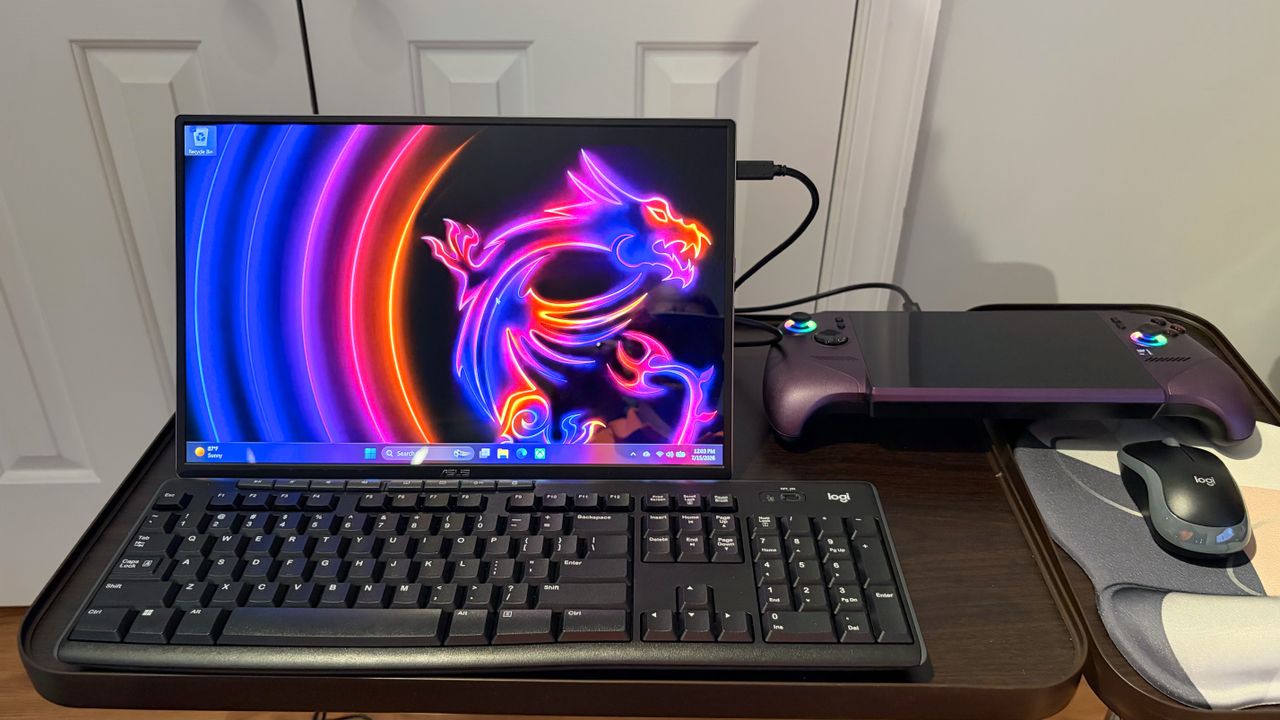
The ZenScreen OLED (MQ16FC) offers a compelling combination of color performance and features, with an attractive price tag.
-Maximum brightness is a little low compared to its peers
Why you can trust Tom's Hardware
Our expert reviewers spend hours testing and comparing products and services so you can choose the best for you. Find out more about how we test.
Asus is a well-known name in the portable monitor space, offering single-screen or dual-screen options with IPS or OLED panels. The Asus ZenScreen OLED (MQ16FC) is the company’s latest single-panel portable monitor, and it’s a winner all around.
The MQ16FC uses a 16.1-inch OLED display with a 1920 x 1200 resolution, features an integrated kickstand, and has excellent color performance for well under $300. The MQ16FC is even good enough to be considered a shoo-in among the best portable monitors.
I’ll start off by saying that I really like the design of the MQ16FC. It has a 16.1-inch OLED panel with a glossy finish. That display is trimmed with extremely thin bezels all around. The top and side bezels are roughly the same size, while the bottom is about twice as thick (although still slim for a portable monitor).
The entire enclosure for the MQ16FC is made of aluminum, which contributes to the minimal weight (1.5 pounds) and sturdy build. But my favorite exterior feature of the monitor is its kickstand, which pivots about halfway up the back. The hinge is stiff enough to keep the monitor at your preferred viewing angle, and tiny rubber feet on the bottom of the monitor keep it in place regardless of the kickstand's position. There are also rubber feet on the left side of the display for using the MQ16FC in portrait mode.
The “business end” of the MQ16FC is on the right side of the display, where you’ll find all of the ports and controls. From top to bottom, you’ll find a 3.5 mm headphone jack, two USB-C ports, a micro-HDMI port, a power button, a jog wheel for the OSD, and an action button.
One final feature of the MQ16FC is a quarter-inch tripod socket on the back of the display, just above the kickstand. The MQ16FC measures 14.13 x 9.17 x 0.35 inches and weighs 1.5 pounds. It comes with a padded cloth case, a wall adapter, a USB-C-to-USB-C cable, and an HDMI-to-micro-HDMI cable.
The MQ16FC features an on-screen display (OSD), which pops out from the right side of the screen when you press in on the jog wheel or the action button below it. One press opens the OSD Quick Menu, which lets you access the Blue Light Filter and Splendid display modes. However, if you press the jog wheel in twice, it brings up the full OSD.