// 9TO5MAC — MOBILE & WEB
Apple Watch loses a useful multitasking feature in watchOS 27 that I’ve been missing
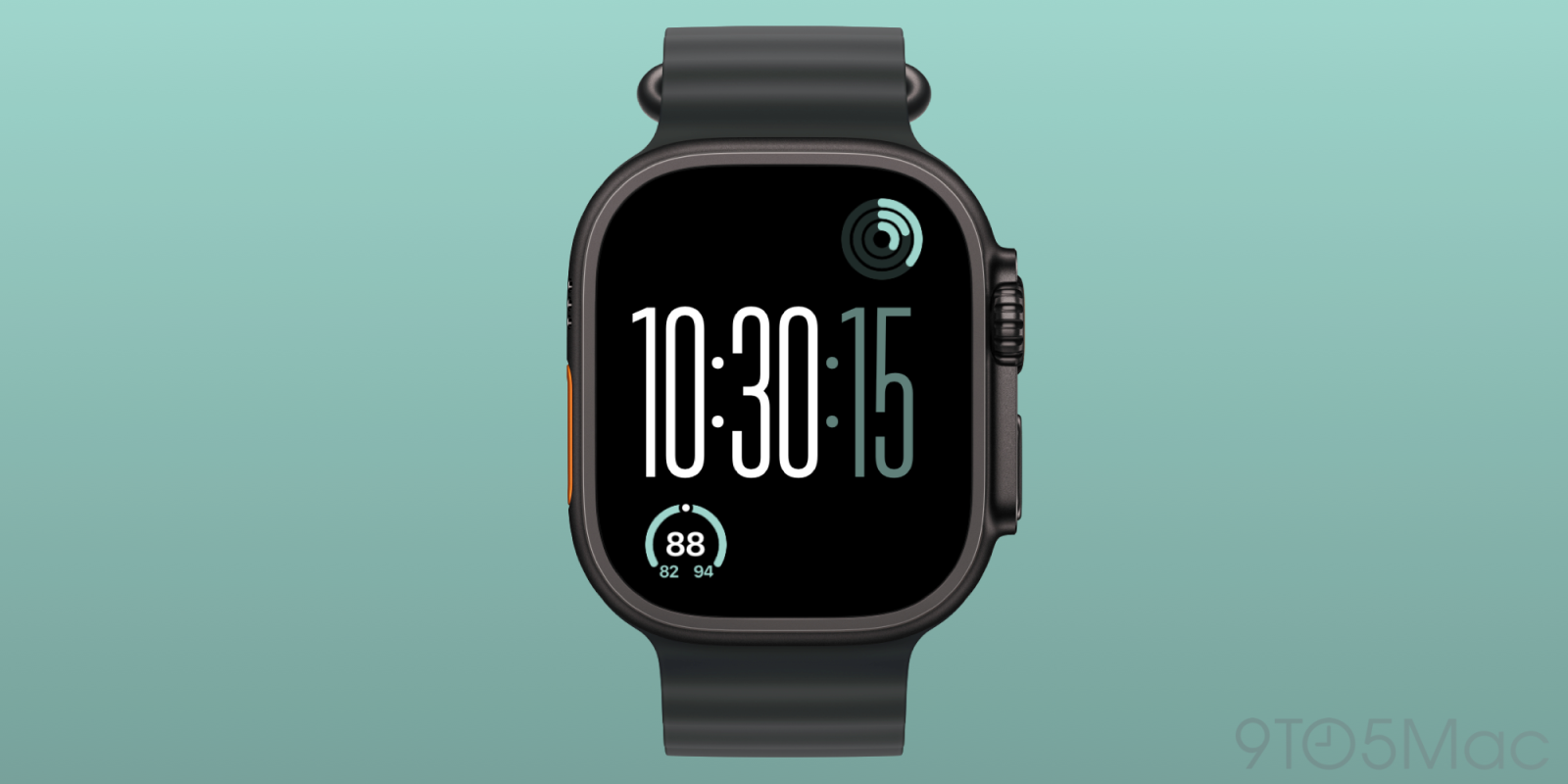
I mentioned today in my Siri AI Apple Watch piece that there’s one change I still hope Apple makes to watchOS 27 before it ships this month. It’s one of those common muscle-memory features that have existed for years, and I’ve been missing it all summer.
Now my one watchOS 27 complaint is that double-clicking the Digital Crown no longer jumps between recent apps… maybe watchOS 27.1 will do something with the double-click gesture. For a device so button-constrained that only the Ultra gets an Action button, it’s odd to see a double-click gesture replaced with … nothing.
I also flagged the issue in July when Apple released the first watchOS 27 public beta version, and I shared the feedback with Apple in June as well.
For years, Apple Watch has included a hidden gesture type of feature for quickly switching between two apps, or the last used app and the watch face.
It’s one of those behaviors that I haven’t thought about in years, but I’ve used it regularly.
watchOS 27 beta 1 dropped the feature. The reason seems to be that Apple is really promoting the new “dynamic app grid” feature in watchOS 27. Clicking the Digital Crown now shows the Siri app icon, plus five intelligently suggested app icons, and the icon to view the full app grid.
The dynamic app grid has grown on me over time. It’s great if the app you’re looking for is already in the suggested launcher.
But it’s not a replacement for a sure-fire behavior like double-clicking to jump between apps. There’s just no way to do this anymore with watchOS 27. Double-clicking the Digital Crown in watchOS 27 beta does the same thing as single-clicking the button.
The old method was super quick for jumping between apps like Workout and Music and the like.
As I mentioned before, the Apple Watch is so button-limited that only the Ultra model has the Action button. With this in mind, I think it’s a mistake to remove a double-click gesture from one of those buttons.