// ENGADGET — HARDWARE & GADGET
Can your smartwatch detect sleep apnea?
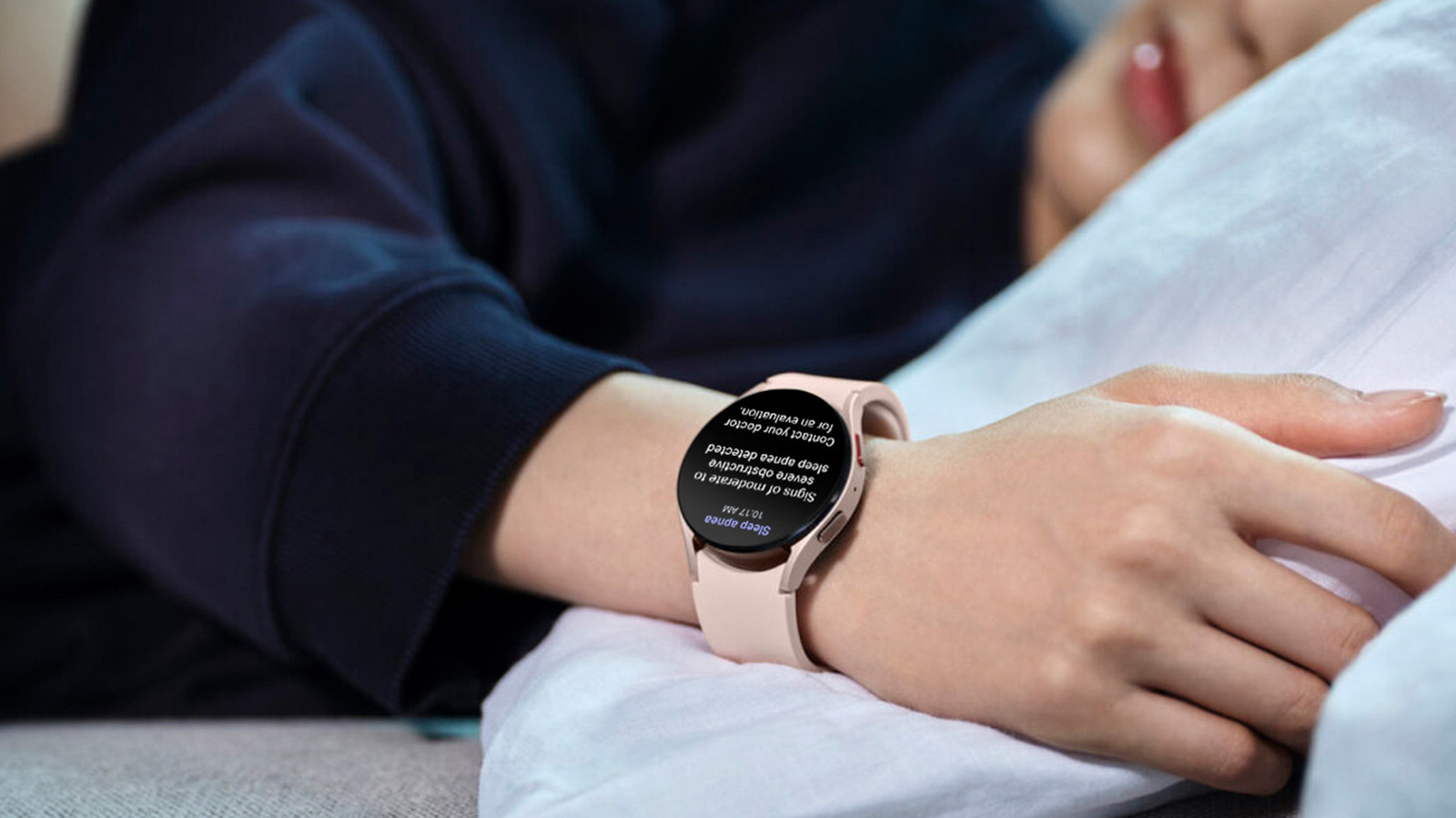
None can diagnose it, but some can screen for possible signs.
You won't always know when you have sleep apnea. In fact, the only symptom some people notice is feeling exhausted after a full night's sleep. But there are other hints that you should consider seeing a doctor for evaluation, and some wearable tech can deliver those.
Sleep apnea is a serious disorder where your breathing repeatedly stops or is disrupted while you sleep. ("Apnea" comes from the Greek word for "without breath.") They typically last at least 10 seconds and can happen dozens of times per hour. As if its health risks and unpleasant symptoms weren't enough, sleep apnea can be hell on partners, too. Snoring, gasping and other restless behaviors can make it hard for both people to get a good night's sleep.
Confirming a diagnosis of sleep apnea requires medical testing. In some cases, that means spending a night in a sleep lab, hooked up to a bunch of wires and sensors. What some consumer smartwatches can do is screen for signs that may suggest you have it. Then, you can visit your doctor to get the ball rolling on a formal diagnosis.
While many smartwatches can track your sleep, screening for sleep apnea is much less common. In fact, the only two major smartwatch makers with sleep apnea notification features with some sort of FDA verdict are also the two biggest players in the smartwatch space: Apple and Samsung.
Without getting too much into the weeds of FDA terminology, I'll just say that Samsung was granted De Novo authorization from the administration in 2024 for the its Sleep Apnea feature, while Apple received FDA clearance (510k) for its sleep apnea notification feature some months later.
Apple's sleep apnea notifications are available on the Apple Watch Series 9 and later, the Apple Watch Ultra 2 and 3 and the Apple Watch SE 3. The feature uses the watch's accelerometer to look for breathing disruptions consistent with moderate-to-severe sleep apnea. But again, it doesn't actually diagnose the condition.
The feature requires the latest version of watchOS on a compatible Apple Watch and the newest version of iOS on your paired iPhone. It's designed for people 18 and older. Also, don't just put on your watch and go to sleep: You'll need to set up sleep tracking first. Then, you'll need to log your sleep for at least 10 nights within a 30-day period before receiving notifications.
Breathing disruptions will be categorized as either "Elevated" or "Not Elevated," and you'll see a notification if you consistently experience the "Elevated" variety. At that point, the wearable has done its part, and you'll need to visit a doctor for a formal evaluation.
On compatible devices, you can turn on sleep apnea notifications in the Health app on your iPhone. In the app, go to Search > Respiratory, and tap "Set Up" under Sleep Apnea Notifications. (If you see "On" instead of "Set Up," then, well, you've already set it up.)