// HACKER NEWS — CYBERSECURITY
Show HN: Geiger – See every AI agent on your machine and what it can touch
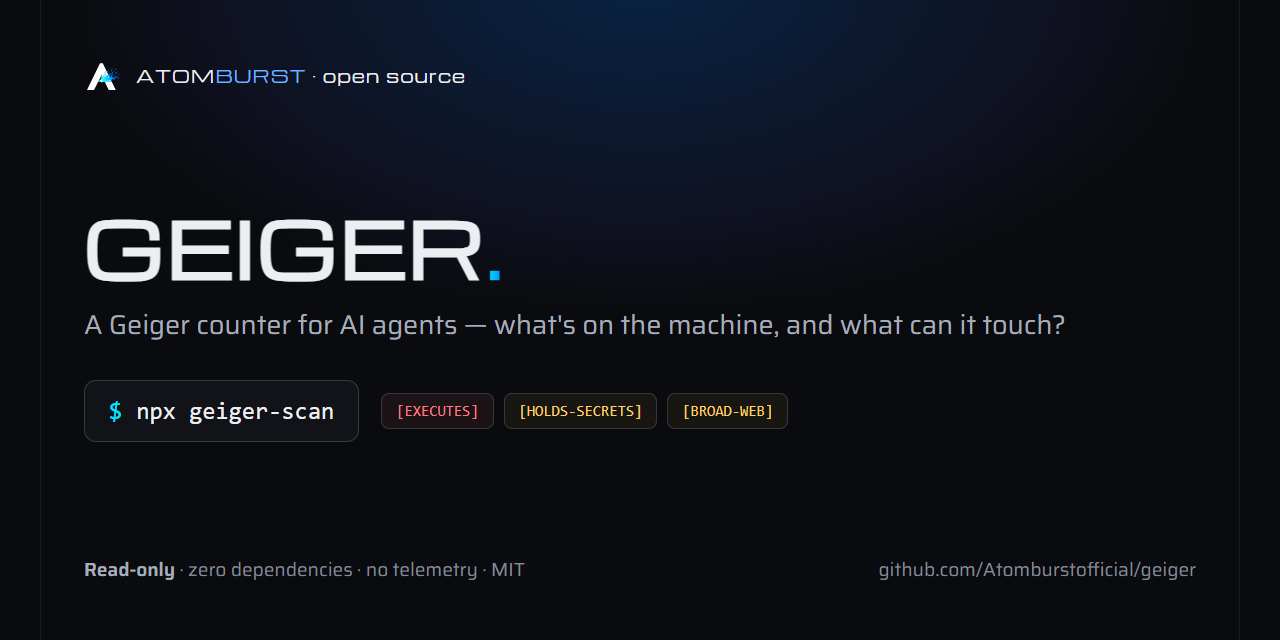
One read-only command that inventories every AI agent, harness, MCP server,
plugin, and AI extension on a machine — and tells you, in plain language,
what each one can touch.
No install. No account. No telemetry. Reads configs and directories, writes
nothing (unless you ask for --json yourfile.json).
In August 2026, an open-source agent harness went from zero to 200,000+
GitHub stars in three weeks. Its plugin ecosystem passed 13,000 repositories
in the same window. One-click desktop clients appeared the same day it
launched. Instagram carousels now teach office workers to install all of it.
Every one of those installs is a program that can execute commands, read
files, and hold credentials — configured in dotfiles nobody looks at twice.
Ask yourself the question this tool answers: what is actually running on
this machine, and what can it reach? Most people cannot answer it. Now
it's one command.
Real output from a real machine (values redacted — see below).
Every finding gets: what it is, where it came from (registry, store, git,
local script, remote server — or UNKNOWN-ORIGIN), what it can do
(EXECUTES, HOLDS-SECRETS, BROAD-FILESYSTEM, BROAD-WEB,
NETWORK), and the evidence path so you can verify by hand.
Geiger also recognizes policy wrappers (agents that put an enforcement
layer in front of MCP servers) and reports both layers instead of hiding the
real server behind the wrapper.
Drift alarm: once you've reviewed a machine, save a baseline
(--json baseline.json) and put geiger-scan --strict --diff baseline.json
in cron or CI. It exits 2 only when something new can execute code or
hold secrets — the standing, already-reviewed inventory stays quiet. Same
mental model as a lockfile: accept what's there, alarm on change.
No npm? npx github:Atomburstofficial/geiger runs straight from the repo.
Before running anything, see exactly what you'd get: a
sample HTML report and a
sample JSON output live in this repo, generated
from the test fixture — synthetic data, generic paths, credentials shown by
shape only (as always). The HTML report: