// 9TO5GOOGLE — MOBILE & WEB
Fitbit Edge Review: Too much and too little at the same time
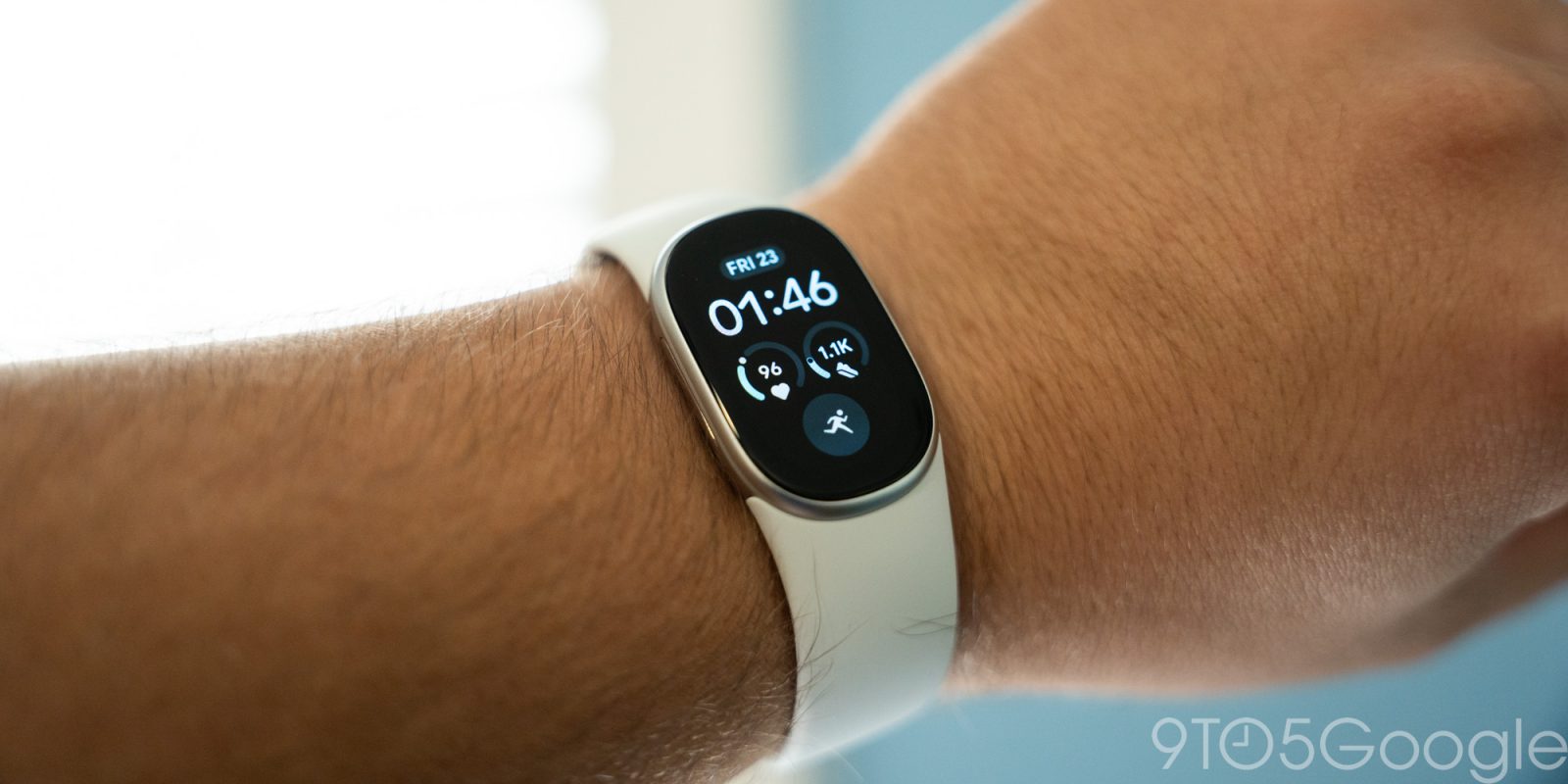
When Google announced the Fitbit Edge, my assumption was that it would be a great in-between for the Pixel Watch and Fitbit Air. In a way, that’s true, but this isn’t the product I thought it was – it’s just a new, slightly better Fitbit that leaves me wanting more.
At $180, the Fitbit Edge is closer to the lower end of Google’s wearable lineup than it is a proper middle ground. It’s closer to a Fitbit Air with a screen than it is a “Pixel Watch Lite.”
That starts in the software, which has been updated to visually resemble this new era of Google Health. The main “Clock” face brings about a new assortment of options that draw inspiration from the Pixel Watch. There’s a baker’s dozen of these faces available, with the “Modular” series being my personal favorite.
These support complications just like on Pixel Watch, allowing you to quickly see various data points around fitness tracking, or even pull in weather conditions. It’s not nearly as flexible as Pixel Watch – personal favorite weather data points such as UV index and sunset are missing, for example – but it’s a good glanceable bit of information, something the Air completely lacks.
What’s more frustrating than anything about the faces is that it’s all powered through the same basic and clunky interface that Fitbit trackers used for years. It’s incredibly slow and clearly not native to the Health app. It gets the job and works better than I remember it being the last time I used a Fitbit tracker, but it’s still a poor experience compared to the rest of the software.
Using the software on the tracker, you’ve got notifications below the clock and Quick Settings above, with Tiles to either side. It’s very familiar for Pixel Watch owners, and it’s visually a huge upgrade over the Fitbit Charge series. Google’s Material design language is felt throughout and everything is very clean with smooth animations. You can only customize the Tiles via the Google Health app on your phone (through the same clunky UI as faces), with the overwhelming majority being health/fitness-related, with weather and media controls also mixed in. This was the place I found the Edge most useful over the Air. Where tracking a workout on Fitbit Air either required relying on automatic tracking or starting it on your phone, Edge’s display lets you quickly jump into the workout of your choice. The “Quick Start” tile is helpful here, saving your most recent workouts. This was the biggest upgrade I found over the Fitbit Air outside of just, well, having the time shown on the thing on my wrist.
On the note of smartphone notifications, this is where I felt the biggest lacking from Pixel Watch. Inherently, a tiny display like this isn’t going to be as capable or useful as a full smartwatch, but the experience is just not very good. Notification previews can’t scroll through more than the first couple of words from a notification unless you tap “Open,” and incoming notifications also stack in the UI. The side button is used to go “back” in the software, but each notification is treated as its own layer, at least up until a certain point. When several notifications come in at once, this is a dreadful experience. They’re also not working consistently. I couldn’t get notifications working for much of the review period and, after many troubleshooting attempts, they just randomly started working on their own. Jordan Floyd on our video team says he still hasn’t managed to get them up and running. Google tells us that an upcoming Health app update will address notification issues.
Don’t get me wrong, notifications on Fitbit Edge are a huge step forward beyond the Fitbit Charge series, but they’re still not good either.
Apps on Fitbit Edge include the usual Health suite, as well as an alarm clock, Google Maps, a stopwatch, a timer, and a very basic weather app. The Google Maps experience leverages the Edge’s GPS but is really just a mirror of walking directions from your phone. You can’t start navigation on the