// ITS FOSS — LINUX & OPEN SOURCE
Passbolt is an Open Source Password Manager Built Specially For Teams
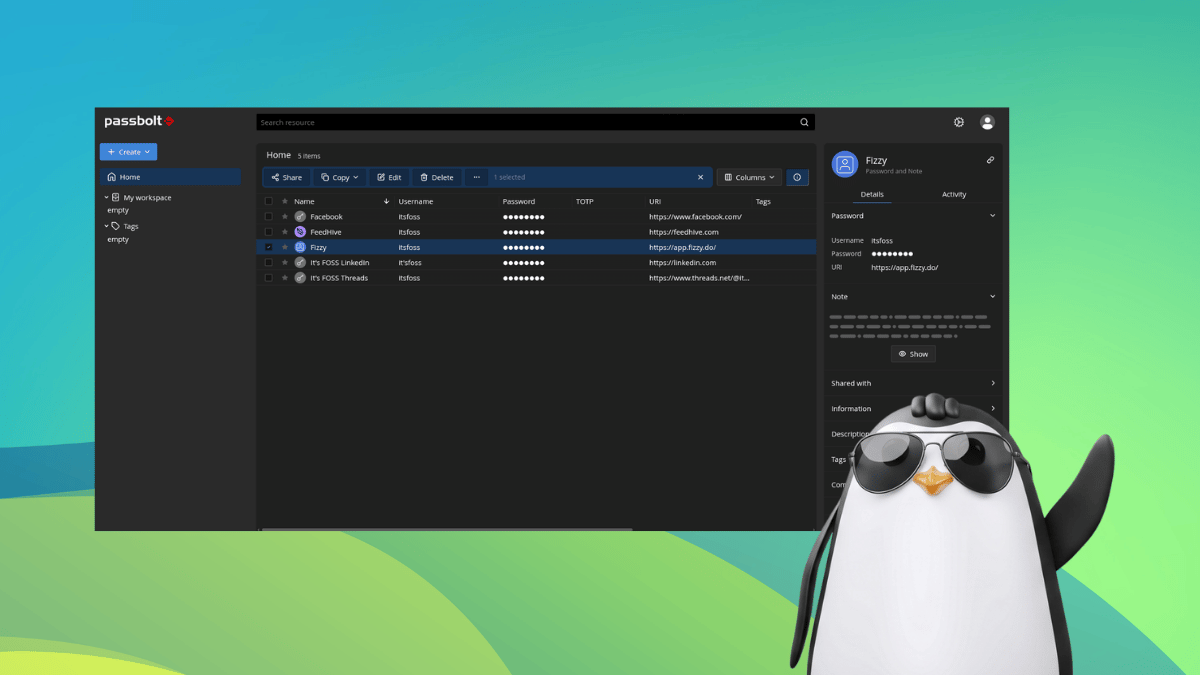
Sharing a login with a teammate often means pasting it into a chat, dropping it in a spreadsheet, or pinning a note somewhere everyone can see.
That works until a password changes, someone leaves the team, or your credentials get leaked thanks to an employee's hasty story post on social media.
Passbolt is built for exactly that problem. You might remember it from our Linux password managers list, where it was listed as the go-to for businesses and teams.
Passbolt is the creation of Passbolt SA, a company based in Luxembourg. It lets teams store and share logins and other secrets, making them accessible from one place, reducing the chances of team members being served expired or exposed credentials.
Underneath, it uses OpenPGP for encryption, and you log in with two things, a private key and a passphrase. Every person with access to a secret gets their own separately encrypted copy of it.
To use it in a browser, you will need to install its extension, which takes care of the security-sensitive operations and auto-fills logins on websites.
The Community Edition is open source, available on GitHub under the AGPL-3.0 license, and so are the browser extension, the mobile apps, and the Docker and Helm setups.
Then there are the paid plans. Pro and Enterprise are the self-hosted ones, and Cloud Business, Cloud Sovereign, and Cloud Enterprise are hosted by Passbolt. They add things like SSO, account recovery, and activity logs on top of what the Community Edition offers.
Passbolt says the Pro and Enterprise editions use the AGPL license too. Its GitHub organization lists no separate repositories for them. Pro also needs a subscription key to run, and you lose updates and support once the subscription ends.
I signed up for the Cloud Business trial by filling out a form with my full name, email address, organization name, and the workspace URL I wanted all my content stored under.