// ITS FOSS — LINUX & OPEN SOURCE
NeoVim Too Complex? Try Helix as Your First Modal Editor
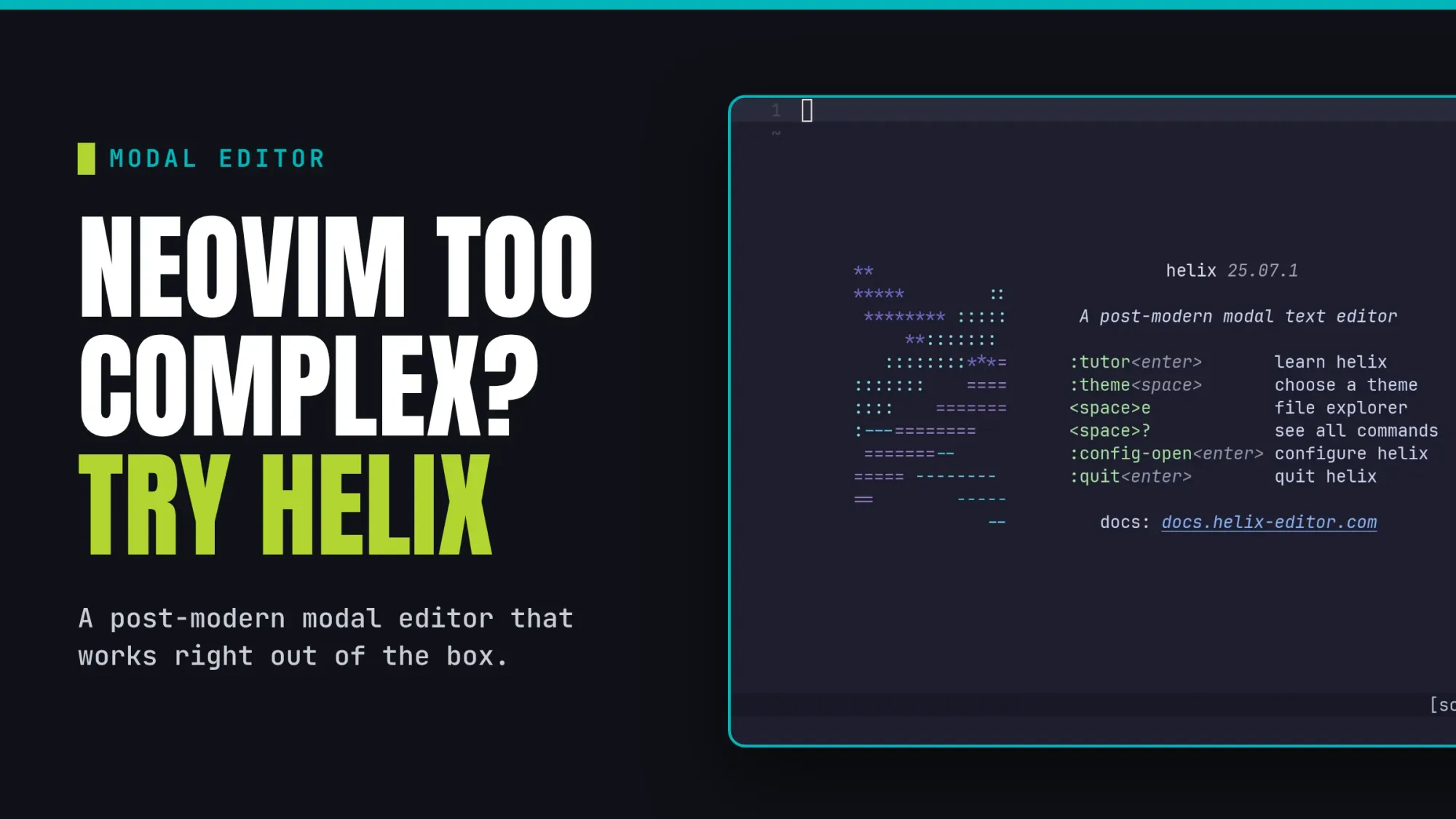
Helix is a modal text editor that operates much like Vim or Neovim. While switching from a GUI like VSCode takes some practice, mastering a terminal editor truly boosts your daily productivity.
Starting with Helix is a smooth experience if you have never used modal editors before. The default settings are intuitive, provided you are familiar with your keyboard layout.
You can avoid the hassle of learning a specific programming language just to configure your workspace. Helix delivers a complete and powerful experience right after you install it.
In my opinion, I suggest Helix if you want the Neovim vibe without the massive time investment. It includes modern tools like language server protocols and tree sitter support by default.
Let's look at how you can get started with Helix as your very first modal text editor.
Helix is available in the official repositories for several Linux distributions, like Arch Linux, Fedora, and Ubuntu. To install it on Arch Linux, use the command:
Ubuntu 26.04 LTS and above also includes Helix in its official repositories. You can install it using:
For all other users, pre-built binaries are available in the official Helix GitHub repository. You can follow the official documentation to complete the installation of these binaries.
Helix is a modal editor. It means Helix has different modes with dedicated purposes.
Without having an understanding of the modes, it is hard to grasp how the editor works. So, let's see them one by one.