// TOM'S HARDWARE US — HARDWARE & GADGET
10 great PC upgrades for under $100
Upgrading your setup doesn't have to cost the earth
When you purchase through links on our site, we may earn an affiliate commission. Here’s how it works.
The PC hardware scene has taken a real beating during the AI explosion, which means routine upgrades to PCs are drastically more expensive than they used to be. Rather than spending hundreds of dollars on more RAM or a new SSD, why not grab yourself (or a loved one) a cheaper sub-$100 upgrade?
As noted, you're probably not going to be able to find a $100 component upgrade to increase your frame rates or jump from 1440p to 4K; at best, you might be able to source yourself a new power supply. So what can you add to a PC for $100? And what makes a good sub-$100 upgrade?
Well, the early obvious candidates are improved connectivity, such as a Wi-Fi card or USB-C expansion slots for memory card readers. You could also add a snazzy LCD screen (albeit not Corsair's $250 Xeneon), new RGB fans, or even an AIO cooler.
Crucially, just because you're spending less than $100 doesn't mean you have to cheap out on budget or unknown brands. You can still find great quality down at this price bracket from reputable companies like Noctua, TP-Link, and beyond.
Here are some of the best PC upgrades you can buy for less than $100.
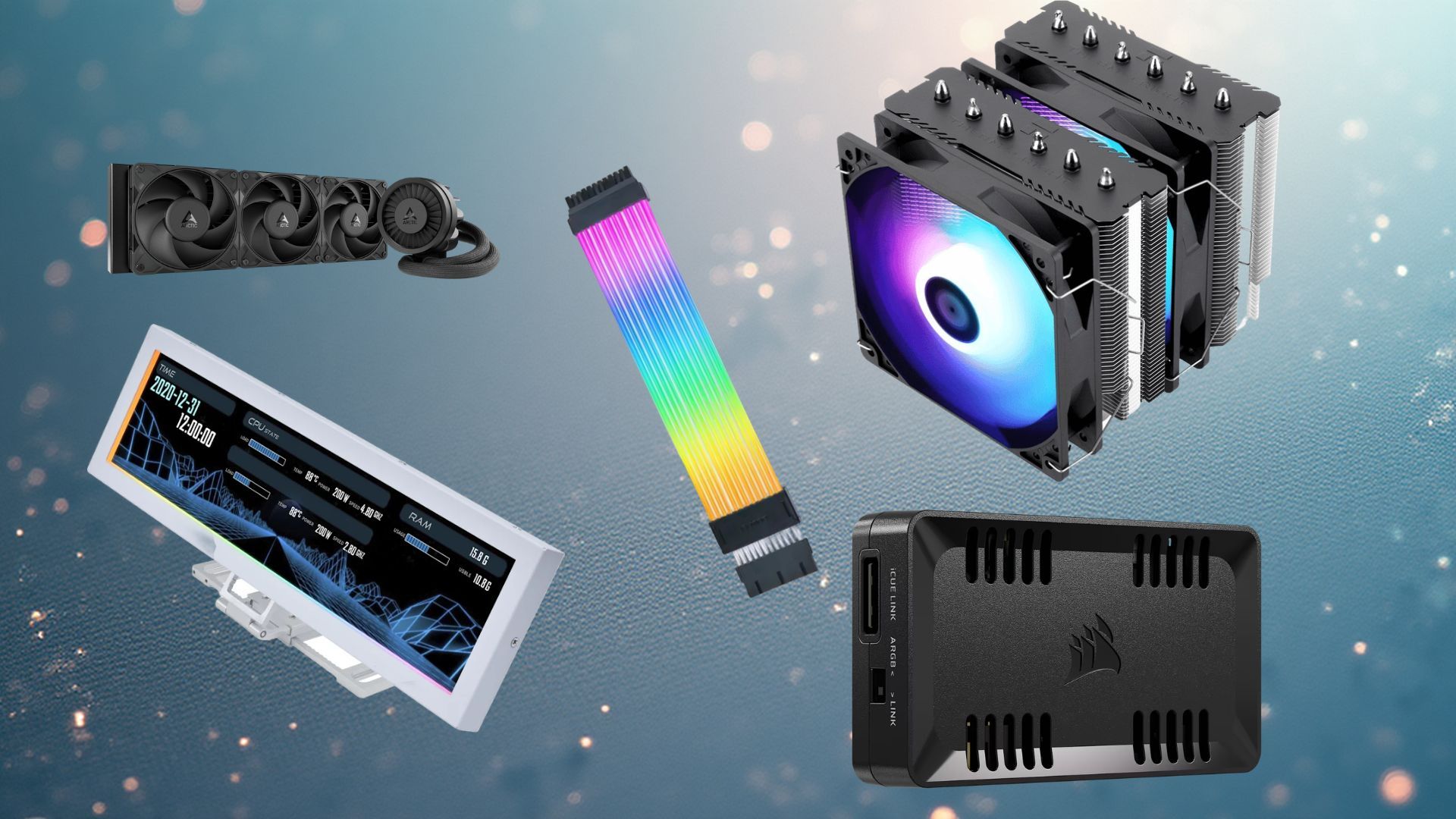
This Lian Li universal LCD screen can be used either standalone or mounted to a compatible PC case. With vertical or horizontal orientation, its 8.8-inch screen can be used as a USB-powered secondary display for your PC. You can use it to show off PC performance metrics like temperatures, keep an eye on a Twitch stream chat, or control music via your media center of choice.
Got a dusty old air cooler or a stock cooler that came with your CPU? If you want to upgrade your cooling, this is one of our very favorite air coolers for CPUs, with impressive heatsinks and fans. Compatible with both Intel and AMD, this air cooler will be an upgrade over any stock or older model, giving you some overclocking headroom or extra performance if thermals have become a bottleneck.
If you're already using a decent air cooler and you have a compatible case, you can also upgrade to an AIO, and the Arctic Liquid Freezer III is the best one on the market by some distance. It dominates our testing and will keep even the most powerful CPU cool during intense workloads. Remember to check you've got a compatible case; this one requires room for a 360mm radiator. If you don't have that kind of room, you could opt for the 240mm model.