// ENGADGET — MOBILE & WEB
5 Apple Watch settings that can help you save its battery life
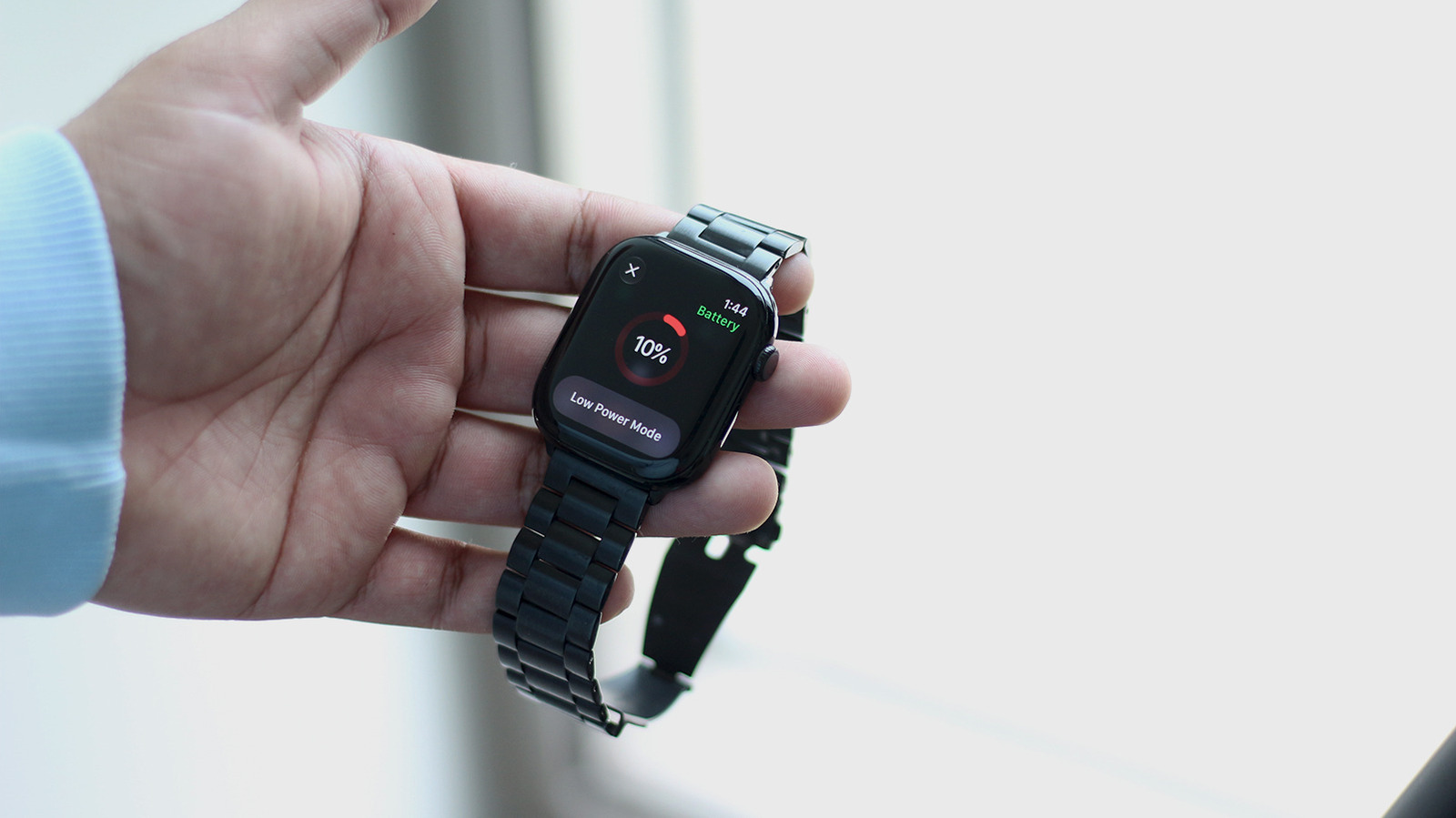
A few changes can help give your Apple Watch extra hours of battery when you need it all day.
Among the improvements the Apple Watch receives with each iteration, battery life is something everyone wants more of. The company touts that the Apple Watch Series 12 lasts for 24 hours on a full charge. Apple measures this using a combination of 300 time checks, 15 minutes of app use, six hours of sleep tracking, 90 notifications and a 60-minute workout alongside music playback. Real-world results will naturally vary depending on how much you use your Apple Watch every day.
If your Apple Watch's battery health has depleted significantly, bringing it in for a battery replacement could help restore its original endurance. You can check battery health status on your watch by navigating to Settings > Battery > Battery Health. Power users might want to look at the Apple Watch Ultra 4 as their next buy since it's better equipped to handle constant, demanding usage with its larger battery.
That said, there are a handful of software tricks you can use to squeeze more battery life out of your existing Apple Watch, especially if it's not yet due for a battery replacement. Some of these are simple toggles to enable, while others involve making small adjustments to how you use your watch throughout the day.
The easiest way to extend your Apple Watch's battery life when it's running low is to turn on Low Power Mode. You can access this feature by pressing the side button, tapping the battery percentage and selecting Low Power Mode.
An information card will display the first time you use this feature — scroll down and tap on Turn On. Alternatively, you can choose to keep Low Power Mode on for one, two or three days if you know you'll be away from a charger for a while. You can also access this battery saver feature by heading to Settings > Battery.
A few changes are immediately noticeable when you turn Low Power Mode on. The Always On display is disabled, as are the Wrist Flick and Double Tap gestures. Your watch will still light up its display automatically when you raise your wrist. Background heart rate and blood oxygen measurements are also paused; you can use their respective apps to get manual readings at any time, but low, high or irregular heart rate notifications are disabled. Losing basic health tracking features can be a dealbreaker to many.
Apple says that Siri requests can take longer on the Apple Watch when it's in Low Power Mode, too. Live Activities and the complications on your watch face will update less frequently and scrolling may stutter a bit. Your Apple Watch will continue to receive notifications and calls, but only if its paired iPhone is nearby. When you launch an app that requires internet access, Low Power Mode temporarily turns on Wi-Fi or cellular data.
The Apple Watch works best when it's near its paired iPhone, but it can also connect to the internet on its own when needed. Any Apple Watch can connect to Wi-Fi networks, while cellular models offer even greater freedom by utilizing mobile data.
However, Apple recommends keeping the two devices nearby when you need to maximize battery life on your watch. This is because the Apple Watch piggybacks on its paired iPhone's internet connection over Bluetooth. When your devices are connected, you'll spot a tiny green phone icon in Control Center on your Apple Watch.