// 9TO5GOOGLE — MOBILE & WEB
Motorola details Android 17 update that you might get eventually
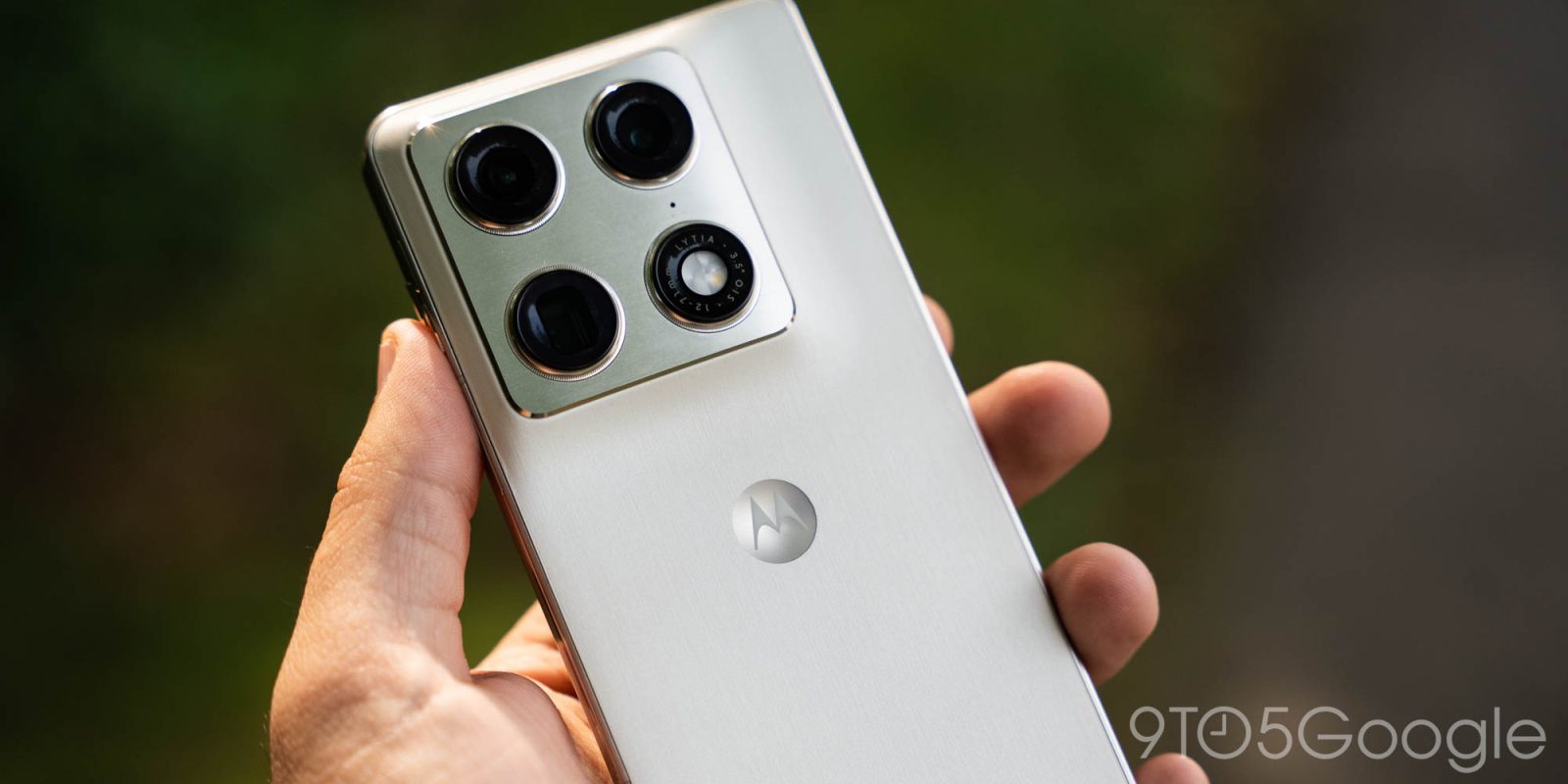
Motorola is bad at updates, but at least they arrive eventually. This week, Motorola is detailing its Android 17 update and what’s new, including the overdue adoption of themed icons.
On a page posted to its support portal (in all regions, including the US), Motorola has outlined what’s new in its Android 17 update. There are the typical additions such as better Live Updates, notification summaries, and mention of Tap to Share too, but one of the standouts here is that Motorola is finally adopting Android’s themed icons.
Existing Motorola devices, such as the latest Razr foldables, don’t support themed icons natively despite Google having offered the feature since Android 12. A new “Themed icons” section will be added to “Home settings” on Motorola phones with Android 17, along with support for stackable widgets and the ability to hide labels in Quick Settings.
Motorola’s full changelog is below, but there’s no word on when to expect updates to start rolling out. Existing flagships such as the Razr flip phones, Razr Fold, and Motorola Signature (internationally) will surely be first in line, with Moto G, Edge, and other lineups coming later. As for timeline, it’s anyone’s guess…
You can now stack widgets, combining multiple widgets into a single block on your home screen.
Instead of taking up several grids on your home screen for your weather, calendar, battery and music player, stack them and swipe the stack to switch between them.
You can now use an icon theme that coordinates with your overall theme. Touch & hold a blank space on your Home screen, then tap Home settings > Themed icons.
If you’re using Classic style for quick settings, you can now hide labels on the settings tiles. Hiding them frees up screen space if you already recognise the icons.
Live updates let apps to display real-time, ongoing data. Instead of sending multiple notifications, an app can now continuously update a single live snippet in your status bar or notifications. You can turn these on or off.
You can now peek at your notifications for a one-sentence summary of a lengthy group chat or a rapid-fire thread from messaging apps (like WhatsApp or Messages).