// TOM'S HARDWARE US — HARDWARE & GADGET
How to install a PS5 SSD in 2026
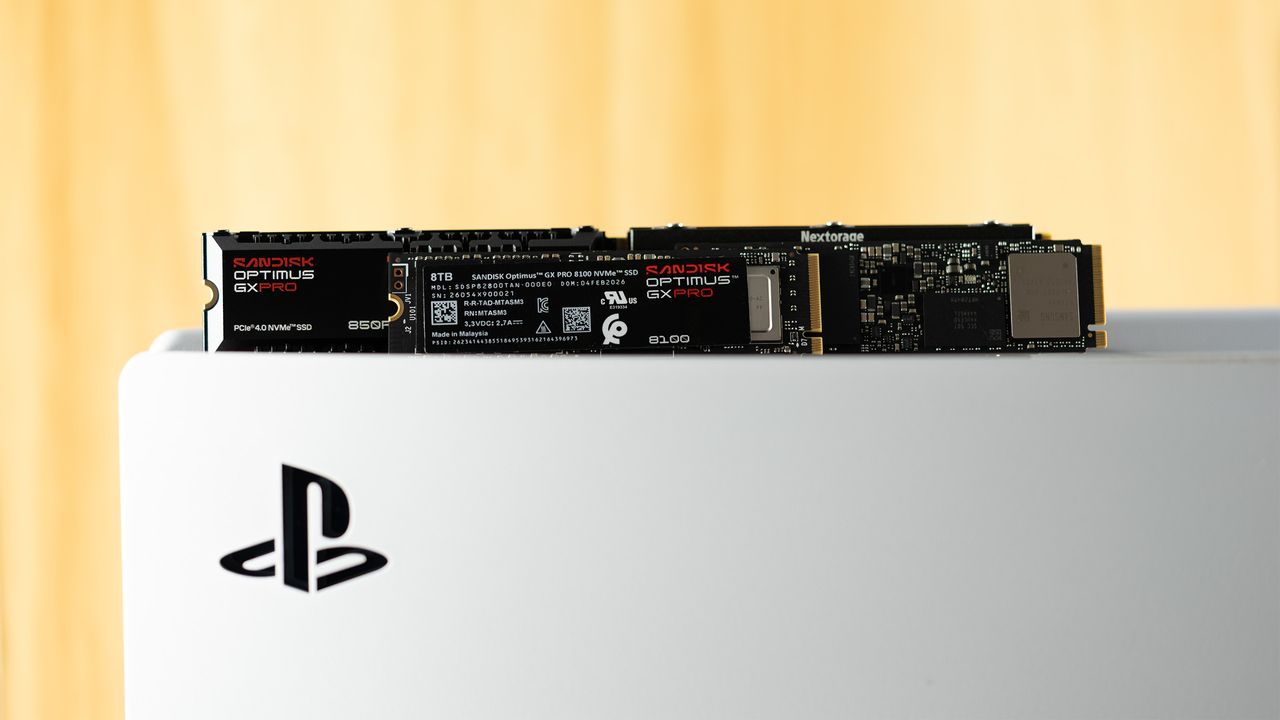
Running out of PS5 space? Solve it in under five minutes.
When you purchase through links on our site, we may earn an affiliate commission. Here’s how it works.
Expanding your PlayStation 5's storage with the best PS5 SSDs in 2026 is no longer a luxury, but a necessity. Modern AAA games are only getting bigger and more demanding, which will saturate your console's internal storage system in no time. With Sony's decision to eliminate physical game discs, the need for a high-speed M.2 PCIe 4.0 NVMe SSD will be even more important in the future. Juggling a large number of games with just the console's internal storage will be a headache.
Investing in a quality M.2 SSD ensures you do not have to constantly go through the frustration of uninstalling games to make space for new ones or subsequently having to redownload hundreds of gigabytes to replay a previous game. Do not let your console's storage limitations hold you back from playing upcoming AAA releases.
Upgrading your PlayStation 5 with an M.2 SSD is a safe and effective way to expand your storage. It will not void the warranty, provided you use a compatible drive and take care not to damage your console physically during the installation process. Rest assured, as long as you proceed carefully and avoid any accidental damage, your warranty will remain intact. If you have already purchased, or are considering purchasing, an M.2 SSD for your PlayStation 5, let our step-by-step guide take you through every part of the installation process.
The WD Black SN850X is the best SSD for your PlayStation 5. The PCIe 4.0 drive delivers sequential read and write speeds up to 7,300 MB/s and 6,600 MB/s, respectively.
The Samsung 990 Pro is a very formidable PCIe 4.0 SSD for your PlayStation 5. The drive flaunts sequential read and write speeds that top out at 7,450 MB/s and 6,900 MB/s, respectively.
The WD Blue SN5100 is the best budget drive money can buy for your PlayStation 5. The PCIe 4.0 SSD's sequential performance reaches 7,100 MB/s reads and 6,700 MB/s writes.
Carefully disconnect both the HDMI and power cables from your PlayStation 5. Detach it from the stand if you are using it. Next, place your console horizontally on a flat surface to make the upgrade process easier and prevent accidental damage.
If you are worried about scratching the console, you can put something like an anti-static mat or a simple piece of cardboard or paper under it. Avoid soft fabrics, such as microfiber cloths or towels, that can generate static electricity when they come into contact with plastic.